Manual for 1250c

Manual for 1250c

Brand: Dell

Category: Printer

Document Type: Manual

Language: EN
Uploaded: Sept. 12, 2025, 4:16 a.m.

Manual Publish Date: 2010-09-01

Warranty Information

Information about the Dell warranty for your printer can be found at support.dell.com.

  • Basic Operation
  • Connecting the Printer: Connect the printer to your computer using the appropriate cable (USB not included).
  • Loading Paper: Insert paper into the input tray, following guides for proper alignment.
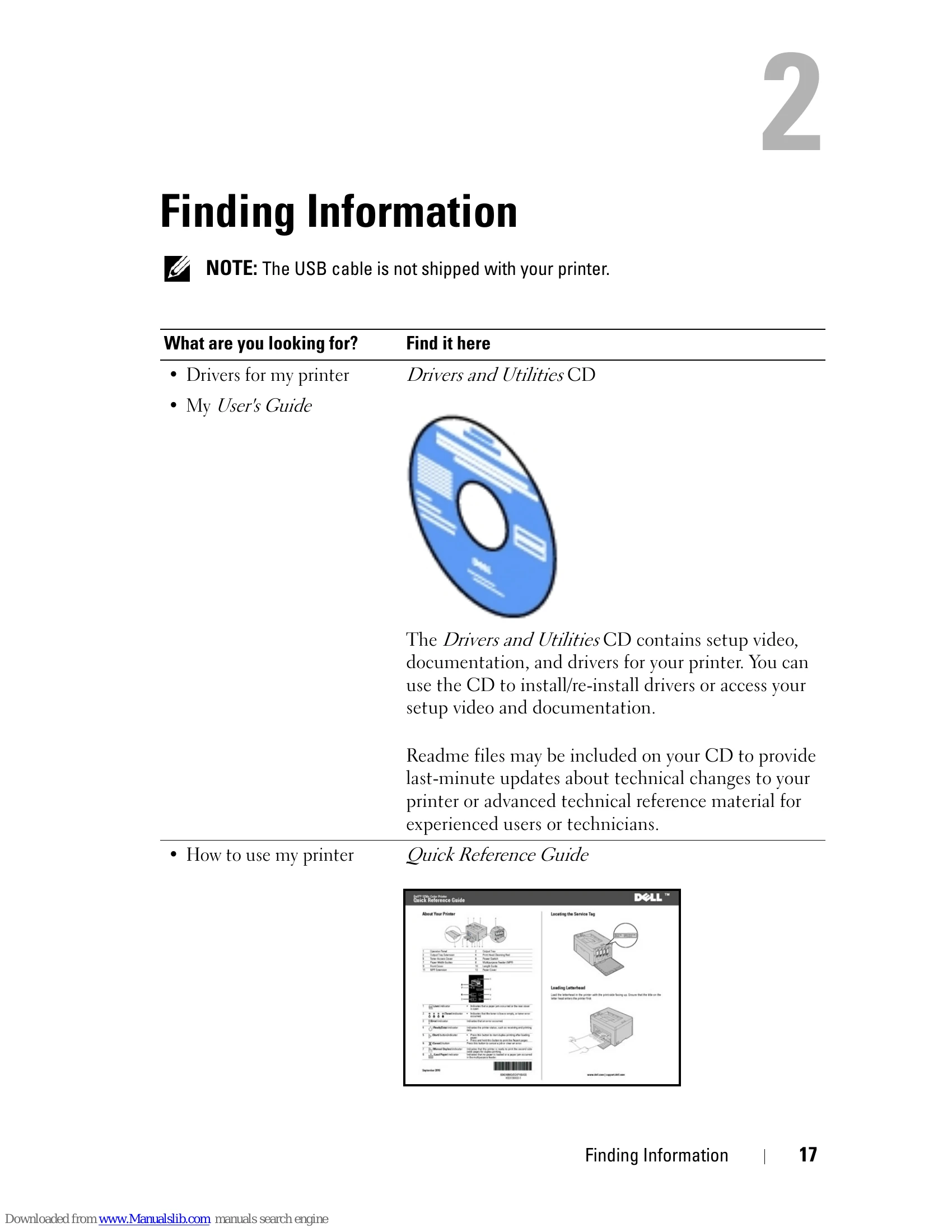
  • Installing Drivers: Install printer drivers from the included CD or download from Dell's website for Windows and Macintosh operating systems.
  • Printing: Send print jobs from your computer. Learn about print media guidelines, loading various media types, and using the operator panel.
  • Maintenance: Perform basic maintenance such as cleaning and replacing toner cartridges.
  • Troubleshooting: Refer to the troubleshooting section for common problems and solutions, including paper jams and print quality issues.

Troubleshooting and error codes

Problem Action
Condensation has occurred inside the printer. This usually occurs within several hours after you heat the room in winter. This also occurs when the printer is operating in a location where relative humidity reaches 85% or more. Adjust the humidity or relocate the printer to an appropriate environment.
Privacy Policy