Brand: Dell
Category: Projector
Document Type: Manual
Language: EN
Brand: Dell
Category: Projector
Document Type: Manual
Language: EN
Uploaded: Nov. 21, 2025, 6:25 p.m.
Manual Publish Date: 2010-12-01
Contact Dell for specific warranty information regarding your projector.
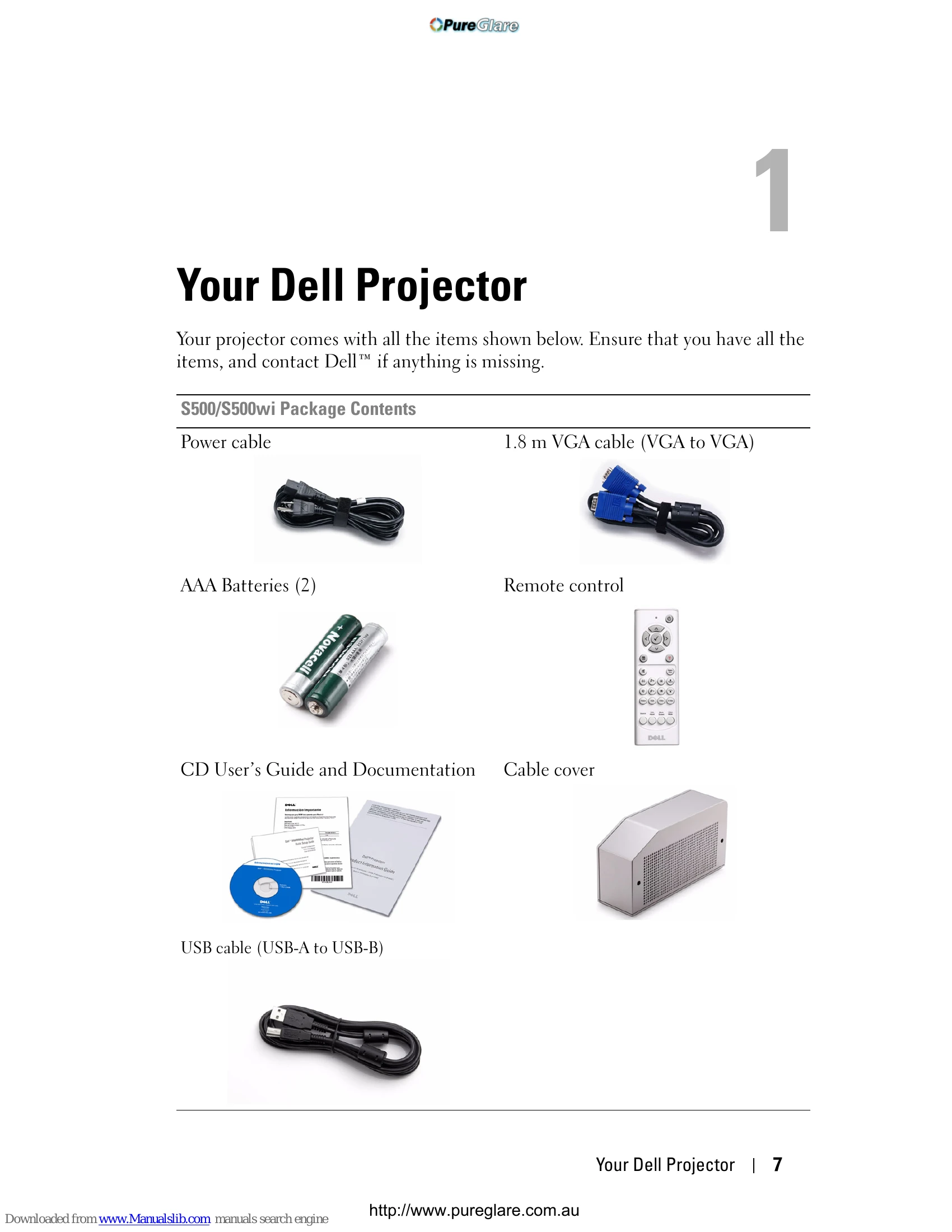
This section covers the basics of your Dell projector, including package contents and an overview of the device. It details what to expect in the box and introduces the interactive pen for the S500wi model.
Learn how to connect your projector to various devices. This includes connecting to computers via VGA, RS232, and USB cables, as well as wireless connections. You can also connect DVD players using different video cables and set up a network connection.
This section guides you through the operation of your projector, including turning it on/off, adjusting the image, using the control panel and remote control, and utilizing the interactive pen features.
Find solutions to common problems you may encounter with your projector, including issues with the interactive pen, guiding signals, and lamp replacement.
Detailed technical specifications for the projector, covering aspects like I/O connectors, wireless standards, lamp details, and RS232 protocol.
Information on how to contact Dell support and elnstruction for assistance.
A glossary of terms and definitions related to projectors and display technology.
| Problem | Possible Cause | Solution |
|---|---|---|
| Troubleshooting Your Interactive Pen | ||
| Pen not detected |
|
|
| Guiding Signals | ||
| No guiding signal |
|
|
| Intermittent guiding signal |
|
|
| Changing the Lamp | ||
| Projector does not turn on after lamp replacement |
|
|