Brand: DEWALT
Category: Vacuum Cleaner
Document Type: Manual
Language: EN
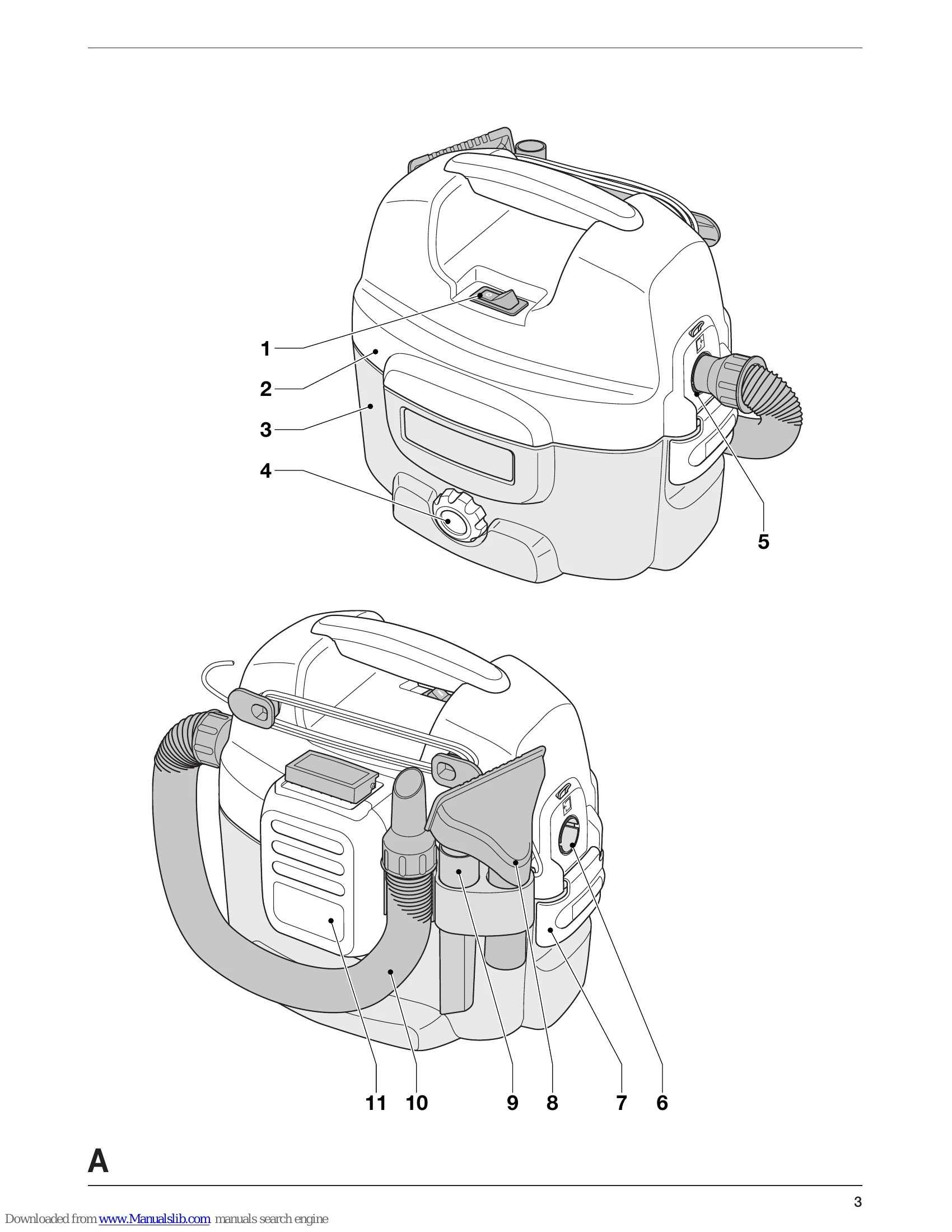
Brand: DEWALT
Category: Vacuum Cleaner
Document Type: Manual
Language: EN
Uploaded: Sept. 12, 2025, 4:25 a.m.
DEWALT offers a one-year warranty covering defects due to faulty materials or workmanship.
| Problem | Possible Cause | Remedy |
| Tool does not operate | Not plugged in or battery pack not charged. | Plug in or charge battery pack. |
| No suction power | Tank is full. Dust filter dirty or blocked. | Empty tank. Clean dust filter. |
| Shut-off feature engages | Liquid level in tank has reached maximum. | Switch off tool immediately, empty tank, clean suction opening filter, ensure dust filter is in place. |