Brand: Digital Camera
Category: Electronics
Document Type:
Language: EN
Brand: Digital Camera
Category: Electronics
Document Type:
Language: EN
Uploaded: Aug. 9, 2025, 11:45 p.m.
Design and specifications are subject to change without notice.
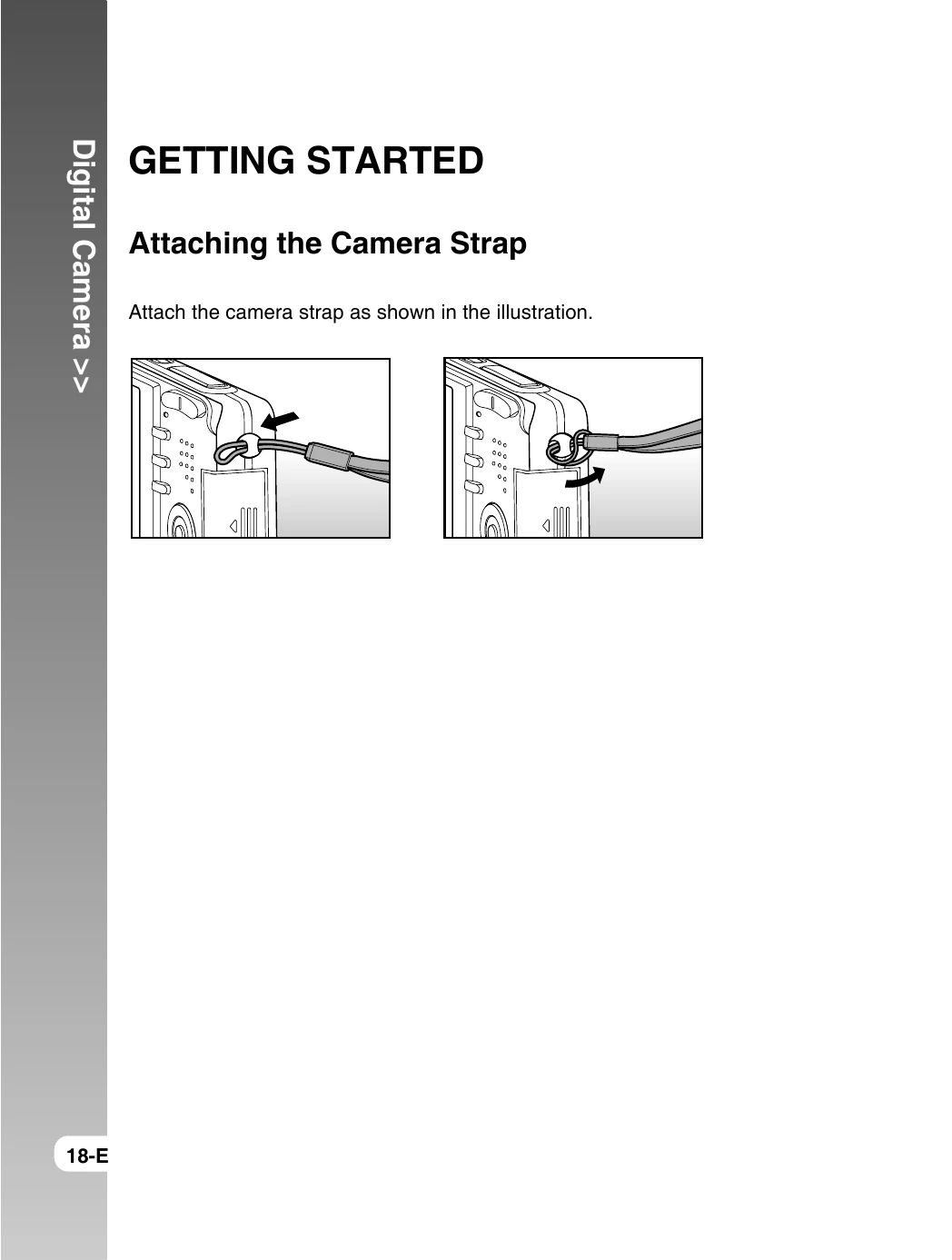
Getting Started:
Modes:
Menu Options: Navigate menus using the buttons to adjust settings like image quality, date/time, flash, focus, and self-timer.
| Color | State | During power off | During photography | During connection to a PC |
|---|---|---|---|---|
| Green | On | The completion of battery charge. | AE or AF is locked with the shutter button held halfway. | - |
| Flashing | Battery charging in progress. | - | - | |
| Red | On | Battery charging error. | Writing to SD card in progress. | In communication to PC. (SD card is inserted.) |
| Flashing | - | When the image is not in focus. | - | |
| Orange | On | - | Charging of the flash in progress. | - |
| Flashing | - | Hardware malfunction. | SD card is not inserted. |