Manual for 5860

Manual for 5860

Brand: Doro

Category: Mobile Phone

Document Type:

Language: EN
Uploaded: Aug. 10, 2025, 12:10 a.m.

Warranty Information

The warranty period is 24 months.

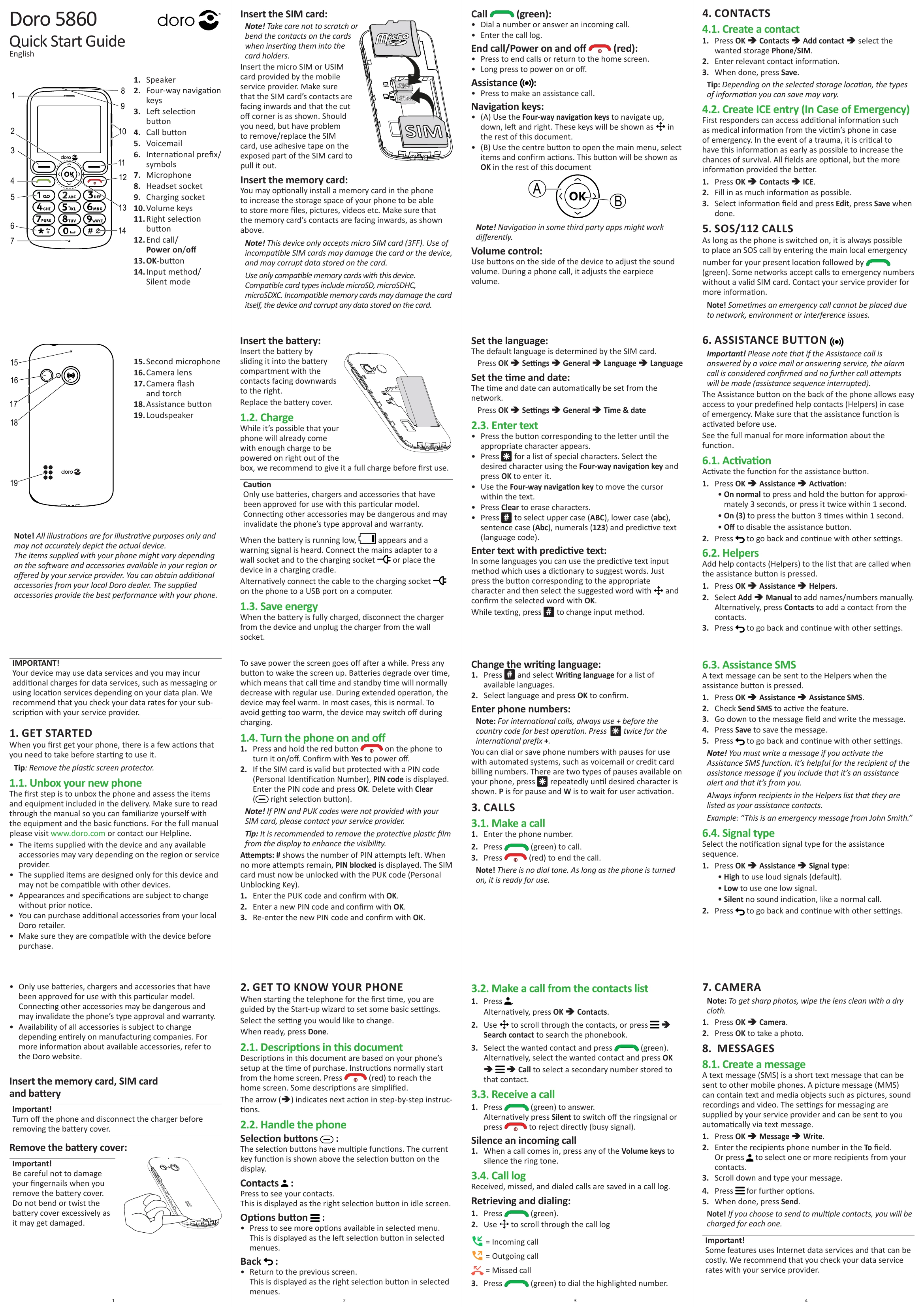
  • Getting Started: Unbox, insert SIM and memory card, and charge the phone before first use. Remove the plastic screen protector for better visibility.
  • Basic Operation: Turn the phone on/off by pressing and holding the red button. Use the navigation keys to move through menus and the OK button to select items.
  • Making Calls: Dial numbers directly or select contacts from the contacts list. Press the green button to make a call and the red button to end it.
  • Receiving Calls: Press the green button to answer or use volume keys to silence the ringtone. Press the red button to reject the call.
  • Camera Usage: Access the camera by pressing OK then Camera. Press OK again to take a photo. Ensure the lens is clean for best results.
  • Messages: Create and send SMS or MMS messages. Select recipients from contacts or enter numbers manually.
  • Assistance Feature: Activate and set up the assistance button for emergency calls and messages to pre-defined contacts (Helpers). Configure signal types and SMS content.

Troubleshooting and error codes

Problem Possible Cause Solution
No sound when calling Volume set to silent. Adjust the volume using the volume keys.
Cannot make or receive calls Network coverage issue or SIM card not inserted correctly. Check network signal strength. Re-insert SIM card. Contact service provider.
Phone does not turn on Battery is depleted. Charge the phone. If the problem persists, contact support.
PIN code blocked Too many incorrect PIN attempts. Enter the PUK code provided by your service provider and set a new PIN.
Cannot connect to network Airplane mode is active or network error. Disable airplane mode. Restart the phone. Contact service provider.
Privacy Policy