Unbox your new phone: Examine the contents of the delivery and familiarize yourself with the equipment and basic functions.
Getting started: Install a nano-SIM card, set up a Google account, and consider a memory card and Wi-Fi access.
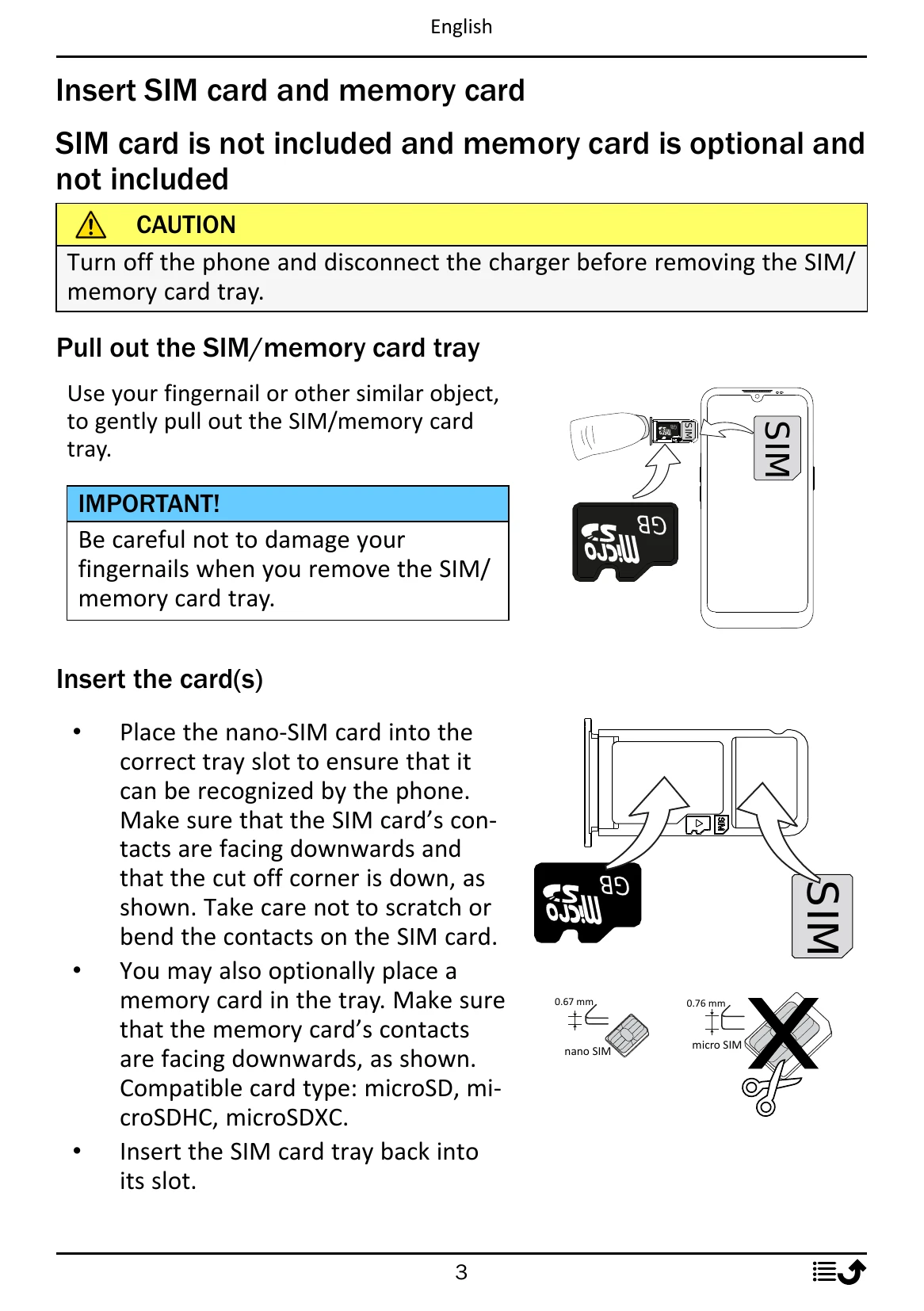
Insert SIM card and memory card: Turn off the phone, pull out the tray, insert the nano-SIM and optionally a memory card with contacts facing down, then reinsert the tray.
Charge your phone: Connect the USB cable to the phone and a power source (wall charger or computer). Charge fully before first use. Save energy by unplugging the charger when done.
Turn on the phone: Press and hold the Power button until the phone vibrates and the display lights up. Enter SIM PIN if prompted.