Brand: ELECTROLUX
Category: Vacuum Cleaner
Document Type: Manual
Language: EN
Brand: ELECTROLUX
Category: Vacuum Cleaner
Document Type: Manual
Language: EN
Uploaded: Nov. 21, 2025, 7:24 p.m.
Manual Publish Date: 2003-09-01
Aerus warrants the 2100 by Electrolux against defects in workmanship or material for 5 years from the date of purchase.
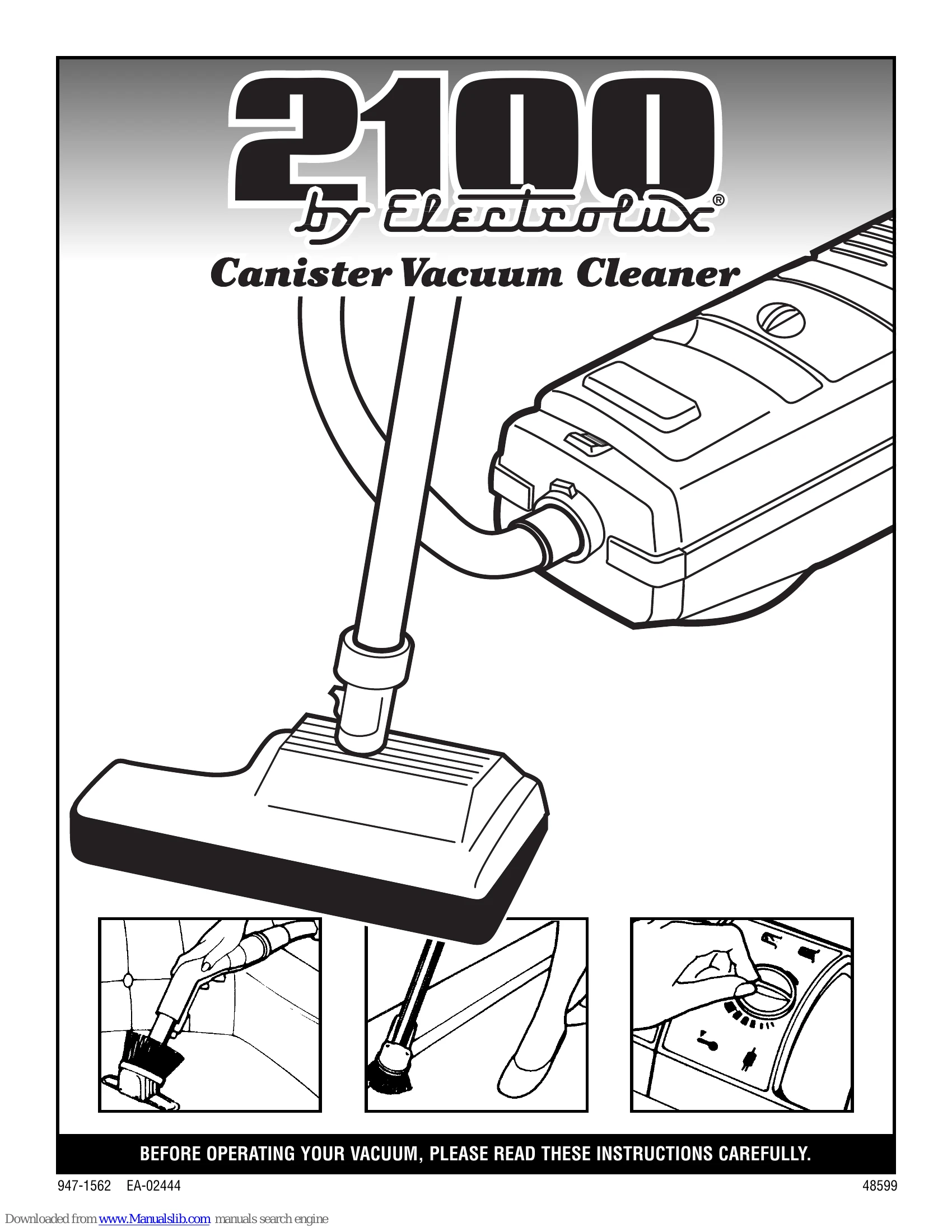
Powering On/Off: Plug the power cord into an outlet. A yellow band indicates the maximum extension. Press the toe switch on top of the unit to start, and press it again to stop. Always turn off the cleaner before disconnecting the power cord.
Suction Control: Adjust the control dial for different cleaning needs (NORMAL, 1 for fine dust, 5 for larger particles). Open the suction control knob to reduce suction for delicate fabrics or net curtains. The suction control should always be open when using the crevice tool.
Attachments: Use the combination tool for upholstery and fabrics, reversing it for baseboards. The crevice tool is for narrow spaces. The power nozzle is for floor cleaning, with a switch to engage or disengage the brush.
Information Panel: The Green Power Symbol indicates normal running. The "Bag Check" symbol appears if there's no filter bag, and the "Bag Change" symbol illuminates when the bag needs replacing, shutting off the unit.
Overheating Protection: The cleaner will shut off if it overheats. Turn it off, unplug, check for blockages in the wand, hose, and nozzle, and allow it to cool for 30 minutes before resuming.
| Problem | Possible Cause | Solution |
| Cleaner will not start | No power | Check power source. Ensure the plug is properly connected to the outlet. |
| Cleaner will not start | Overheating protection activated | Allow the cleaner to cool for 30 minutes, check for blockages, and restart. |
| Cleaner will not start | No filter bag or bag needs changing | Install a new filter bag. The "Bag Check" or "Bag Change" indicator will light up. |
| Reduced suction | Hose, wand, or nozzle is blocked | Check and clear any blockages. |
| Reduced suction | Filter bag is full or needs changing | Replace the filter bag. |
| Reduced suction | Suction control is closed | Open the suction control knob. |
| Power nozzle brush not spinning | Switch is set to "O" | Set the switch to "I" to engage the brush. |
| Power nozzle shuts off | Object clogged in power nozzle | Turn off the cleaner, unplug the power nozzle cord, remove the object, and reset the circuit breaker button. |
| Sidekick® not working | Switch is set to "O" | Set the switch to "I" to turn it ON. |
| Sidekick® not working | Object clogged in Sidekick® | Turn off the cleaner and Sidekick®, unplug the power cord, and remove the obstruction. |
| Sidekick® motor overheats | Vacuum cleaner motor shuts OFF | Do not use the Sidekick® if the vacuum cleaner motor overheats. |