Brand: EPSON
Category: Computer
Document Type: Manual
Language: EN
Brand: EPSON
Category: Computer
Document Type: Manual
Language: EN
Uploaded: Sept. 12, 2025, 4:20 a.m.
Manual Publish Date: 1990-01-01
Epson makes no warranties, express or implied, and is not liable for any damages.
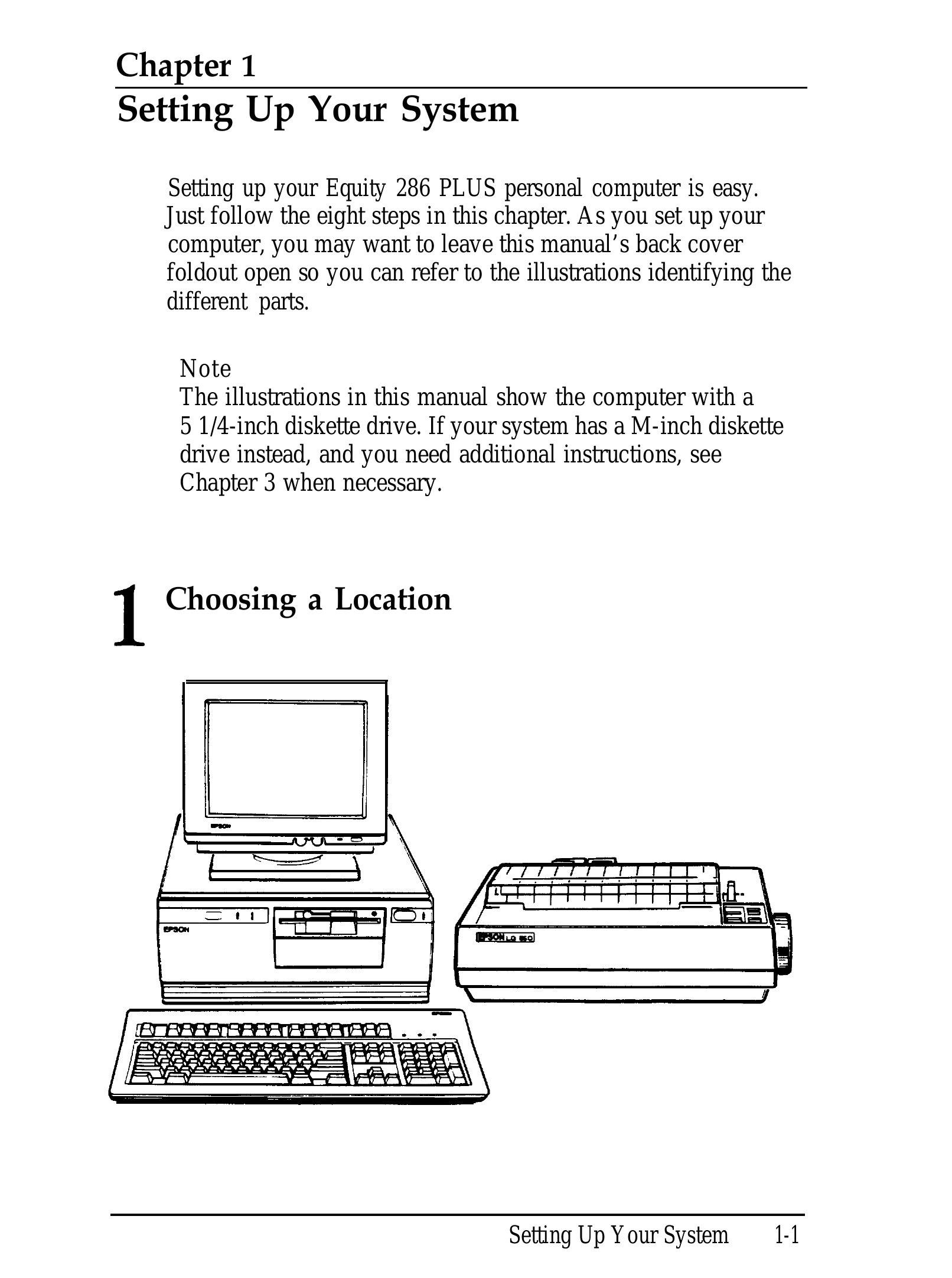
This manual guides users through setting up and operating the Epson Equity 286 PLUS personal computer. It covers initial system setup, including choosing a location, connecting peripherals like monitors, keyboards, and printers, and powering on the system. The manual also details running the SETUP program to configure the computer, installing operating systems, using disks and disk drives, enhancing system operations with batch files and utilities, and installing/removing optional hardware. A glossary and index are provided for reference.
| Problem | Possible Cause | Solution |
|---|---|---|
| The Computer Won't Start | Power cord not connected | Ensure the power cord is securely connected to the computer and the wall outlet. |
| The Computer Does Not Respond | System frozen | Press and hold the CTRL, ALT, and DEL keys simultaneously to reset the computer. |
| Password Problems | Incorrect password entered | Try to remember the password. If forgotten, you may need to consult the manual or a service technician for reset procedures. |
| Keyboard Problems | Keyboard not connected | Ensure the keyboard cable is properly connected to the computer. |
| Monitor Problems | Monitor not powered on or connected | Check the monitor's power connection and ensure the video cable is securely attached to both the computer and the monitor. |
| Diskette Problems | Diskette not inserted correctly or damaged | Re-insert the diskette carefully. Try a different diskette if the problem persists. |
| Hard Disk Problems | Drive not configured or failing | Check the hard disk settings in the SETUP program. If the drive is faulty, professional servicing may be required. |