Manual for DM-D70

Manual for DM-D70

Brand: EPSON

Category: Other

Document Type: Manual

Language: EN
Uploaded: Nov. 21, 2025, 8:02 p.m.

  • Connect the USB cable of the customer display to the printer or computer.
  • Turn the product on by connecting it to the printer or a computer (it is bus powered).
  • Adjust brightness using the up/down buttons after removing the rear cover.
  • Install in various ways using VESA mount or optional kits.
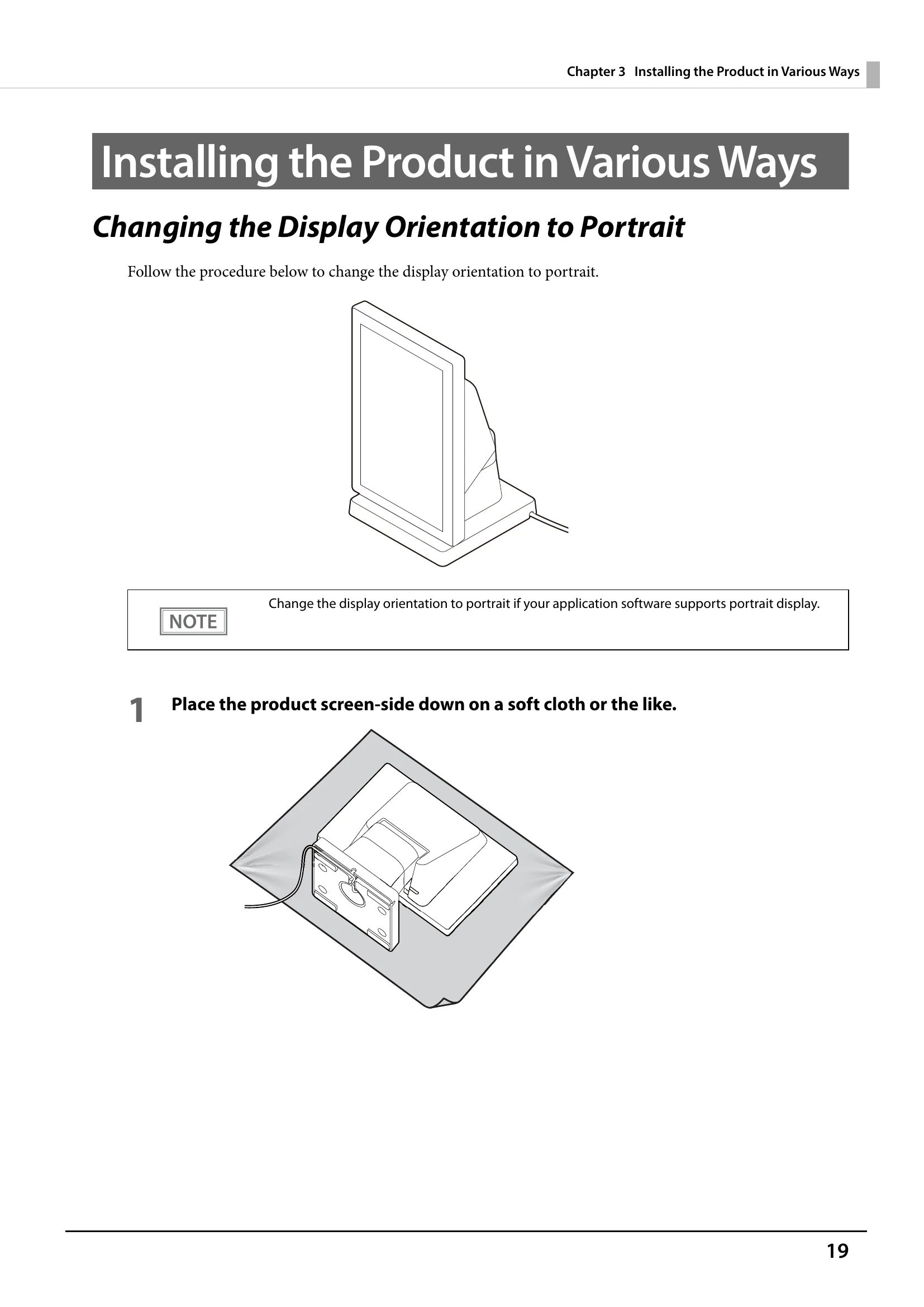
  • Change orientation to portrait if supported by software.

Troubleshooting and error codes

Issue Solutions
Nothing is Displayed on the Screen
  • Check that the USB cable is properly connected to the printer or to the computer.
  • Adjust the brightness of the LCD screen by pressing the brightness up/down buttons.
The Screen Looks Dark when the Display is Attached in Portrait Orientation
  • Adjust the angle of the display.
  • If the angle cannot be adjusted (e.g., VESA mount), remove and reattach the display upside down.
  • Download and use DM-D70 Utility (Windows) or TM Utility (Android/iOS) to flip the screen vertically via display settings.
Privacy Policy