Brand: EQUITY
Category: Computer
Document Type: Manual
Language: EN
Brand: EQUITY
Category: Computer
Document Type: Manual
Language: EN
Uploaded: Nov. 21, 2025, 7:11 p.m.
Manual Publish Date: 1987-01-01
Seiko Epson Corporation disclaims all warranties, express or implied, including merchantability and fitness for a particular purpose.
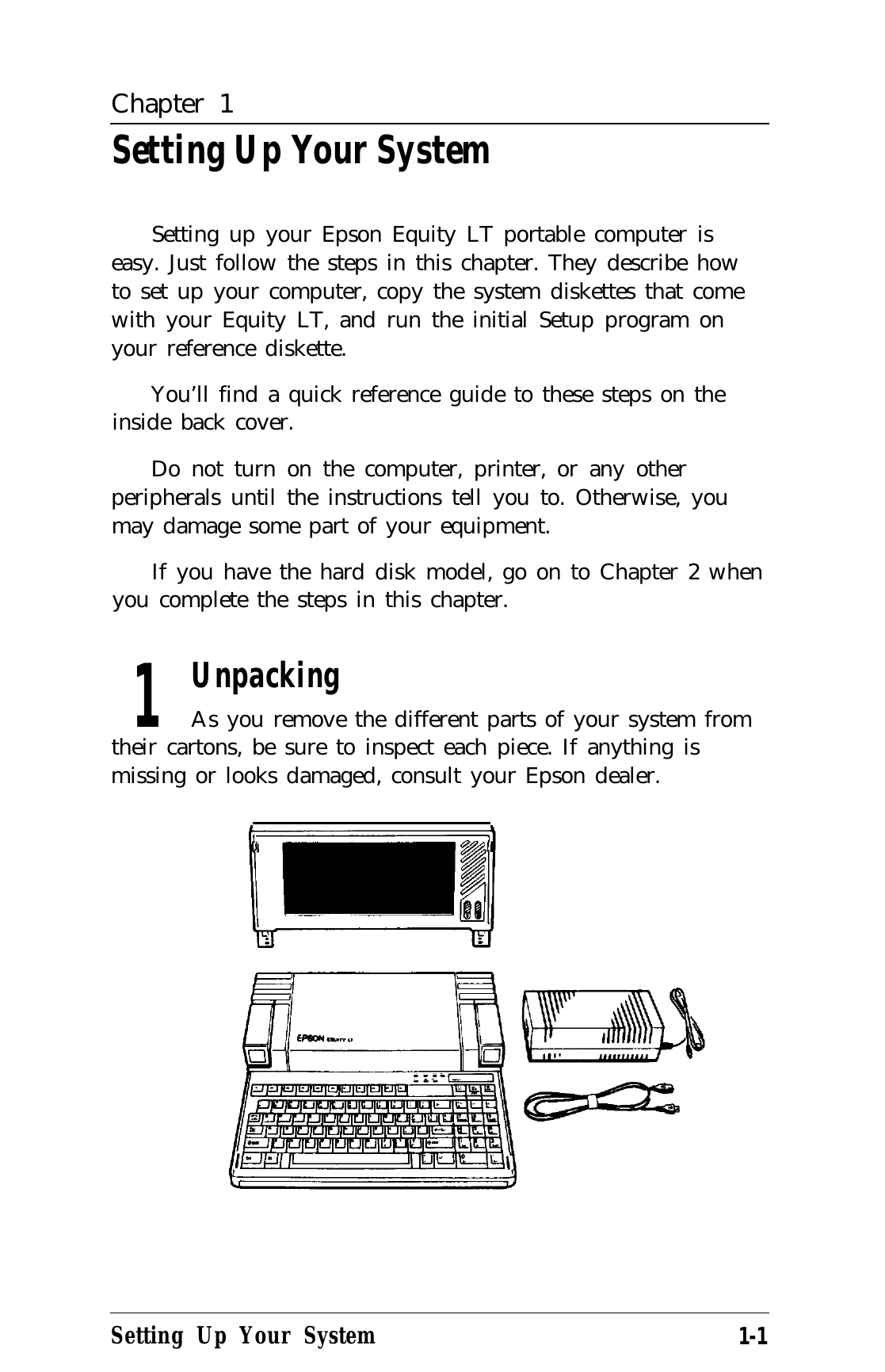
Setting Up Your System: Unpack the computer, connect the screen, AC adapter, and printer if applicable. Charge the battery. Set DIP switches and turn on the computer. Load MS-DOS and copy system diskettes. Run the Setup program to configure settings.
Using MS-DOS: Start and exit MS-DOS. Enter commands to manage files and directories. Format diskettes and copy data. Use commands like DIR, COPY, and DISKCOPY. Create subdirectories and manage paths.
System Maintenance: Care for the screen, diskettes, and disk drives. Back up data regularly. Use power-on diagnostics and troubleshooting guides for issues.
| Problem | Possible Cause | Solution |
|---|---|---|
| The Computer Fails to Start Up | No power | Check AC adapter connection. Charge battery. |
| The LCD Screen is Blank | Screen connection | Ensure the screen is securely connected. |
| The Computer Does Not Respond | Software or hardware issue | Reset the computer. Refer to troubleshooting guidelines. |
| Low Battery | Battery not charged | Charge the battery using the AC adapter. |