Brand: FED
Category: Camera
Document Type:
Language: EN
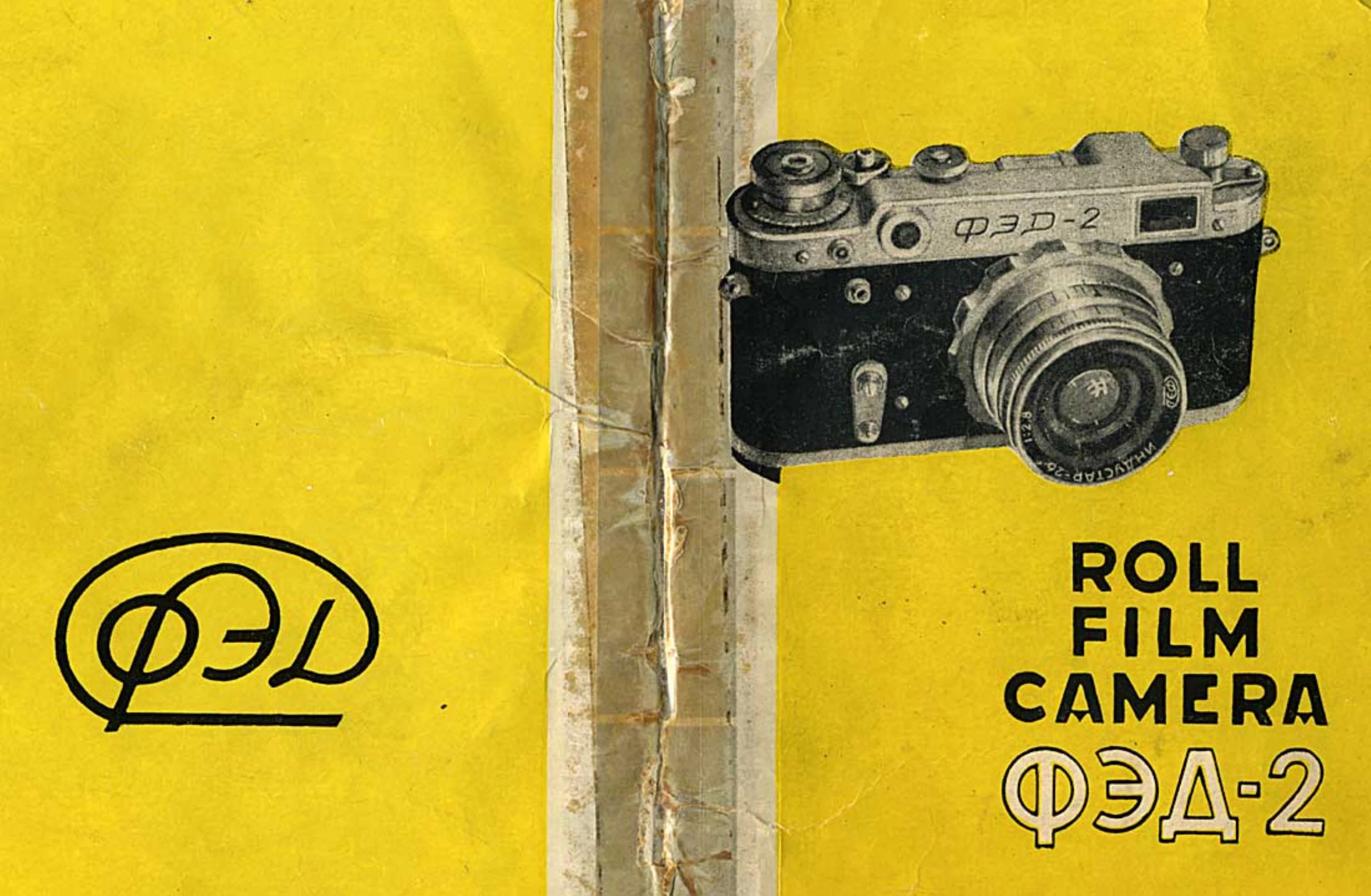
Brand: FED
Category: Camera
Document Type:
Language: EN
Uploaded: Aug. 9, 2025, 11:35 p.m.
Faults found within one year are repaired free of charge.
Opening and Closing: Undo the press-button, turn the nut on the case bottom to loosen the tripod screw, and release the camera. To close, align the back with the upper panel, press it to the body, move along the grooves, and turn the lock shackles into the sockets.
Loading Film: Disassemble the magazine by pressing the button on the sleeve bottom and turning the sleeve. Insert the film end into the spool slit and wind the film. Insert the spool into the sleeve and then the sleeve into the holder. Close the magazine by turning the sleeve counter-clockwise. Load the film into the camera, ensuring sprocket teeth engage the perforations. Close the camera. Wind the shutter twice, pressing the release knob after each wind. Set the exposure counter to zero. Set the film type reminder.
Shooting: Focus the lens using the rangefinder or distance scale. Set the diaphragm and shutter speed. Aim the camera and press the shutter release.
Unloading: Rewind the film into the magazine by switching out the shutter mechanism and turning the rewinding head. Open the camera and remove the magazine.
| Fault | Cause | Remedy |
|---|---|---|
| Camera does not work | Shutter not wound | Wind the shutter |
| No image on film | Film not loaded correctly | Reload the film |
| Blurry images | Incorrect focusing | Focus the lens accurately |
| Shutter stuck | Mechanical issue | Do not dismantle, consult manufacturer |
| Film torn during loading | Improper film handling | Reload film, ensuring careful handling of perforations |