Brand: FERMAX
Category: Intercom System
Document Type: Manual
Language: EN
Available Languages: ES , EN
Brand: FERMAX
Category: Intercom System
Document Type: Manual
Language: EN
Available Languages: ES , EN
Uploaded: April 20, 2026, 7:38 p.m.
This product is protected by the following patents and utility models.
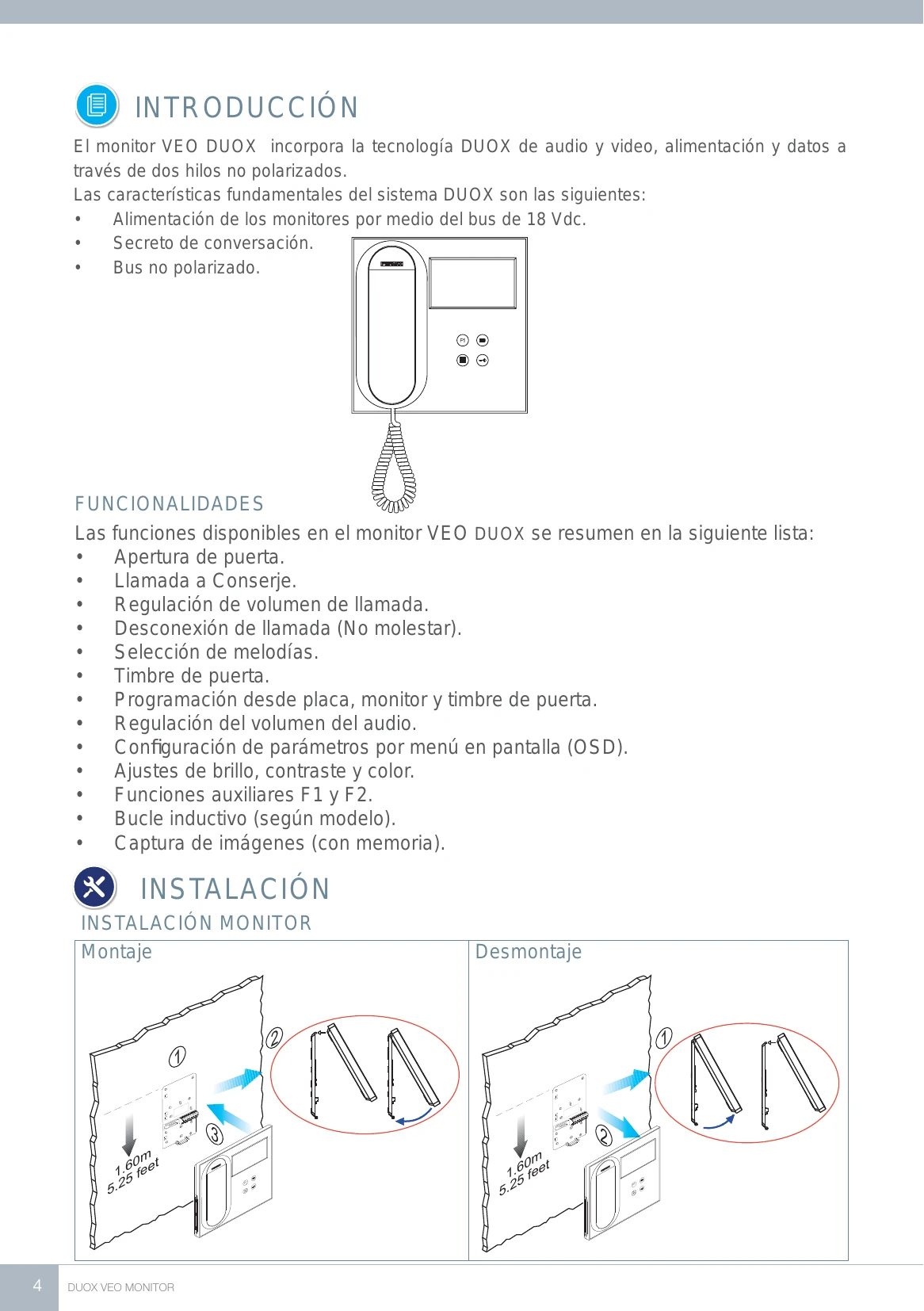
The VEO DUOX monitor incorporates DUOX technology for audio and video, power, and data through two non-polarized wires.
| Problem | Possible Cause | Solution |
| Monitor not working | Monitor not programmed or incorrect address. | Program the monitor. |
| No sound | Low volume or "Do not disturb" activated. | Adjust volume or deactivate "Do not disturb". |
| Distorted image | Incorrect video settings. | Adjust brightness, contrast, color. |
| No image capture | Function disabled. | Enable image capture. |