Manual for GMOS1962AF

Manual for GMOS1962AF

Brand: FRIGIDAIRE

Category: Microwave Oven

Document Type: Manual

Language: EN
Uploaded: Nov. 21, 2025, 7:02 p.m.

Manual Publish Date: 2023-09-01

Warranty Information

One year limited warranty covers defective parts or workmanship, excluding certain exclusions.

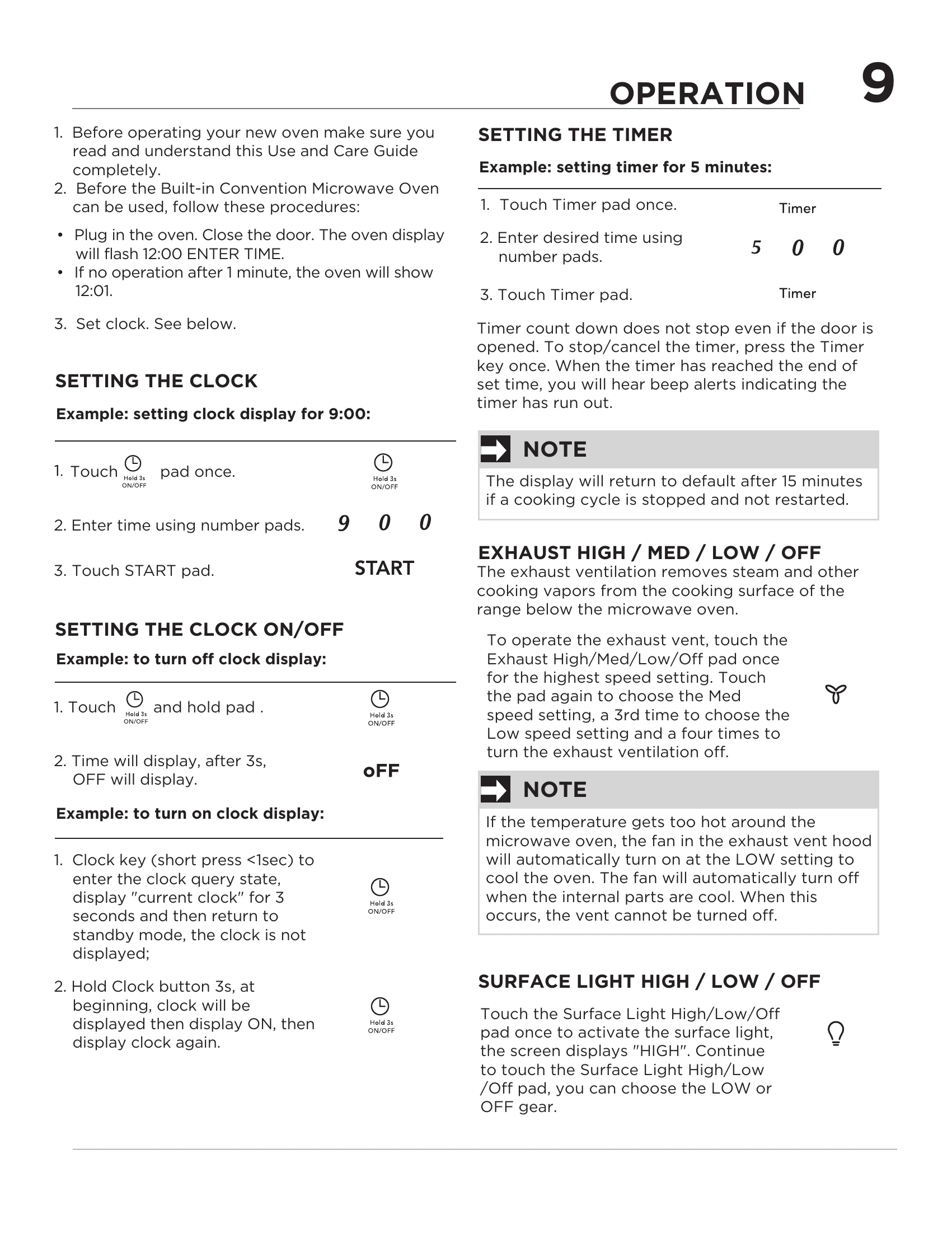
1. **Setting the Clock**: Touch the clock pad, enter time using number pads, then touch START. To turn clock off, touch and hold the ON/OFF pad. To turn on, hold the Clock button for 3 seconds. 2. **Setting the Timer**: Touch the Timer pad, enter desired time, then touch Timer pad again. 3. **Using Ready Set**: Use number keys 1-6 for 1 or 6 minutes of 100% power cooking. 4. **Heating**: Use number pads to enter desired time for HIGH power, then touch START. For LOWER power, enter time, touch Power Level pad multiple times to select desired percentage (e.g., PL-70 for 70%), then touch START. 5. **Veggies**: Touch Veggies pad twice for fresh, thrice for frozen, then touch START. 6. **+10 Sec / +30 Sec Key**: Touch to start programmed cooking or add 10/30 seconds to current cooking. 7. **Stop/Cancel**: Touch to erase information, cancel timer, pause/resume cooking, or stop program. 8. **Defrost**: Touch Defrost pad, confirm with START, input weight using number pads, then touch START. 9. **Sensor Cook**: Touch Sensor Cook pad multiple times to select food type (e.g., Bacon, Frozen Dinner, Rice, Frozen Breakfast), then touch START. 10. **Reheat**: Touch Reheat pad to select food type, touch START, enter amount, then touch START. 11. **Melt/Soften**: Touch Melt/Soften pad to select item (e.g., Butter, Chocolate, Ice Cream, Cheese), enter amount, then touch START. 12. **Popcorn**: Touch Popcorn pad for desired size (3.3, 3.0, or 1.75 oz.), then touch START. 13. **Potato**: Touch Potato pad, then touch START. Pierce potatoes before cooking and let stand after. 14. **Sound Settings**: Touch the designated pad to cycle through volume levels (LOW, MED, HIGH, OFF). 15. **Turntable Control**: Touch the pad to turn the turntable ON or OFF. 16. **Weight Setting**: Touch the pad to switch between LB and KG. 17. **Language Setting**: Touch the pad to switch languages. 18. **Filter Settings**: Use the Filter pad to manage ventilation filter indicator lights.

Troubleshooting and error codes

TROUBLE POSSIBLE CAUSE POSSIBLE REMEDY
Oven will not start • Electrical cord for oven is not plugged in.
• Door is open.
• Wrong operation is set.
• Plug into the outlet.
• Close the door and try again.
• Check instructions.
Arcing or sparking • Materials to be avoided in microwave oven were used.
• The oven is operated when empty.
• Spilled food remains in the cavity.
• Use microwave-safe cookware only.
• Do not operate with oven empty.
• Clean cavity with wet towel.
Unevenly cooked foods • Materials to be avoided in microwave oven were used.
• Food is not defrosted completely.
• Cooking time, power level is not suitable.
• Food is not turned or stirred.
• Use microwave-safe cookware only.
• Completely defrost food.
• Use correct cooking time, power level.
• Turn or stir food.
Overcooked foods • Cooking time, power level is not suitable. • Use correct cooking time, power level.
Undercooked foods • Materials to be avoided in microwave oven were used.
• Food is not defrosted completely.
• Oven ventilation ports are restricted.
• Cooking time, power level is not suitable.
• Use microwave-safe cookware only.
• Completely defrost food.
• Check to see that oven ventilation ports are not restricted.
• Use correct cooking time, power level.
Improper defrosting • Materials to be avoided in microwave oven were used.
• Cooking time, power level is not suitable.
• Food is not turned or stirred.
• Use microwave-safe cookware only.
• Use correct cooking time, power level.
• Turn or stir food.
Privacy Policy