Brand: FUJI
Category: Camera
Document Type:
Language: EN
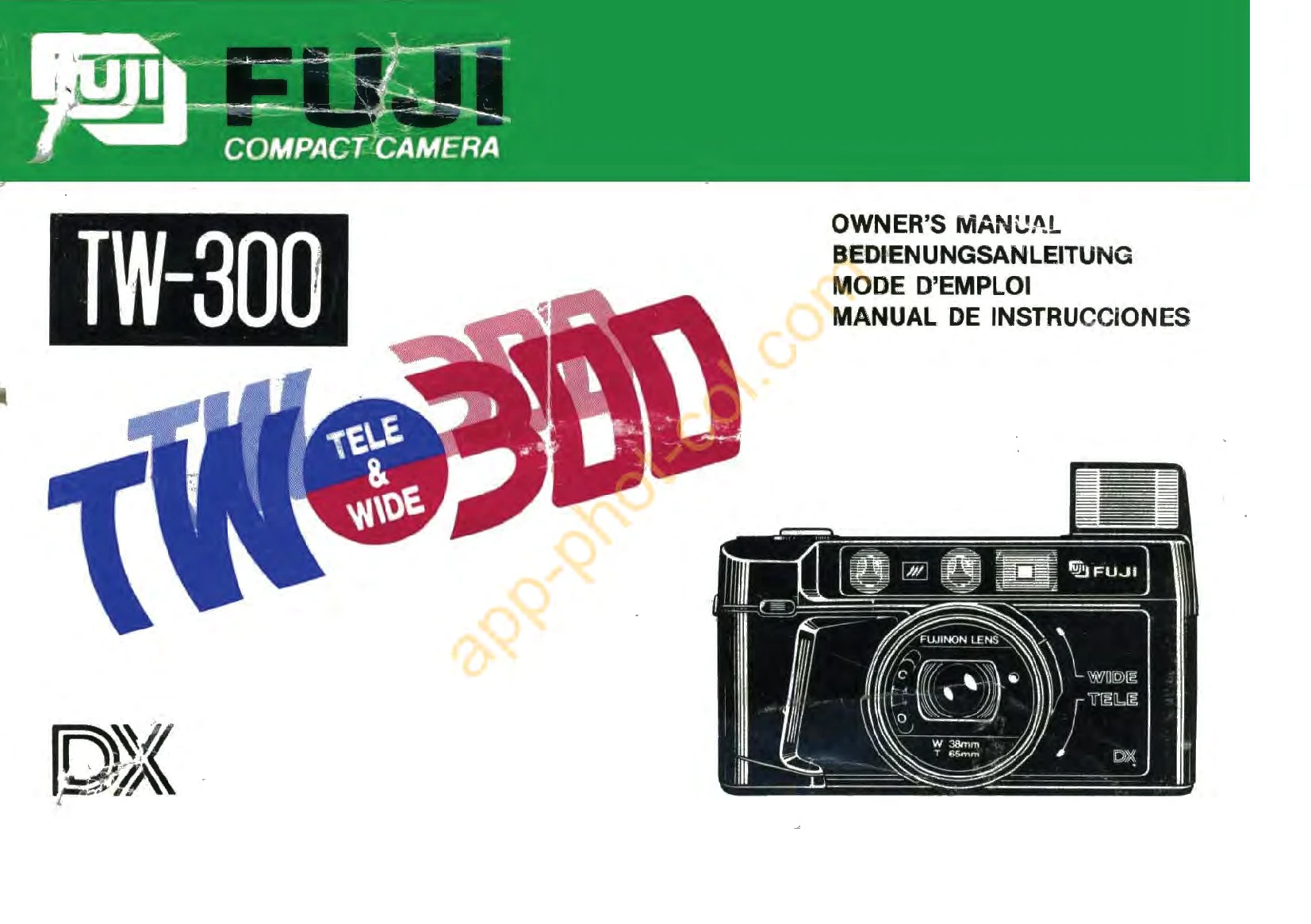
Brand: FUJI
Category: Camera
Document Type:
Language: EN
Uploaded: Aug. 9, 2025, 11:49 p.m.
No warranty information is available in the provided pages.
Loading Film: Simply drop the film cartridge into the film chamber and close the camera back. The camera will automatically wind the film to the first frame.
Taking Photos: 1. Open the lens cover. 2. Choose between Wide (38mm) or Tele (65mm) lens by turning the selector. 3. Look through the viewfinder and aim the auto-focus spot at your subject. 4. Press the shutter release gently to focus and then fully to take the picture. 5. The camera automatically advances the film to the next frame.
Flash: Use flash when the light is dim. If the red warning light in the viewfinder illuminates when you half-press the shutter, use the flash. Flip the flash switch to use it; it recharges in about 3 seconds.
Self-Timer: Press the self-timer button to activate it. The red indicator will light up. Press the shutter release to start the countdown. The photo will be taken after a delay.
Unloading Film: When the film is finished, the exposure counter will disappear. Ensure the motor has stopped before opening the camera back and removing the film.
| Defects | Possible Causes | Remedies | See page |
|---|---|---|---|
| 1. Shutter does not operate. | 1. Lens cover not fully open. 2. Incorrect lens selector setting. 3. Flash ready light was still on at the moment of exposure. 4. Film completely exposed and rewound into the cartridge. |
1. Push lens cover button fully to "O". 2. Set lens selector fully to right (telephoto) or left (wide angle). 3. Wait for the flash ready light to go off before pressing the shutter release. 4. Remove exposed film and load new film. |
48 48 50 51-52 |
| 2. Film loaded and camera back closed, but film advance indication does not move. | • Incorrect film loading. | • Reload film correctly. | 46-48 |
| 3. Film advanced but the frame counter does not indicate the correct number of frames. | • Incorrect film loading. | • Pay attention to loading the film correctly next time. | 46-48 |
| 4. Only the (E) indication appears in the information display window. | 1. Under normal temperature, batteries are nearly depleted. 2. In very cold conditions, battery efficiency is temporarily reduced. |
1. Change the battery pack. 2. Keep the camera or battery pack in a pocket and only take it out when needed. |
45-46 45-46 |
| 5. Camera does not operate. | • When the previous film was removed, the camera back was opened before the film was fully rewound into the cartridge. | • Before opening the camera back and removing the film, ensure it is fully rewound. If the camera back is opened before the motor stops, press the shutter release and, while holding it in this state, close the back. | 52 |