Brand: Fujifilm
Category: Camera
Document Type:
Language: EN
Brand: Fujifilm
Category: Camera
Document Type:
Language: EN
Uploaded: Aug. 9, 2025, 11:50 p.m.
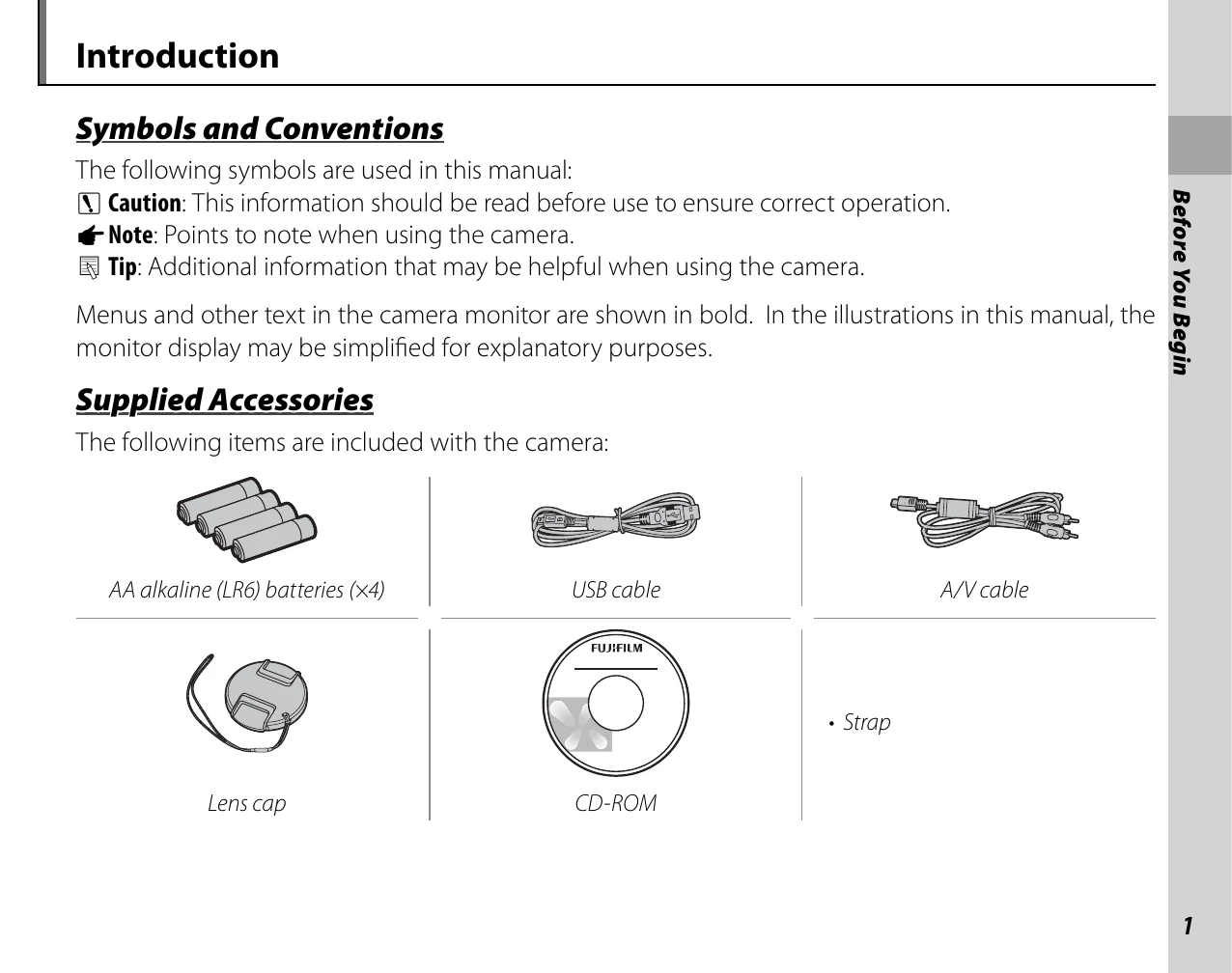
Before You Begin: Read the manual and safety warnings. Familiarize yourself with the supplied accessories (batteries, cables, lens cap, CD-ROM, strap). Learn about the different parts of the camera and the symbols used in the manual.
Introduction: Understand symbols and conventions used in the manual. Identify the supplied accessories and parts of the camera.
First Steps: Learn how to attach the strap and lens cap, insert batteries and memory cards, turn the camera on/off, and perform basic setup.
Basic Photography and Playback: Learn about taking pictures in SR AUTO (Scene Recognition) mode and how to view pictures.
| Problem | Possible cause | Solution | Page |
|---|---|---|---|
| The camera is unresponsive. | Temporary camera malfunction. | Remove and reinsert the batteries or disconnect and reconnect the AC power adapter/DC coupler. | 8 |
| The batteries are exhausted. | Insert fresh or fully-charged spare batteries. | 8 | |
| The camera does not function as expected. | Temporary camera malfunction. | Remove and reinsert the batteries or disconnect and reconnect the AC power adapter/DC coupler. If the problem persists, contact your FUJIFILM dealer. | 8 |
| The camera is silent. | The camera is in silent mode. | Turn silent mode off. | 18 |
| I want to use an AC power adapter and DC coupler overseas. | Check the label on the AC power adapter. | The AC power adapter can be used with voltages of 100–240 V. Consult your travel agent for information on plug adapters. | — |