Brand: FUJITSU
Category: Computers
Document Type: Manual
Language: EN
Brand: FUJITSU
Category: Computers
Document Type: Manual
Language: EN
Uploaded: Nov. 21, 2025, 7 p.m.
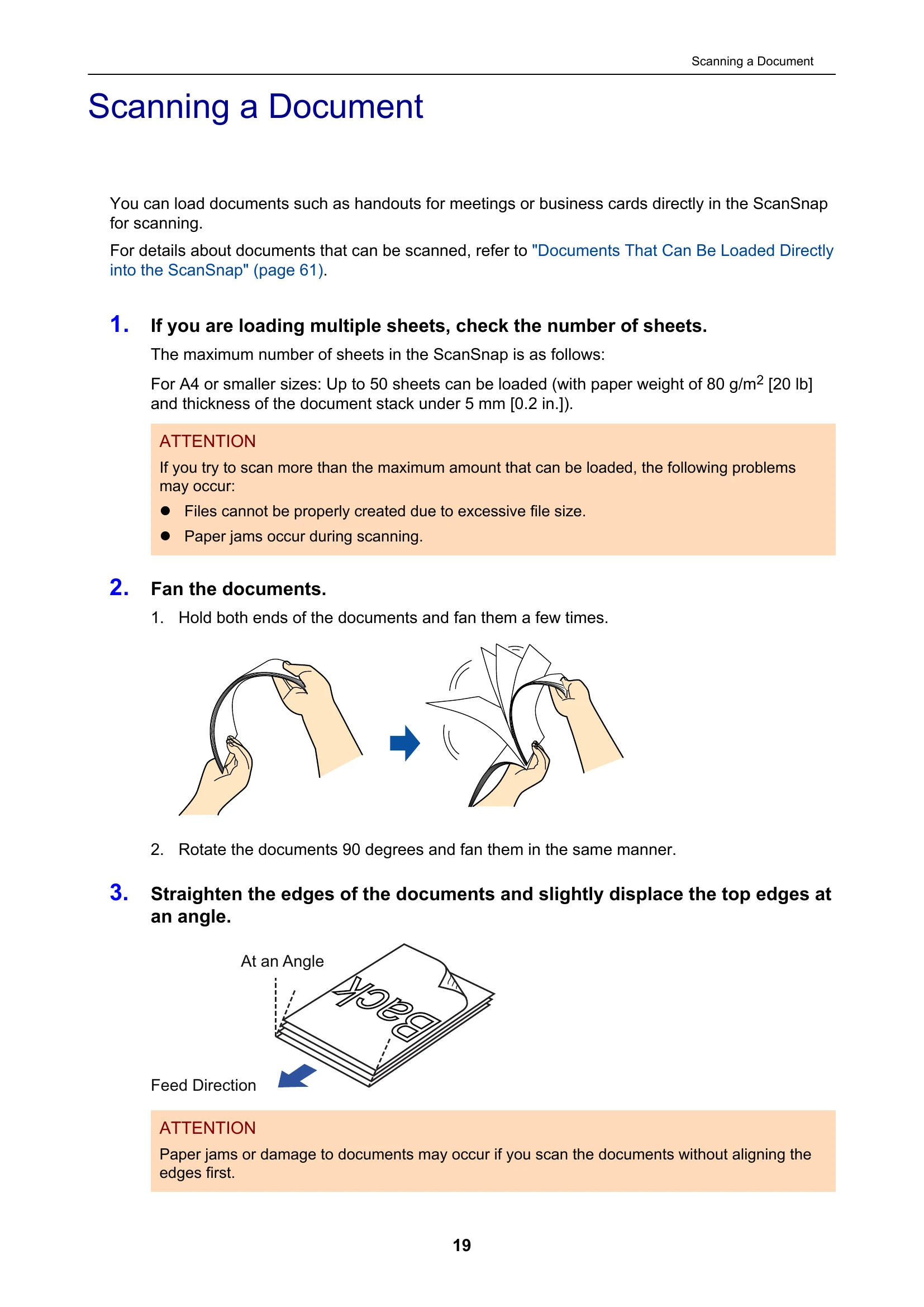
Load documents into the ADF paper chute, fan them, and straighten edges. Open the ADF paper chute (cover), pull out the stacker, and then load documents face-down and top-first. Adjust side guides and press the [Scan] button to start.