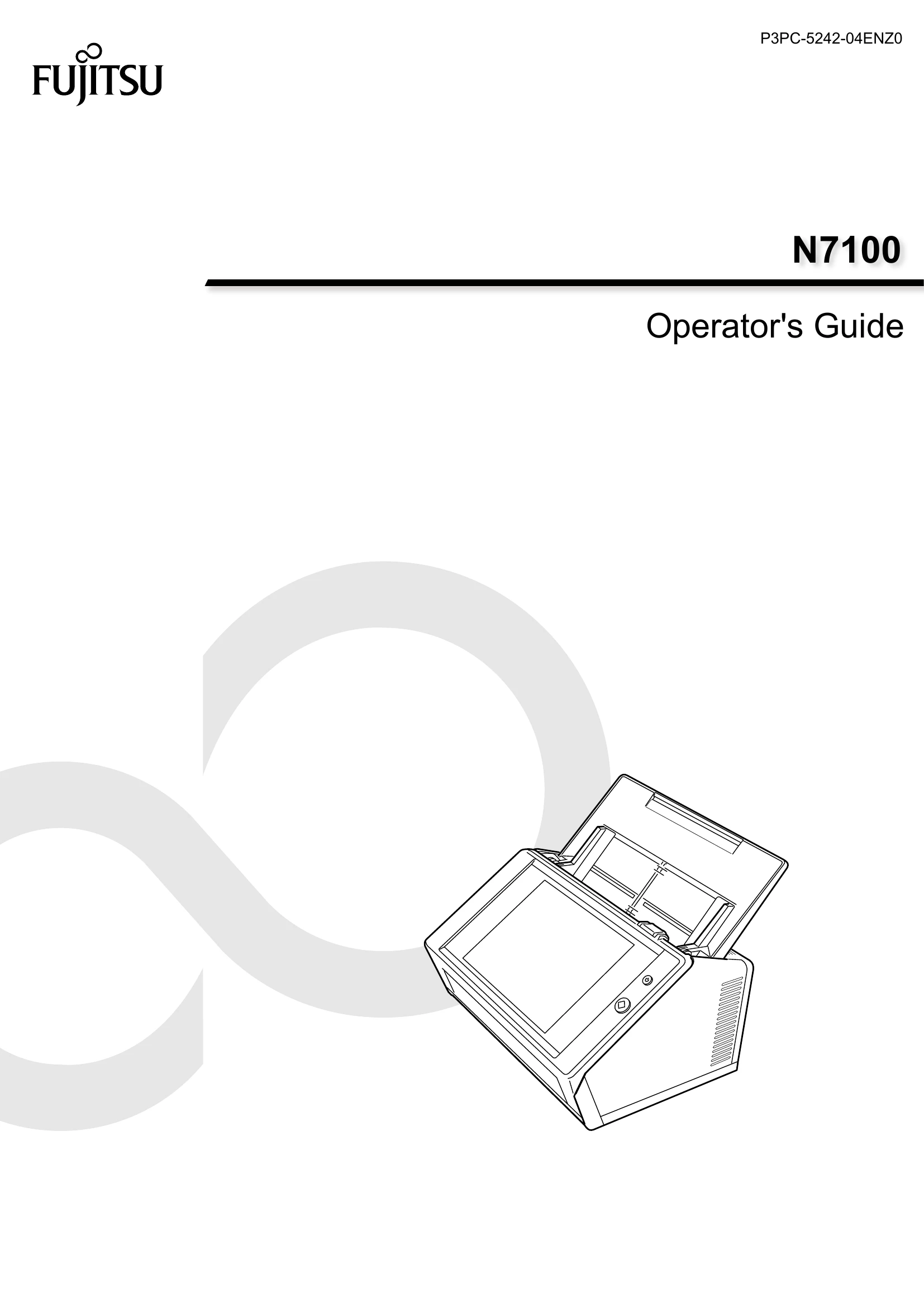
Manual for N7100

Manual for N7100

Brand: Fujitsu

Category: Scanners

Document Type: Manual

Language: EN
Uploaded: Nov. 21, 2025, 7:09 p.m.

Manual Publish Date: 2016-01-01

Warranty Information

None

Types of Manuals

The following manuals are prepared for the scanner. Read them as needed.

  • N7100 Getting Started (paper): Contains important information regarding safety. Also describes the procedure from installing the scanner to starting the scanner operation. Read this manual first.
  • N7100 Operator's Guide (this manual)(PDF): Contains information about the scanner overview, basic operations, daily cleaning, replacement of consumables, and troubleshooting.
  • N7100 Help (HTML): Provides information about items on the screens, and descriptions and actions to take for the messages.
  • Scanner Central Admin User's Guide (PDF): Provides information about overview, introduction procedure, operation procedure, and maintenance procedure for Scanner Central Admin.

Accessing the Manuals

The manuals can be accessed by downloading them from the scanner.

  • When the [Help] button is available on the window or dialog box that is displayed during the operation, you can open Help by clicking it.
  • On the touch panel, ? is displayed as a Help button.

Troubleshooting and error codes

Problem Solution
Scanner Cannot Be Turned On - Check if the power cord is connected properly.
Scanner Does Not Start Up - Restart the scanner.
I Want to Reset the Scanner to Factory Defaults - Refer to "Resetting to Factory Defaults" on page 174.
Data Cannot Be Scanned Properly - Check the scanner settings.
Scanned Data Is Inappropriate - Check the scan settings.
Cannot Login - Check the login settings.
Operation Does Not Work - Refer to "Troubleshooting" on page 366.
Privacy Policy