Manual for ScanSnap

Manual for ScanSnap

Brand: Fujitsu

Category: Scanners

Document Type: Manual

Language: EN
Uploaded: Nov. 21, 2025, 8:14 p.m.

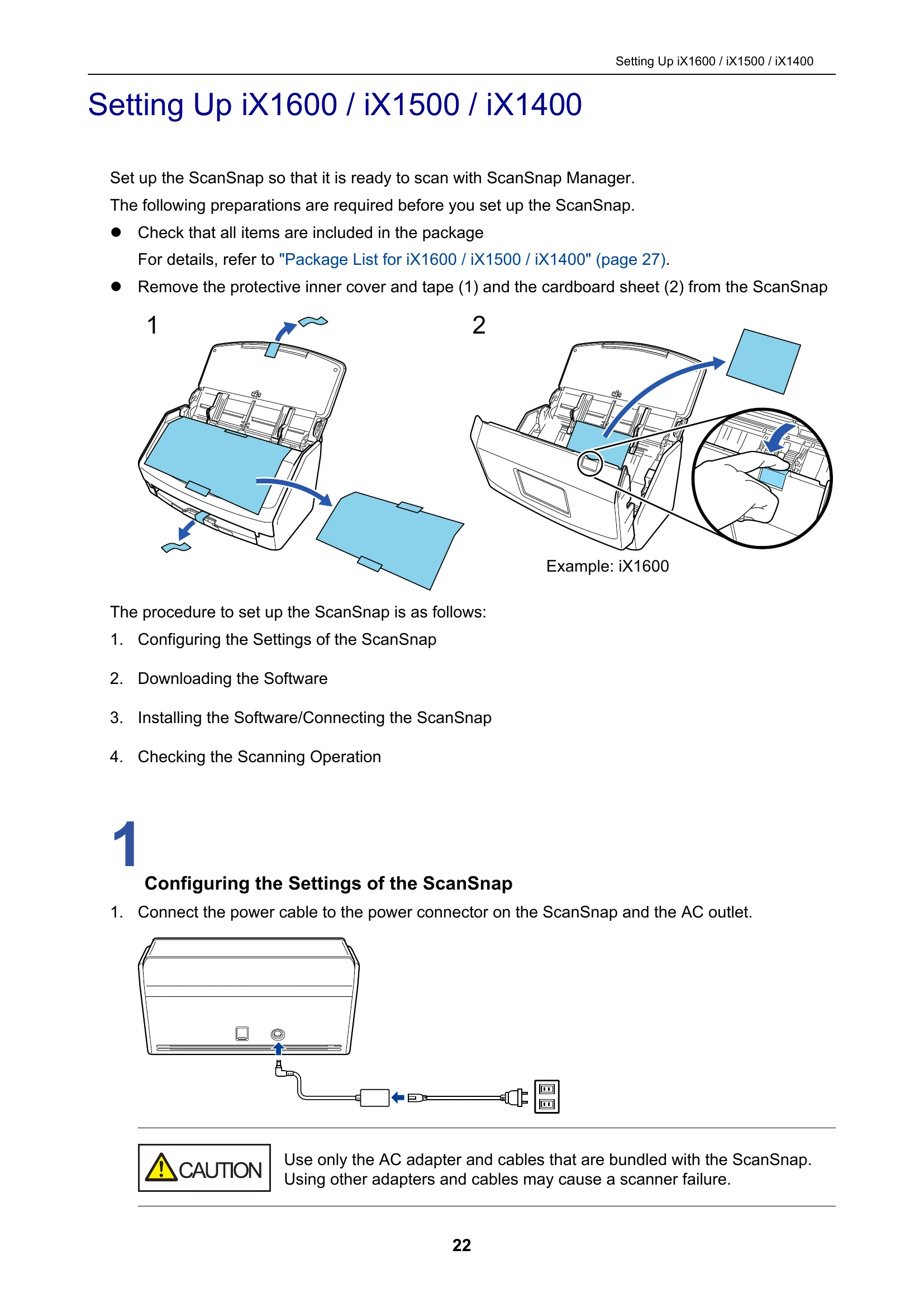
  • Setting Up the ScanSnap: Follow the "Setting Up iX1600 / iX1500 / iX1400" section for initial setup, including downloading software, installation, and connecting the ScanSnap to your computer via USB or wireless LAN.
  • Scanning Documents: Load documents into the ADF, press the "Scan" button, and the ScanSnap will scan the documents. The "Quick Menu" will appear after scanning, allowing you to save or process the scanned images using linked applications like ScanSnap Home, ScanSnap Organizer, or CardMinder.
  • Using Related Software: Explore features of ScanSnap Home for managing scanned images, ScanSnap Organizer for organizing and displaying images, and CardMinder for digitizing and managing business cards.
  • Maintenance: Regularly clean the ScanSnap's exterior and interior parts, including rollers and glass, using appropriate cleaning materials like Cleaner F1. Follow specific cleaning instructions for different models to ensure optimal performance and prevent errors.

Troubleshooting and error codes

1 "If Your First Attempt to Install Failed" (page 414)
2 "If You Have Installed the Software Before" (page 415)
3 "Cannot Connect to the ScanSnap even after the Installation Has Been Complete (iX1600 / iX1500)" (page 419)
4 "When the ScanSnap Manager Icon Does Not Appear" (page 420)
5 "When ScanSnap Manager Does Not Operate Normally" (page 422)
Privacy Policy