Manual for ETERNUS LT260

Manual for ETERNUS LT260

Brand: Fujitsu

Category: Storage Systems

Document Type: Manual

Language: EN
Uploaded: Nov. 21, 2025, 8:20 p.m.

Manual Publish Date: 2016-01-01

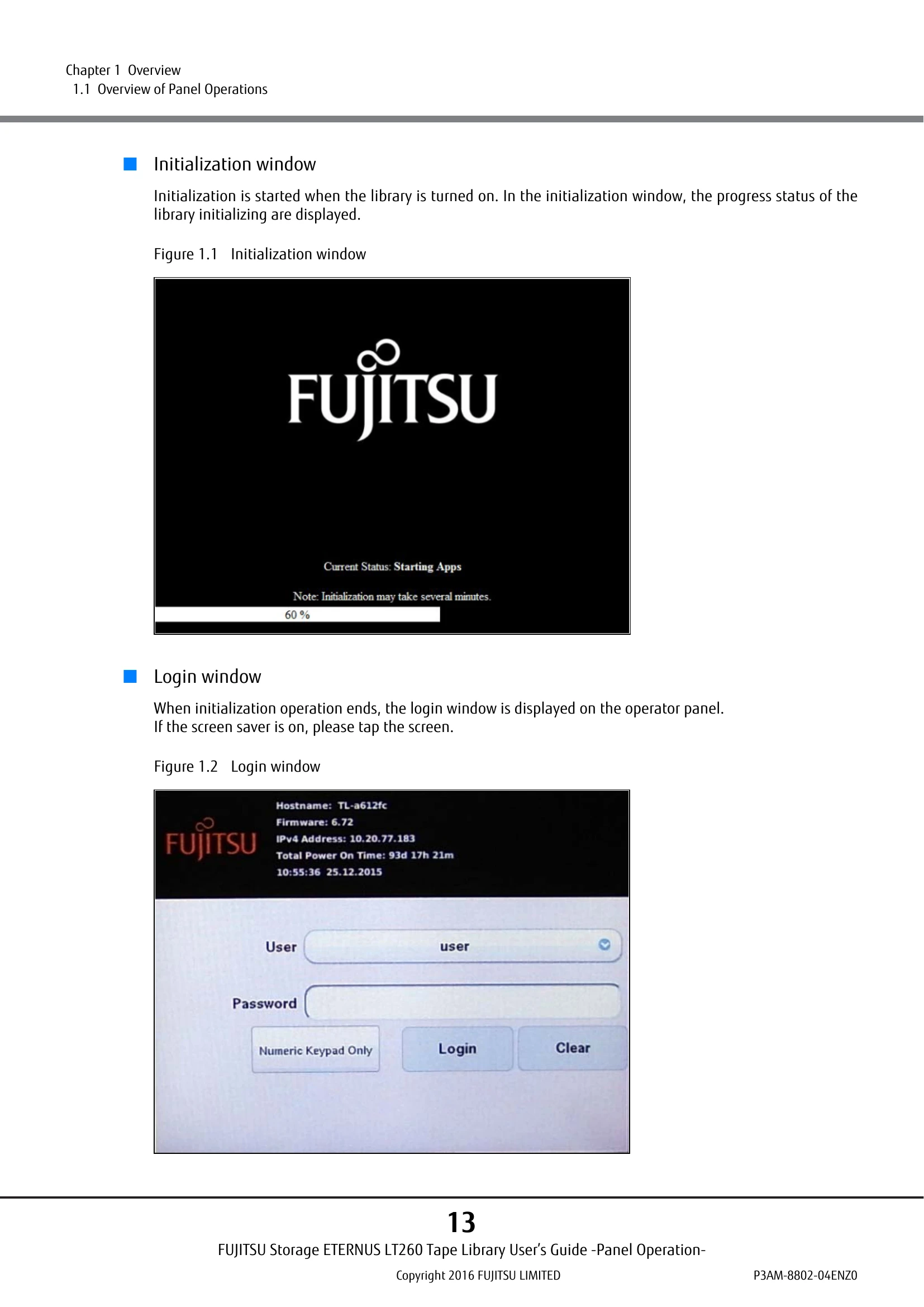
The FUJITSU Storage ETERNUS LT260 Tape Library offers two main interfaces for operation and management: the operator panel and the remote panel. Operator Panel: Located on the front of the library, it allows monitoring, configuration, and control through an LCD touch screen. Operations like referencing status, setting configurations, and accessing menus are performed here. The panel displays initialization and login windows upon startup. Remote Panel: Accessible via a web browser over the LAN, it provides comprehensive monitoring, configuration, and control capabilities. It offers a graphical representation of the library and access to advanced features. Users can access it by entering the library's IP address in a web browser. The main screen after login is divided into a top banner, left pane (identity and status), center pane (operation and configuration), and a right pane (recent events, remote panel only). Both interfaces are designed to be similar in functionality, allowing users to manage the library efficiently.

Troubleshooting and error codes

Symbol Meaning
Warning Symbol WARNING Indicates the possibility of serious or fatal injury if the LT260 is not used properly.
Caution Symbol CAUTION Indicates the possibility of minor or moderate personal injury, as well as damage to the LT260 and/or to other users and their property, if the LT260 is not used properly.
Important Symbol IMPORTANT Indicates IMPORTANT information for the user to note when using the LT260.
Electric Shock Symbol Electric Shock Symbol indicating potential electrical hazards.
No Disassembly Symbol No Disassembly Symbol indicating actions that must be avoided (e.g., Do Not Disassemble).
Must Do Symbol Must Do Symbol indicating actions that must be taken (e.g., Unplug).
Privacy Policy