Brand: GARMIN
Category: Automotive Electronics
Document Type: Manual
Language: EN
Brand: GARMIN
Category: Automotive Electronics
Document Type: Manual
Language: EN
Uploaded: Aug. 10, 2025, 12:45 a.m.
Manual Publish Date: 2019-12-01
1. Install a compatible memory card.
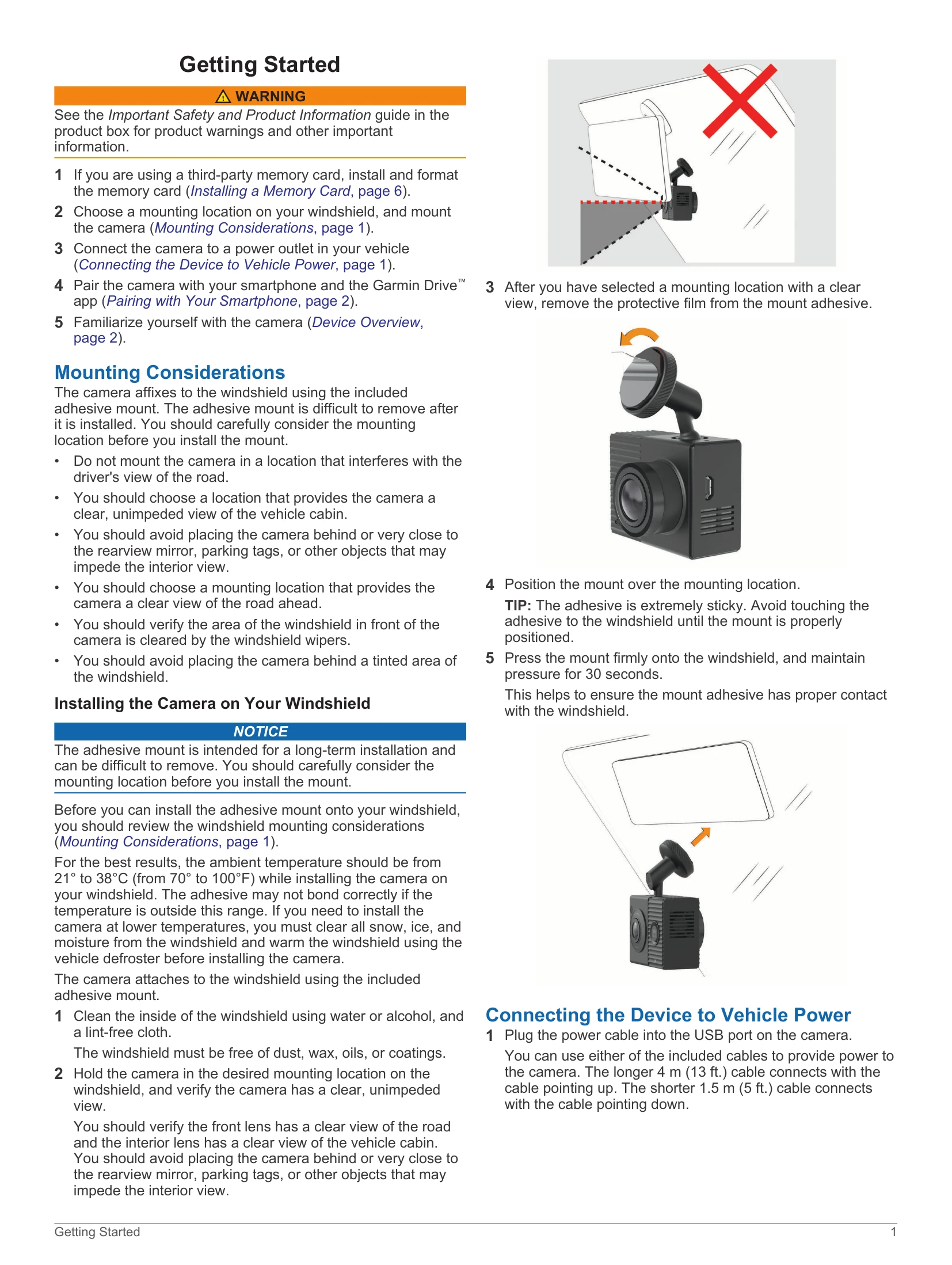
2. Choose a mounting location on your windshield and mount the camera.
3. Connect the camera to your vehicle's power outlet.
4. Pair the camera with your smartphone using the Garmin Drive app.
5. Familiarize yourself with the camera's features and overview.
The dash cam records video automatically when powered on. It saves footage of detected incidents and allows manual saving of videos and photos.
Use the Garmin Drive app to view live camera feeds, review saved footage on your smartphone, edit videos, and export them.
Control the camera using voice commands after pairing with your smartphone and setting the language.
Configure camera settings, video resolution, and other preferences via the Garmin Drive app.
Includes memory card specifications and lens cleaning instructions.
Addresses common issues like blurry or choppy recordings, and memory card problems.
| Issue | Solution |
|---|---|
| My camera feels warm while it is operating | It is normal for the device to become warm in automotive environments. Follow device use and care instructions. |
| My memory card has degraded and needs to be replaced | Format the memory card regularly (every six months). If an error occurs, format the card, and if necessary, replace it. Consider higher capacity, high-quality memory cards. |
| My video recordings are blurry | Clean the camera lenses. Clean the windshield in front of the camera. Ensure the windshield area in front of the camera is cleared by wipers. |
| My video recordings are choppy or incomplete | Use a high-quality memory card (Class 10 or higher). Try viewing videos in an area with less wireless interference or transfer them to your smartphone. Transfer important recordings and format the memory card. Update the device software. |