Brand: GE
Category: Digital Camera
Document Type:
Language: EN
Brand: GE
Category: Digital Camera
Document Type:
Language: EN
Uploaded: Aug. 9, 2025, 11:58 p.m.
Manual Publish Date: 2012-01-01
None
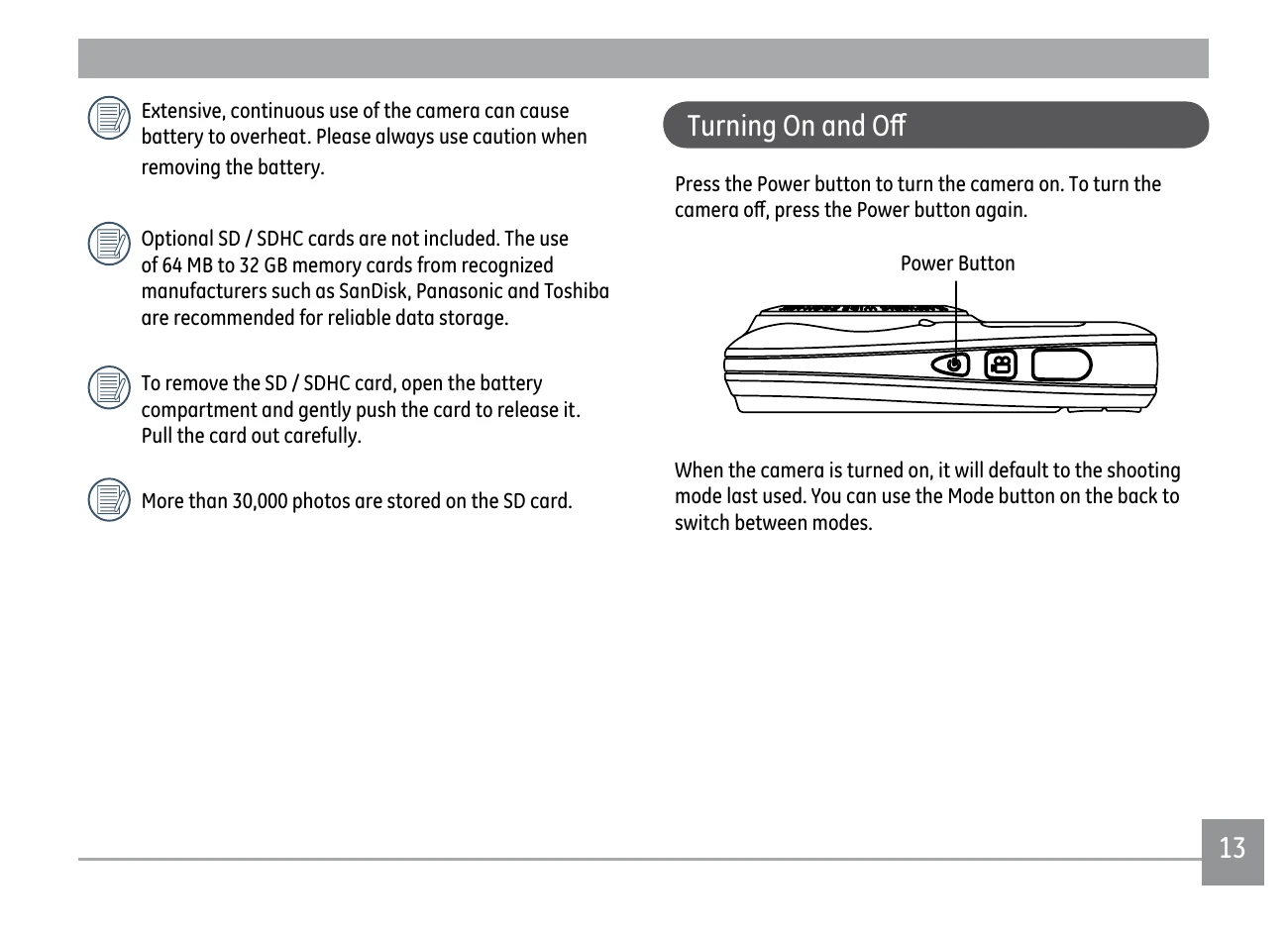
Press the Power button to turn the camera on. To turn the camera off, press the Power button again.

When the camera is turned on, it will default to the shooting mode last used. You can use the Mode button on the back to switch between modes.
The Date/Time and Language setup page will automatically appear when the camera is turned on for the first time.
1. In the General Setup menu, press Up/Down button to select Language, press SET or Right button to enter setting mode.
2. Use the Up/Down/Left/Right buttons to select the desired language.
3. Press the SET button to confirm the setting.
1. In the General Setup Menu, press Up/Down button to select Date/Time, press SET or Right button to enter setting mode.
2. Press Up/Down to select the date display mode, press right button to select the item to be set, press Up/Down button to select the required value.
3. Press the SET button to confirm the setting.
| Problem | Possible causes | Solution |
|---|---|---|
| Camera does not turn on. | • The battery has run out. • The battery is not inserted correctly. |
• Replace with a fully charged battery. |
| Camera turns off suddenly during operation. | • The battery has run out. | • Replace with a fully charged battery. |
| The picture is blurred. | • The lens is dirty. • [symbol] appears when taking pictures. |
• Use a soft cloth to clean the lens on your camera. • Use the Image Stabilization mode. |
| Images and video files cannot be saved. | • The memory card is full. | • Replace the memory card with a new one. • Delete unwanted images. • Unlock the memory card. |
| No picture is taken when pressing the Shutter button. | • The memory card is full. • No available space to store the files. • The mode dial is in Playback mode. |
• Replace the memory card with a new one or format the current memory card. • Delete unwanted images. • The memory card is locked. |