Brand: GE
Category: Digital Camera
Document Type:
Language: EN
Brand: GE
Category: Digital Camera
Document Type:
Language: EN
Uploaded: Aug. 9, 2025, 11:57 p.m.
Manual Publish Date: 2013-01-01
Warranty does not cover any type of data loss or corruption.
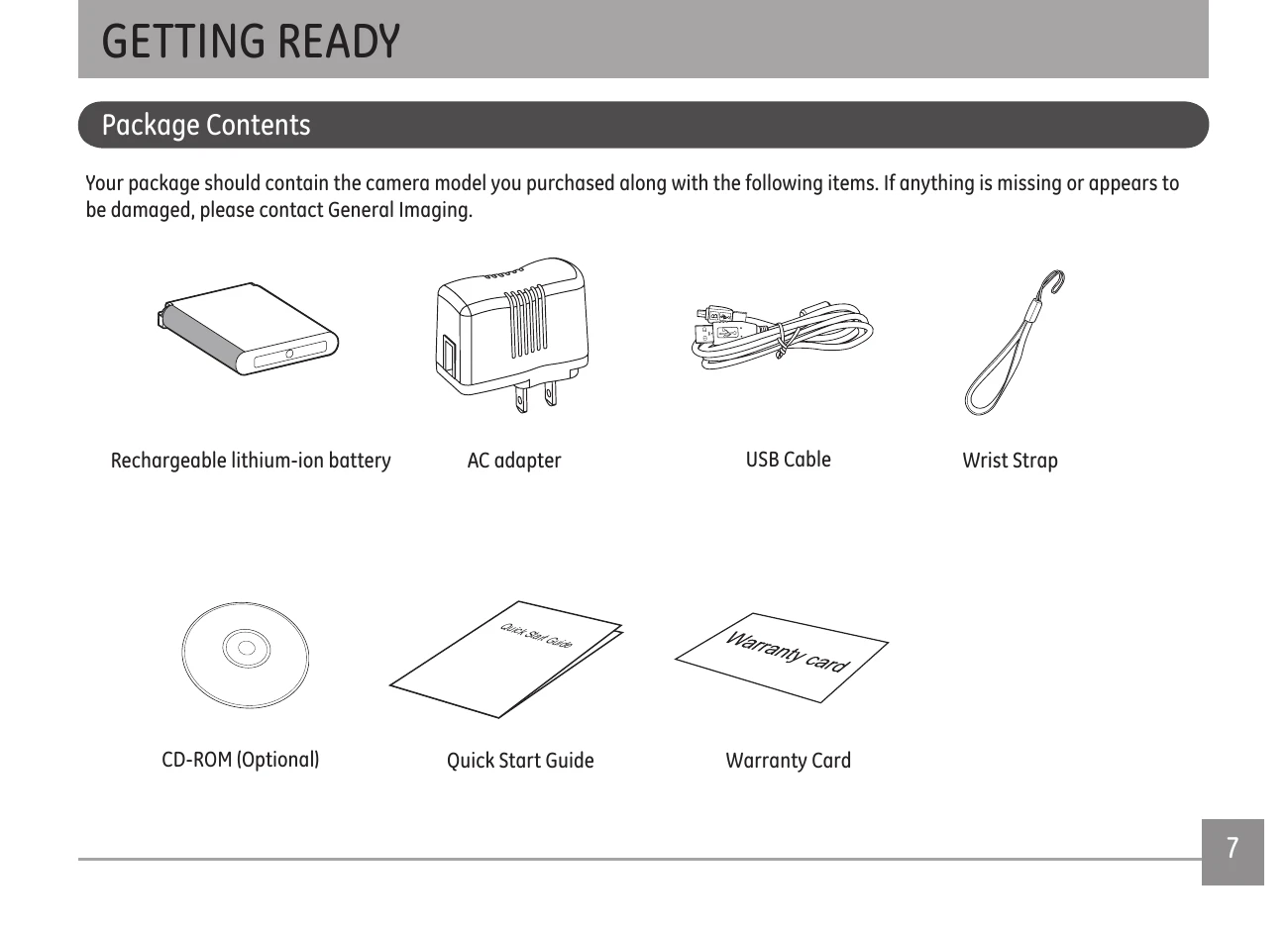
This manual guides you through using your GE digital camera. It covers package contents, camera views, battery charging, inserting memory cards, turning the camera on/off, and setting language and date/time.
Learn about display settings, accessing menus, shooting in different modes like Auto, Portrait, and Panorama, and using flash and self-timer functions.
Explore playback options, navigating menus for settings like image color and white balance, and connecting the camera to a PC or printer via PictBridge.
Find solutions to common problems such as the camera not turning on, blurred pictures, or issues with saving files or printing.
| Problem | Possible causes | Solution |
|---|---|---|
| Camera does not turn on. |
The battery has run out.
The battery is not inserted correctly.
|
Replace with a fully charged battery.
|
| Camera turns off suddenly during operation. |
The battery has run out.
|
Replace with a fully charged battery.
|
| The picture is blurred. |
The lens is dirty.
appears when taking pictures.
|
Use a soft cloth to clean the lens on your camera.
Use the Image Stabilization mode.
|
| Images and video files cannot be saved. |
The memory card is full.
|
Replace the memory card with a new one.
Delete unwanted images.
Unlock the memory card.
|
| No picture is taken when pressing the Shutter button. |
The memory card is full.
No available space to store the files.
The mode dial is in Playback mode.
|
Replace the memory card with a new one or format the current memory card.
Delete unwanted images.
The memory card is locked.
|