Brand: GE
Category: Microwave Oven
Document Type: Manual
Language: EN
Brand: GE
Category: Microwave Oven
Document Type: Manual
Language: EN
Uploaded: Nov. 21, 2025, 7:20 p.m.
Manual Publish Date: 1995-03-01
Full one-year warranty covering manufacturing defects, with an additional nine-year warranty on the magnetron tube.
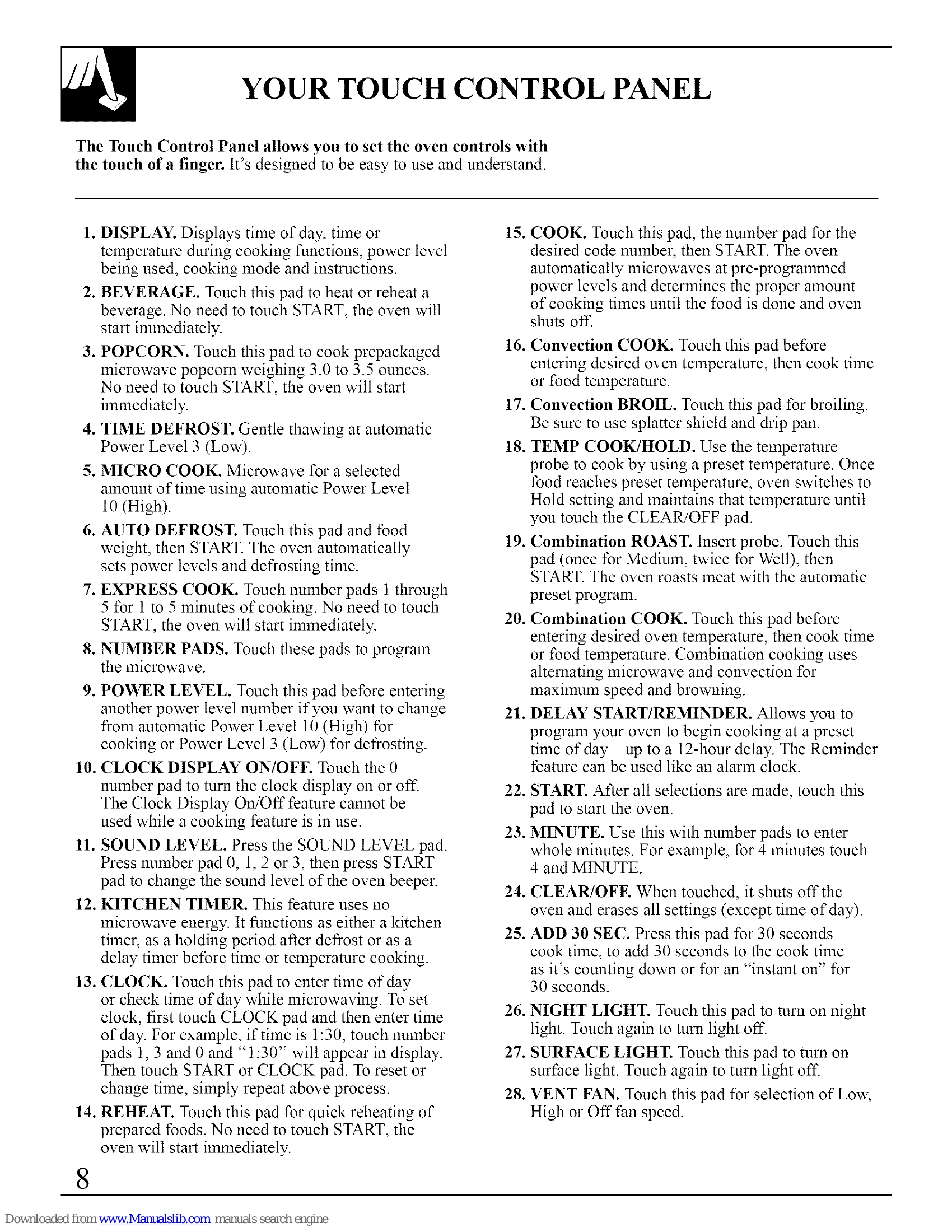
Microwave Cooking: Press MICRO COOK, set time, select power level (1-10), and press START. Micro Cook II allows for two different time/power level settings.
Convection Cooking: Press Convection COOK, set temperature, then time, and press START. Can preheat or cook without preheating.
Combination Cooking: Combines microwave and convection. Press Combination COOK, set temperature, then time, and press START. Can preheat or cook without preheating.
Sensor Cooking: Features like Popcorn, Beverage, Reheat, and Cook use a sensor to automatically adjust cooking time based on steam detection.
Defrosting: Use TIME DEFROST for general defrosting or AUTO DEFROST for specific food weights. Auto Defrost provides signals to turn or separate food.
Temperature Cooking: Use TEMP COOK/HOLD with a temperature probe to cook food to a specific internal temperature. The oven holds the temperature after reaching the set point.
Combination Roast: Uses both microwave and convection with a temperature probe for roasting.
Broiling: Use CONVECTION BROIL for high-heat cooking.
| PROBLEM | POSSIBLE CAUSE |
|---|---|
| OVEN WILL NOT COME ON | • A fuse in your home may be blown or the circuit breaker tripped. Replace fuse or reset circuit breaker. • Unplug your microwave/convection oven, then plug it back in. • Make sure 3-prong plug on oven is fully inserted into wall receptacle. |
| CONTROL PANEL LIGHTED, YET OVEN WILL NOT START | • Door not securely closed. • START pad must be touched after entering cooking selection. • Another selection entered already in oven and CLEAR/OFF pad not touched to cancel it. • Make sure you have entered cooking time or temperature after touching one of the cooking pads. • CLEAR/OFF pad was touched accidentally. Reset cooking program and touch START pad. |
| "PRObE" APPEARS ON DISPLAY | • Temperature probe not inserted properly or not being used during Combination Roast or Temp Cook/Hold. • Make sure you have entered a desired finished food temperature or oven temperature after setting temperature cooking programs. • Make sure you have entered a code number after touching Sensor COOK. |
| "Error" APPEARS ON DISPLAY | • Temperature probe is missing or not plugged in securely when using cooking functions that measure food temperature. • Temperature probe is inserted for a program that does not use the probe. |
| "HOT" APPEARS ON DISPLAY | • During Cook, Reheat, Beverage or Popcorn program, the door was opened before steam could be detected, or steam was not detected in maximum time. • This is normal when the temperature inside the oven is greater than 200 degrees and the door is opened. • One of the sensor cooking pads was touched when the temperature inside the oven was greater than 200 degrees. These features will not operate when the oven is hot. |
| FLOOR OF THE OVEN IS WARM, EVEN WHEN THE OVEN HAS NOT BEEN USED | • The cooktop lamp is located directly below the oven floor. When the lamp is on, the heat it produces makes the oven floor get warm. This is normal. |