Brand: GE
Category: Other
Document Type: Manual
Language: EN
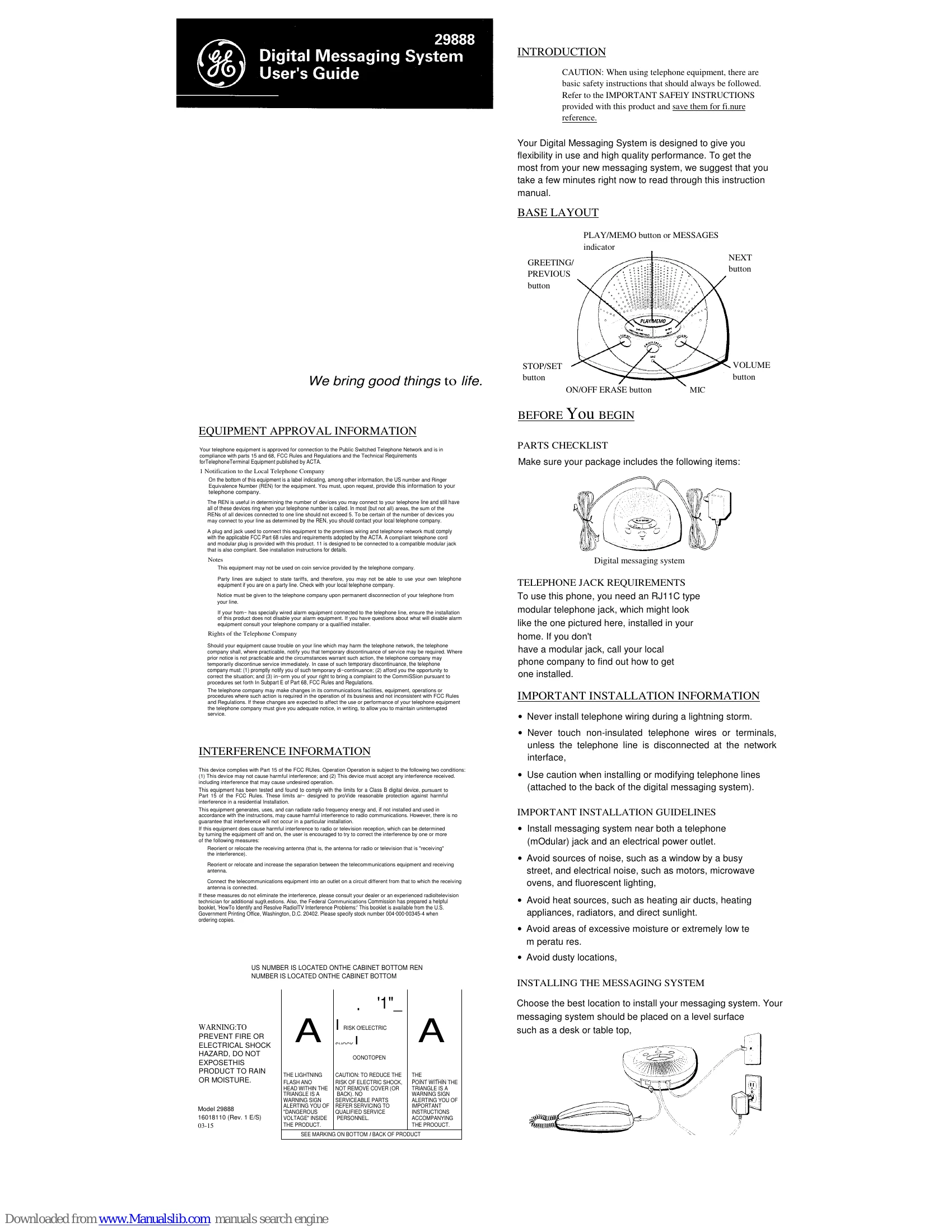
Brand: GE
Category: Other
Document Type: Manual
Language: EN
Uploaded: Nov. 21, 2025, 8:31 p.m.
One-year limited warranty covering defects in materials and workmanship.
Setting Up: Plug in the system, connect a phone, and record a greeting. Customize time/day, rings to answer, message length, and security code.
Recording/Reviewing Greeting: Press and hold GREETING/PREVIOUS to record. Press to review or hold ON/OFF ERASE to erase.
Playing Messages: Press PLAY/MEMO. Use GREETING/PREVIOUS to go back, NEXT to skip forward, or STOP/SET to stop.
Erasing Messages: Press ON/OFF ERASE during playback to erase individual messages. Press and hold ON/OFF ERASE when not playing to erase all old messages.
Leaving a Memo: Press and hold PLAY/MEMO to record a message for other users.
Screening Calls: Listen to callers leave messages. Pick up an extension phone to speak with them.
Remote Access: Call your number and enter your security code to access messages remotely.
Volume Control: Use the VOLUME button to adjust listening level.
| Problem | Solution |
|---|---|
| DOESN'T ANSWER, OR ANSWERS ON 10TH RING |
|
| INCOMING MESSAGES ARE INCOMPLETE |
|
| WON'T RESPOND TO REMOTE COMMANDS |
|
| MESSAGING SYSTEM DOESN'T WORK |
|
| CAN'T HEAR MESSAGES |
|
| CAN'T RESTART THE MESSAGE |
|
| MESSAGES INDICATOR FLASHES RAPIDLY |
|
| GREETING CONTINUES TO PLAY EVEN AFTER AN EXTENSION PHONE IS PICKED UP |
|