Brand: GE
Category: Television
Document Type: Manual
Language: EN
Brand: GE
Category: Television
Document Type: Manual
Language: EN
Uploaded: Nov. 21, 2025, 9:04 p.m.
Covers defects in materials/workmanship for 1 year parts, 2 years picture tube, 90 days labor.
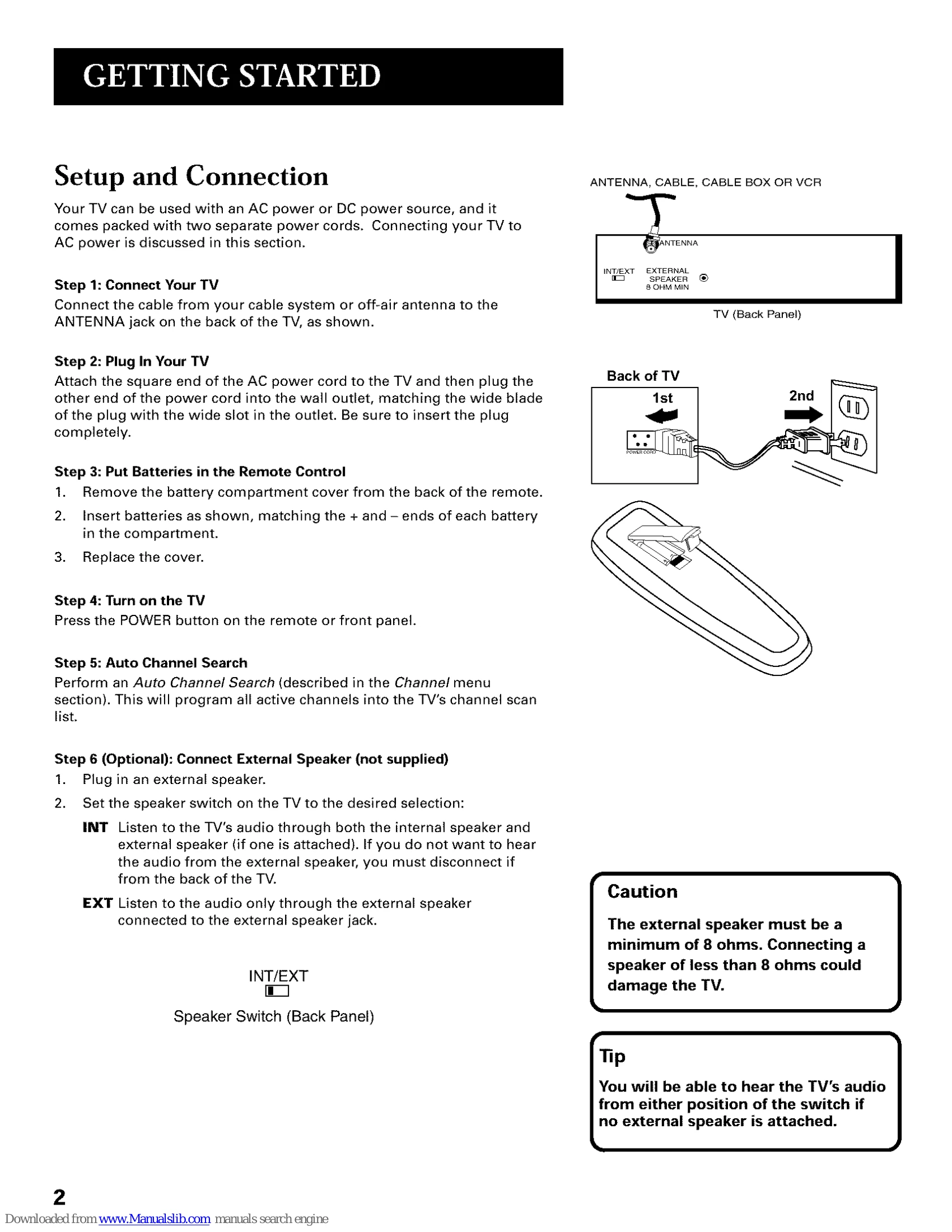
Connect the antenna/cable to the ANTENNA jack. Plug the TV into a power outlet. Insert batteries into the remote. Turn on the TV and perform an Auto Channel Search. Optionally, connect an external speaker.
Use POWER to turn on/off. PREV CH to switch between the last two channels. DISPLAY to show time/channel. MUTE to silence audio. CHAN ^/v to change channels or navigate menus. VOL +/- to adjust volume or menu settings. MENU to access main menu. RESET to restore picture settings. CLEAR to dismiss screen displays. Number buttons for direct channel access. INPUT to switch to channel 3. SKIP for commercial bypass.
Press MENU to access the TV Main Menu. Use CHAN ^/v to highlight options and MENU or the corresponding number button to select. Navigate Picture Quality, Screen, Channel, V-Chip Parental Controls, and Time menus to adjust settings.
| Problem | Possible Cause & Solution |
|---|---|
| TV will not turn on or controls don't work |
|
| Problems with remote |
|
| Turns on or off while playing |
|
| Blank screen or black box appears |
|
| No sound, picture okay |
|
| No picture, no sound, but power is on |
|
| Sound okay, picture poor |
|