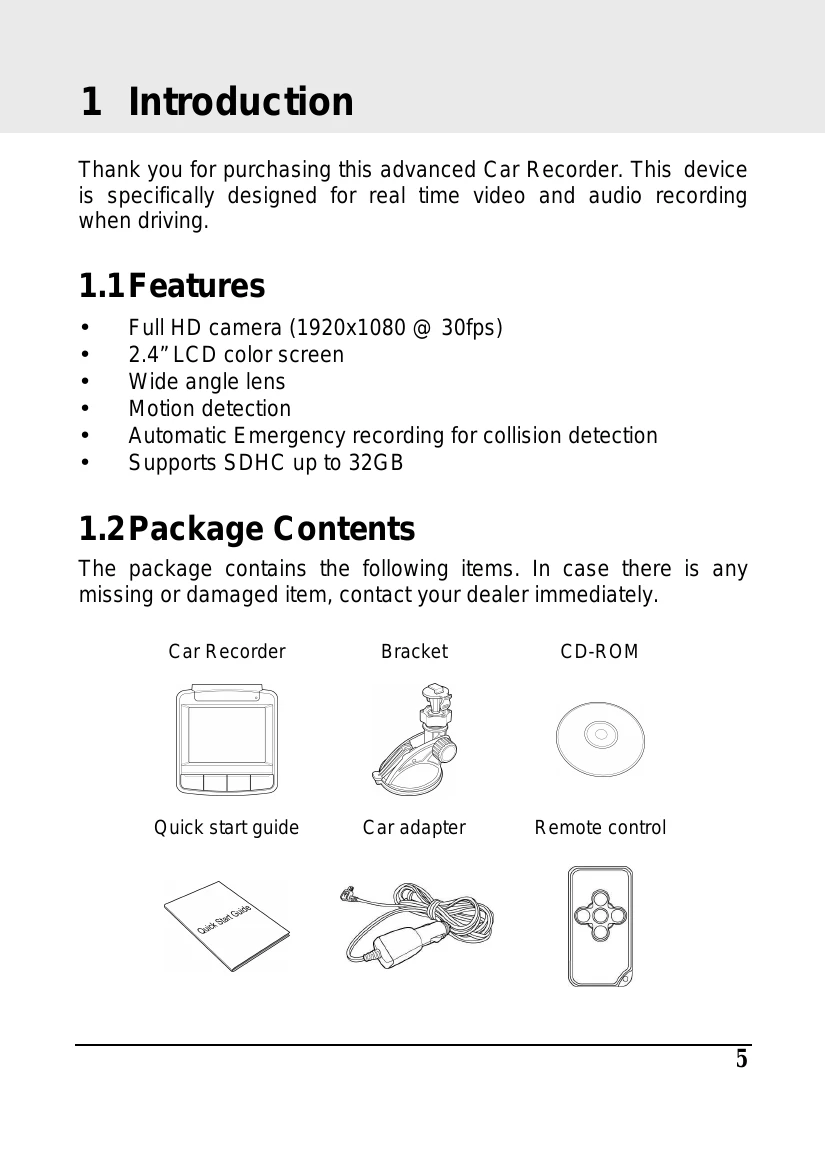
Introduction: Welcome to the advanced Car Recorder.
Getting Started: Insert memory card, install in vehicle, connect to power, and power on/off. Set initial settings like automatic recording and date/time.
Using the Car Recorder: Record videos while driving, other types of videos, or emergency recordings. Take snapshots. Playback videos and photos. Delete files.
Adjusting Settings: Customize video and general settings via OSD menus.
Installing Software: Install the provided CD ROM software.
SuperCar Software: Use the software to playback videos with GPS data, compass, and speed meter.
Specifications: Details on image sensor, effective pixels, storage, display, lens, movie clip, still image, shutter, G-Sensor, ISO, white balance, microphone, speaker, interface, battery, operating temperature, humidity, dimensions, and weight.