Brand: Generic
Category: Digital Camera
Document Type:
Language: EN
Brand: Generic
Category: Digital Camera
Document Type:
Language: EN
Uploaded: Aug. 9, 2025, 11:42 p.m.
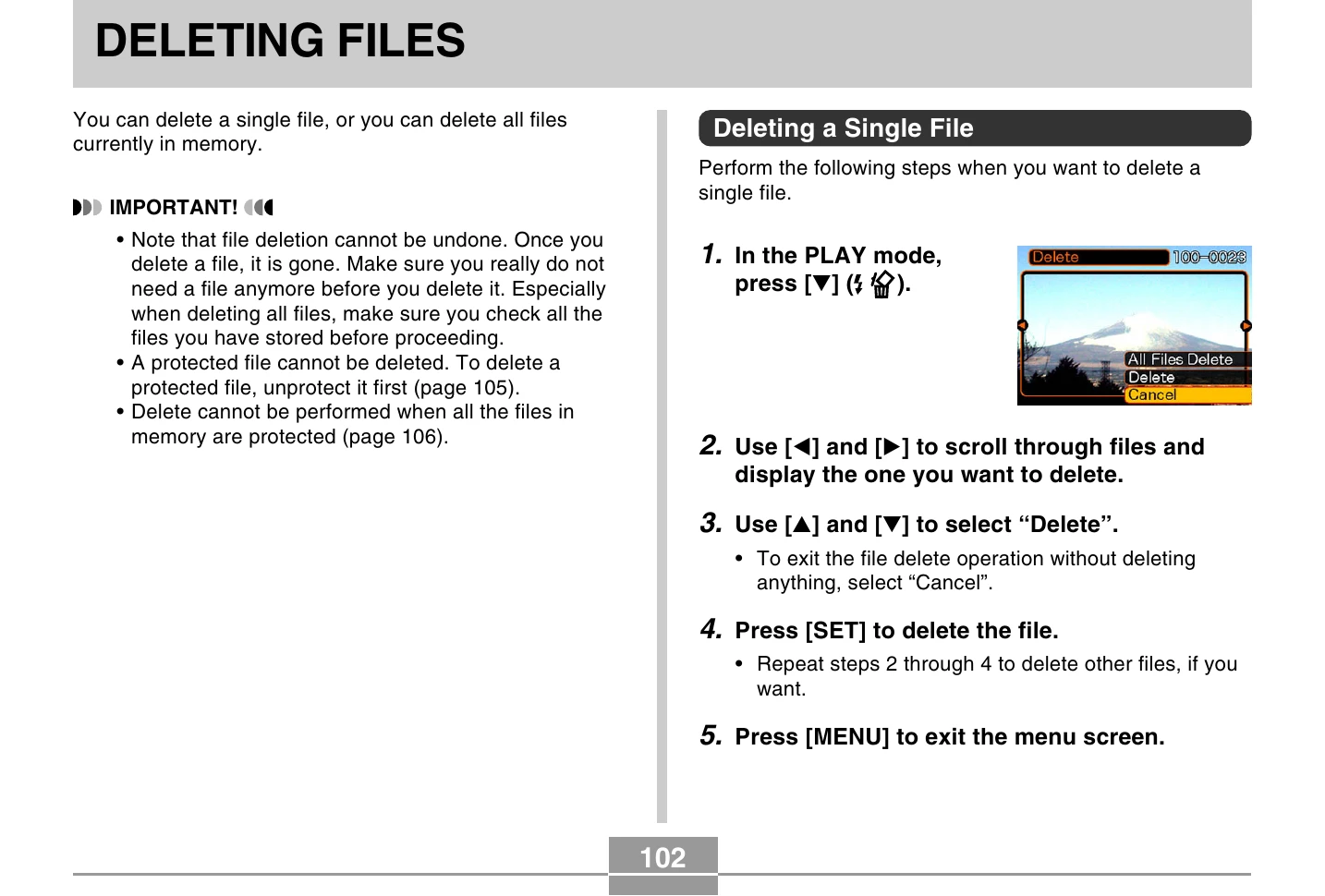
You can delete single files or all files. Deletion is irreversible. Protected files cannot be deleted. To delete protected files, unprotect them first.
The camera automatically creates folders (e.g., 100CASIO) and files (e.g., CIMG0026.JPG). You can protect files from deletion individually or all at once.
DPOF (Digital Print Order Format) allows you to specify images for printing and the number of copies. You can configure settings for single images or all images.
Connect your camera directly to a compatible printer using the USB cable to print images. DPOF settings determine which images are printed.
Copy important images to the FAVORITE folder for private storage. These images are not displayed during normal playback and are kept even when memory cards are changed.