Manual for E-54

Manual for E-54

Brand: Generic

Category: Digital Camera

Document Type:

Language: EN

Uploaded: Aug. 9, 2025, 11:43 p.m.
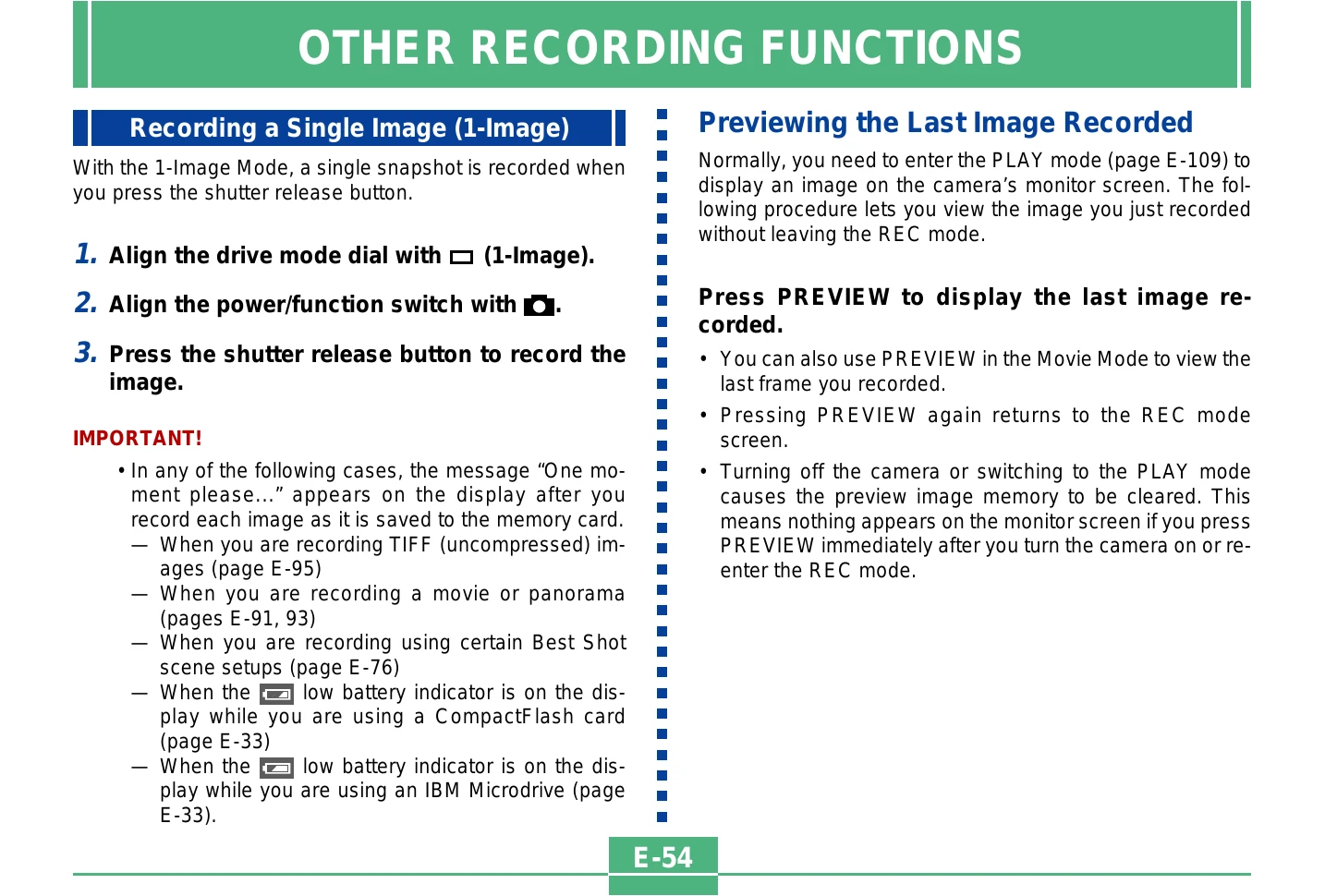
Recording a Single Image

  1. Align drive mode dial to 1-Image.
  2. Align power/function switch to ON.
  3. Press shutter release button to capture image.

Previewing the Last Image Recorded

  • Press PREVIEW to see the last recorded image without leaving REC mode.
  • Pressing PREVIEW again returns to REC mode.
  • Turning off the camera or switching to PLAY mode clears the preview image.

Deleting the Last Image Recorded

  1. In REC mode, press PREVIEW to display the last image.
  2. Press AE-L.
  3. Select "Yes" to confirm deletion.
  4. Click the control button to delete and return to REC mode.

Selecting the Flash Mode

  1. Align power/function switch to ON.
  2. Press [flash icon] to cycle through flash modes and select desired one.

Adjusting the Flash Intensity

  1. Align power/function switch to ON.
  2. Press MENU.
  3. Select "Flash Intensity" and navigate with control button.
  4. Select desired intensity (Strong, Normal, Weak) and confirm.
  5. Press MENU to exit.

Changing the Sync Speed

  1. Align power/function switch to ON.
  2. Press MENU.
  3. Select "Sync Speed" and navigate with control button.
  4. Select desired sync speed (Fast, Normal, Slow) and confirm.
  5. Press MENU to exit.
Privacy Policy