Brand: Generic
Category: Digital Camera
Document Type:
Language: EN
Brand: Generic
Category: Digital Camera
Document Type:
Language: EN
Uploaded: Aug. 9, 2025, 11:43 p.m.
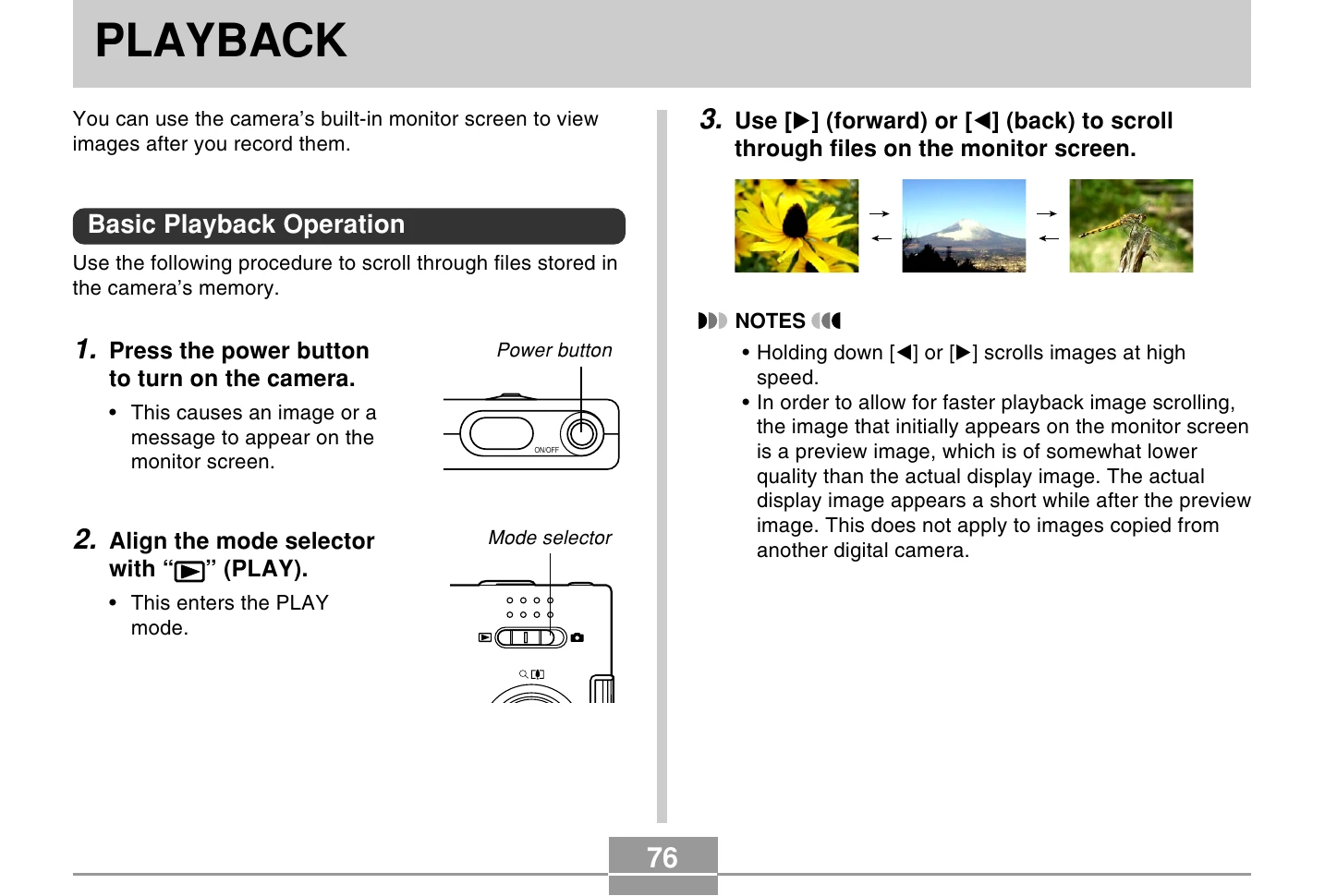
Basic Playback Operation: To view images, turn on the camera by pressing the power button, then align the mode selector to PLAY. Use the Left/Right directional buttons to scroll through images. Holding down these buttons scrolls at high speed. The image displayed may be a lower quality preview that updates to a higher quality image shortly after.
Audio Snapshot (EX-M20U Only): In PLAY mode, use Left/Right buttons to find the image, then press SET to play its associated audio. While audio plays, use Left/Right to fast forward/reverse, SET to pause/unpause, Up/Down to adjust volume, and MENU to cancel.
Flipping Display: In PLAY mode, find the image, then press the shutter release and SET simultaneously to flip it 180 degrees. Use Left/Right to scroll flipped images. Press any other button to return to normal orientation.
Zooming: In PLAY mode, find the image, press UP to enlarge (up to 4x). Use SET then directional buttons to scroll the zoomed image. Press MENU to return to original size.
Resizing Images: In PLAY mode, go to MENU > PLAY > Resize. Select desired size (SXGA or VGA) and press SET. Resizing creates a new file; original remains.
Cropping: In PLAY mode, go to MENU > PLAY > Trimming. Use directional buttons to set the cropping boundary, press DISP to lock size, then move the boundary to select the area. Press SET to crop.
Calendar Screen: In PLAY mode, go to MENU > PLAY > Calendar. Use directional buttons to select a date and view the first image recorded on that date.
Slide Show: In PLAY mode, go to MENU > PLAY > Slideshow. Configure images, time, and interval settings. Press SET to start. Press SET again to stop.
Photo Stand Feature: With the camera off, place it on the USB cradle and press the [PHOTO] button to start a slideshow. Press [MENU] to configure settings. Press [PHOTO] again to stop.
Rotating Image: In PLAY mode, go to MENU > PLAY > Rotation. Select image and press UP to rotate 90 degrees right. Press MENU to exit.
Image Roulette: Align mode selector to PLAY. With the camera off, hold LEFT and press power to start. Images scroll randomly. Press Left/Right to restart. Align mode selector to REC or power off to stop.
Adding Audio: In PLAY mode, select image, go to MENU > PLAY > Dubbing. Press shutter to start recording up to 30 seconds of audio. Recording stops automatically or when shutter is pressed again.
Re-record Audio: In PLAY mode, select image, go to MENU > PLAY > Dubbing. Select 'Delete' and press SET to delete existing audio. Press shutter to start new recording.
Voice Recording File Playback: In PLAY mode, use Left/Right to find voice file, press SET to play. Use controls for playback options.
Deleting Files: In PLAY mode, press DOWN to access delete options. Select 'Delete this file' or 'All Files Delete', then follow prompts to confirm deletion.