Brand: Generic
Category: Digital Camera
Document Type:
Language: EN
Brand: Generic
Category: Digital Camera
Document Type:
Language: EN
Uploaded: Aug. 9, 2025, 11:40 p.m.
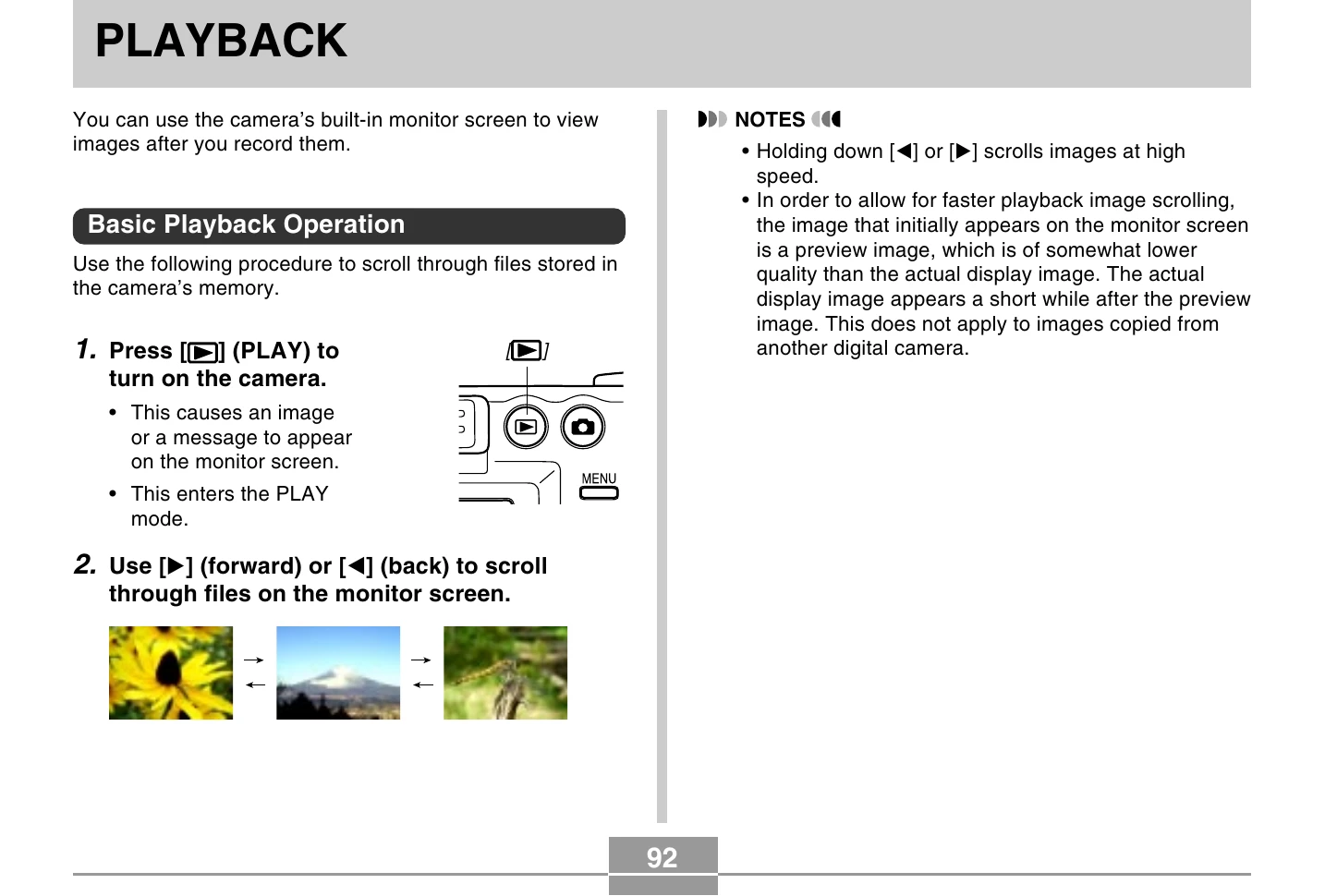
Press the PLAY button to turn on the camera and enter PLAY mode. Use the forward [] or back [] buttons to scroll through stored files on the monitor screen. Holding down these buttons scrolls images at high speed.
In PLAY mode, use [] and [] to display the desired image. Slide the zoom controller towards
Navigate to PLAY mode, press MENU, select the "PLAY" tab, choose "Resize", and press [►]. Use [] and [▷] to select an image. Use [▲] and [▼] to choose between SXGA (1280x960) or VGA (640x480) and press [SET].
In PLAY mode, select an image using [] and [▷]. Press MENU, select the "PLAY" tab, choose "Trimming", and press [►]. Use the zoom controller to adjust the cropping boundary and directional buttons to position it. Press SET to extract the cropped portion.
In PLAY mode, use [] and [] to scroll to the movie. Press SET to start playback. While playing, fast forward/reverse with held [] or [], pause/unpause with SET, and skip frames with [] or []. Press MENU to cancel.
In PLAY mode, slide the zoom controller towards
In PLAY mode, slide the zoom controller towards
In PLAY mode, press MENU, select "PLAY" tab, "Rotation", and press [►]. Scroll through images using [] and [▷]. Select "Rotate" and press SET to rotate the image 90 degrees right.
With the camera off, hold down [] and press (PLAY) to turn it on. Images scroll randomly. Press [] or to restart. Press [O] (REC) or the power button to turn off Image Roulette.