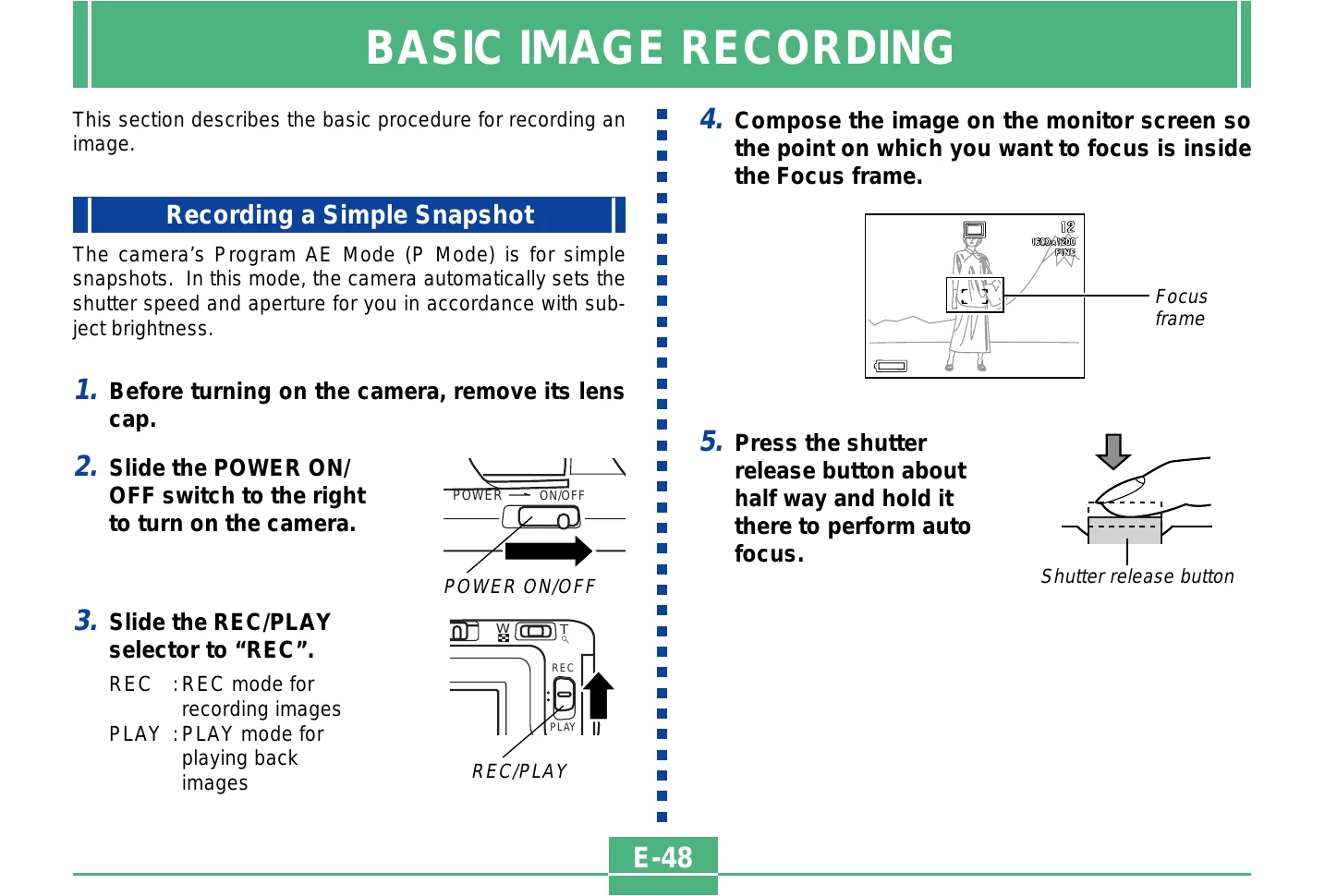
Recording a Simple Snapshot: Remove lens cap, turn camera ON, slide REC/PLAY selector to "REC". Compose image, press shutter halfway to focus, then fully to record.
Using Zoom: Enter REC mode, slide zoom slider to T (telephoto) to zoom in or W (wide-angle) to zoom out.
Using the Flash: Enter REC mode, press the flash button to cycle through modes (Auto Flash, Flash Off, Flash On, Red-eye Reduction).
Focus Modes: Enter REC mode, press /∞/MF RESIZE to cycle through Auto Focus, Macro, Infinity, and Manual Focus.
Playback: Slide REC/PLAY selector to "PLAY", use [+] and [-] to scroll through images.
Movie Playback: Enter PLAY mode, scroll to movie, press shutter release to play.
Panorama Playback: Enter PLAY mode, scroll to panorama, press shutter release to play.
Enlarging Playback: Enter PLAY mode, display image, slide zoom slider to enlarge.
9-image View: Enter PLAY mode, slide zoom slider to W (WIDE) to display nine images.
Displaying Histogram: Enter PLAY mode, display image, press SHIFT INFO until histogram appears.
Slide Show: Enter PLAY mode, press MENU, select "SLIDE SHOW", press shutter release.
Resizing Image: Enter PLAY mode, display image, press /∞/MF RESIZE, confirm "Yes" to resize.
Cropping Image: Enter PLAY mode, display image, zoom in, use controls to crop, press shutter release, confirm "Yes".