Brand: Generic
Category: Digital Camera
Document Type:
Language: EN
Brand: Generic
Category: Digital Camera
Document Type:
Language: EN
Uploaded: Aug. 9, 2025, 11:41 p.m.
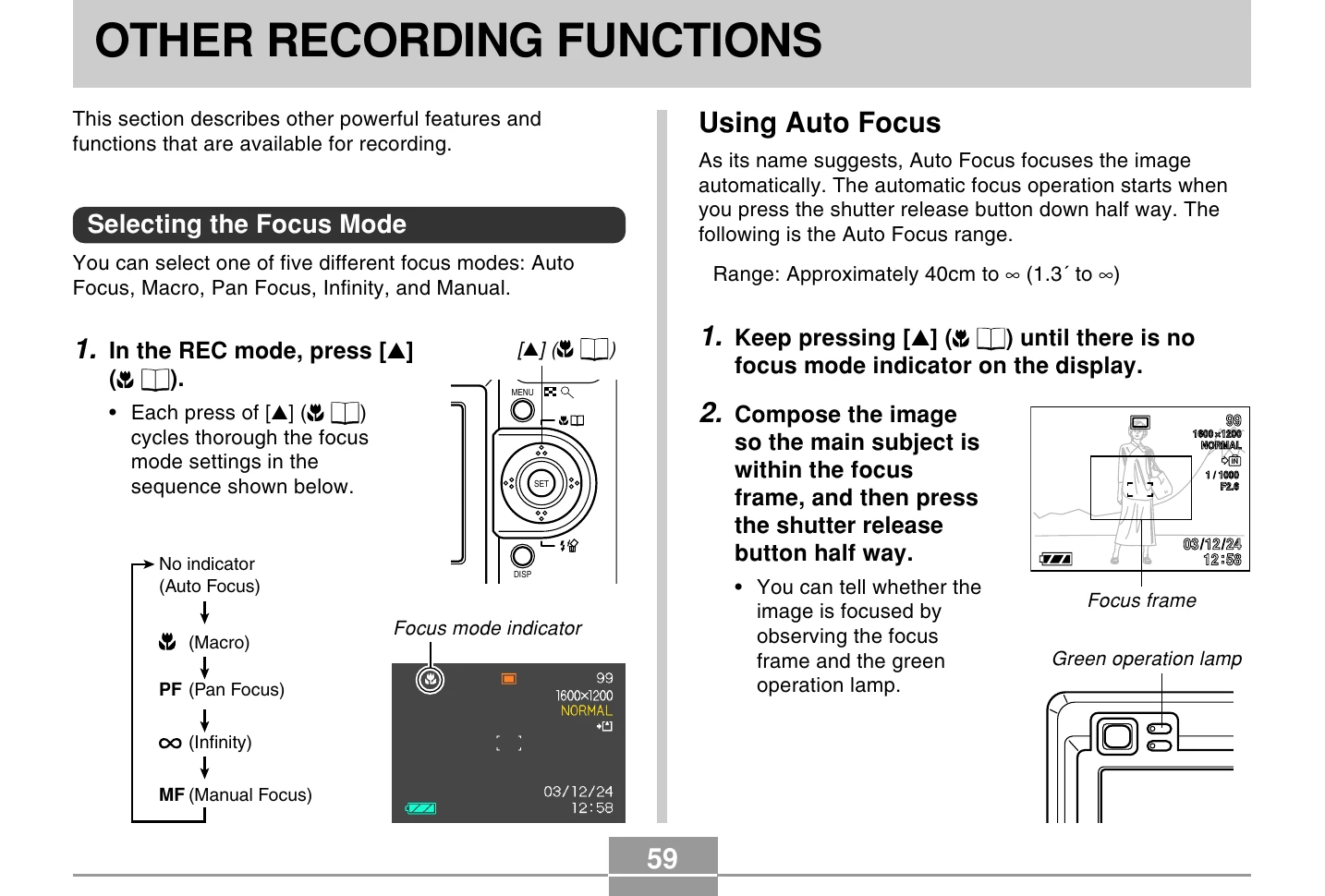
This camera offers five focus modes: Auto Focus, Macro, Pan Focus, Infinity, and Manual. Each mode is selected by pressing the "▲" button. Auto Focus automatically adjusts focus, starting when the shutter release is pressed halfway. Macro mode is for close-up subjects. Pan Focus fixes focus for a specific distance without autofocus. Infinity mode fixes focus on distant subjects. Manual Focus allows for manual adjustment.
You can specify the AF area as "Spot" for a limited central range or "Multi" for automatic selection of the closest subject. This setting can be accessed through the MENU under the "REC" tab.
Adjust the exposure level manually using EV Shift to compensate for lighting conditions. Range is -2.0EV to +2.0EV in 1/3EV steps.
Adjust white balance to compensate for different lighting conditions to achieve natural colors. Options include Auto, various presets for daylight, shade, incandescent, and fluorescent lights, and a Manual setting for precise control.
Choose from 21 pre-set scenes to automatically configure camera settings for various shooting situations like Portrait, Scenery, or Night Scene. You can also create and save your own BESTSHOT setups.
Record movies with audio up to 60 seconds long in AVI format (Motion JPEG). Optical zoom is disabled during movie recording.
Add audio to snapshots (up to 30 seconds) or record voice memos (up to 40 minutes). Ensure the microphone is not blocked.
Display a histogram to check exposure conditions. A left-skewed histogram indicates dark areas, a right-skewed histogram indicates bright areas, and a centered histogram suggests optimal lightness.
Customize settings like ISO sensitivity, grid display, image review, L/R key functions, power-on defaults, and reset the camera to factory settings.