Brand: Generic
Category: Home Appliances
Document Type: Manual
Language: EN
Brand: Generic
Category: Home Appliances
Document Type: Manual
Language: EN
Uploaded: Sept. 12, 2025, 4:23 a.m.
Manual Publish Date: 2002-01-01
This manual does not contain specific warranty period information.
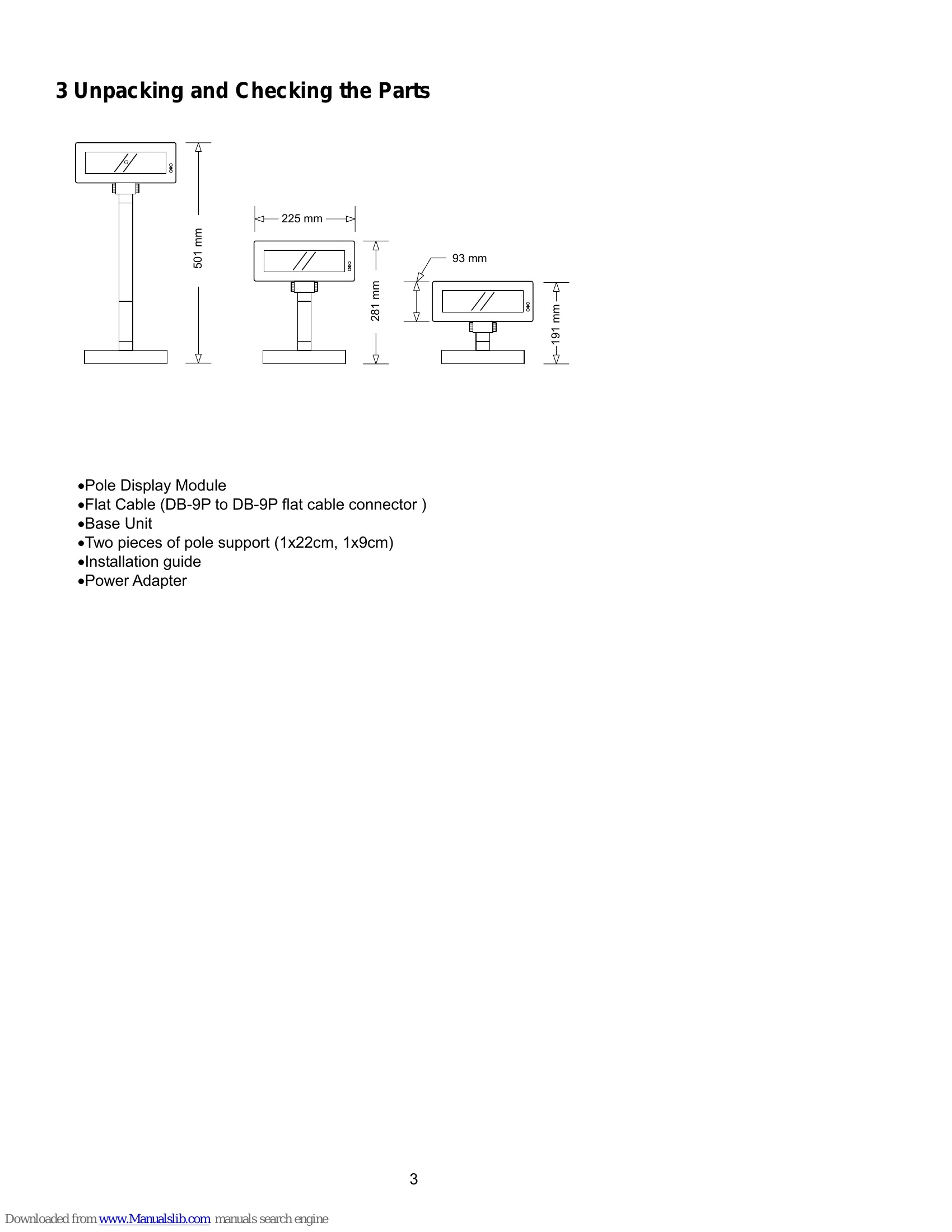
The P07303 Stand Alone VFD Pole Display features a 20-column x 2-line display with a blue-green color for easy readability. It supports various command emulation modes (POS7300, CD5220 II, ADM787, UTC, AEDEX, Epson, DSP800) and allows for user-defined characters and messages. The display offers RS-232C interface with selectable baud rates from 4800 to 38400 bps, and an optional RS485 interface for linking up to 256 displays. It also includes a pass-through function for connecting to a printer. The device can be configured via DIP switches and software settings for command type, baud rate, parity, and international character set. User-defined characters can be designed and downloaded to the display, and the display area can be controlled using a window function.
| Command | Code (hex) | Function Description |
|---|---|---|
| CLR | 0C | Clear display screen. |
| CAN | 18 | Clear cursor line, and clear string mode |
| ESC DC1 | 1B 11 | Overwrite mode |
| ESC DC2 | 1B 12 | Vertical scroll mode |
| ESC DC3 | 1B 13 | Horizontal scroll mode |
| ESC QA.. CR | 1B 51 41 [n]x20 0D | Set the string display mode, write string to upper line. |
| ESC Q B.. CR | 1B 51 42 [n]x20 0D | Set the string display mode, write string to lower line. |
| ESC Q D.. CR | 1B 51 44 [n]xm 0D | Upper line message scroll continuously |
| US MD2 n | 1F 02 n | Message vertical down scroll continuously |
| US MD1 n | 1F 01 n | Message vertical upper scroll continuously |
| US DC1 n | 1F 11 n | Set line blinking |
| US DC2 n | 1F 12 n | Clear line blinking |
| US E n | 1F 45 n | Blink display screen |
| NULL H | 0 48 | Move cursor up |
| NULL K | 0 4B | Move cursor left |
| NULL M | 0 4D | Move cursor right |
| NULL P | 0 50 | Move cursor down |
| NULL G | 0 47 | Move cursor to left-most position |
| NULL O | 10 4F | Move cursor to right-most position |
| BS | 08 | Back space |
| HT | 09 | Horizontal tab |
| LF | 0A | Line feed |
| HOM | 0B | Move cursor to home position |
| CR | 0D | Carriage return |
| CAN | 18 | Clear cursor line, and clear string mode |