Brand: Generic
Category: Home Appliances
Document Type: Manual
Language: EN
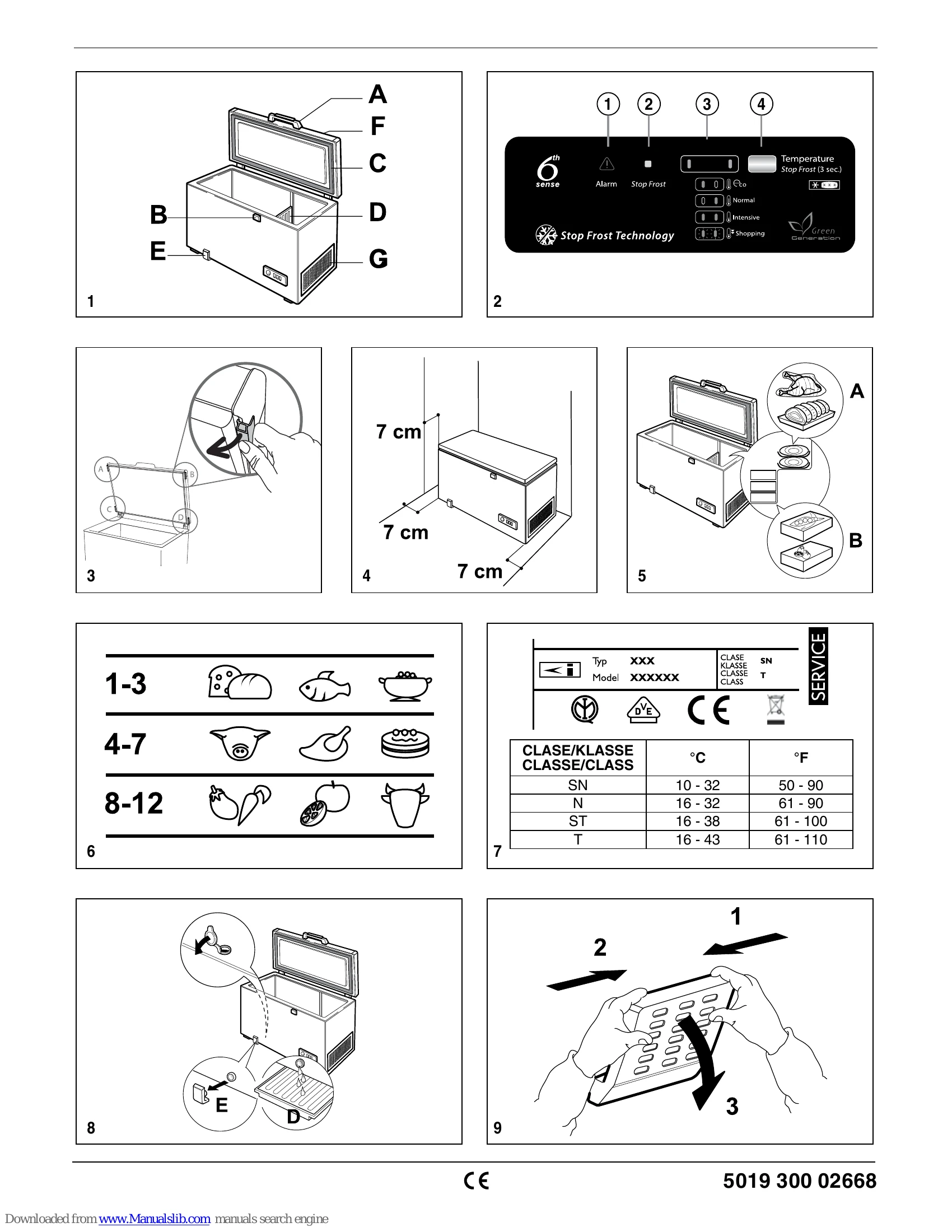
Brand: Generic
Category: Home Appliances
Document Type: Manual
Language: EN
Uploaded: Nov. 21, 2025, 6:33 p.m.
| Issue | Possible Cause | Solution |
|---|---|---|
| 1. The red light blinks. | • Power failure? • Defrost in progress? • Lid not closed properly? • Product near heat source? • Ventilation grille and condenser dirty? |
Check power. Wait for defrost to finish. Close lid properly. Move product away from heat. Clean grille and condenser. |
| 2. All indicator lights blink together. | Contact After-Sales Service. | |
| 3. The product is excessively noisy. | • Product not horizontal? • Product touching other objects? • Packing not removed from base? |
Level the product. Adjust position. Remove packing. |
| 4. The indicator lights are off and the product does not work. | • Power failure? • Plug not inserted properly? • Electrical cable intact? |
Check power. Insert plug properly. Check cable. |
| 5. The indicator lights are off and the product works. | Contact After-Sales Service. | |
| 6. The compressor runs continuously. | • Hot foods placed inside? • Lid left open for long time? • Product in very warm room or near heat source? • "Shopping" function activated? |
Allow hot foods to cool. Close lid. Move product or reduce heat. Deactivate "Shopping" function. |
| 7. Too much ice on the top edges. | • Defrost water drain plugs not positioned correctly? • Lid not closed properly? • Lid seal damaged/twisted? • 4 spacers not removed? • STOP FROST function on? • ICE BOX (M) and cone (L) not free of ice? |
Position plugs correctly. Close lid properly. Check/replace seal. Remove spacers. Deactivate STOP FROST. Clean ICE BOX (M) and cone (L). |
| 8. Condensation on the external walls. | High humidity or damp location. | Normal phenomenon. |
| 9. Frost layer not uniform. | Normal phenomenon. | |
| 10. The ICE BOX does not collect ice. | STOP FROST hole obstructed. | Ensure STOP FROST hole is clear. |