Brand: Generic
Category: Mobile Phone
Document Type: Manual
Language: EN
Brand: Generic
Category: Mobile Phone
Document Type: Manual
Language: EN
Uploaded: Nov. 21, 2025, 6:16 p.m.
Manufacturer disclaims liability for damage from improper use; use contrary to manual instructions is not covered.
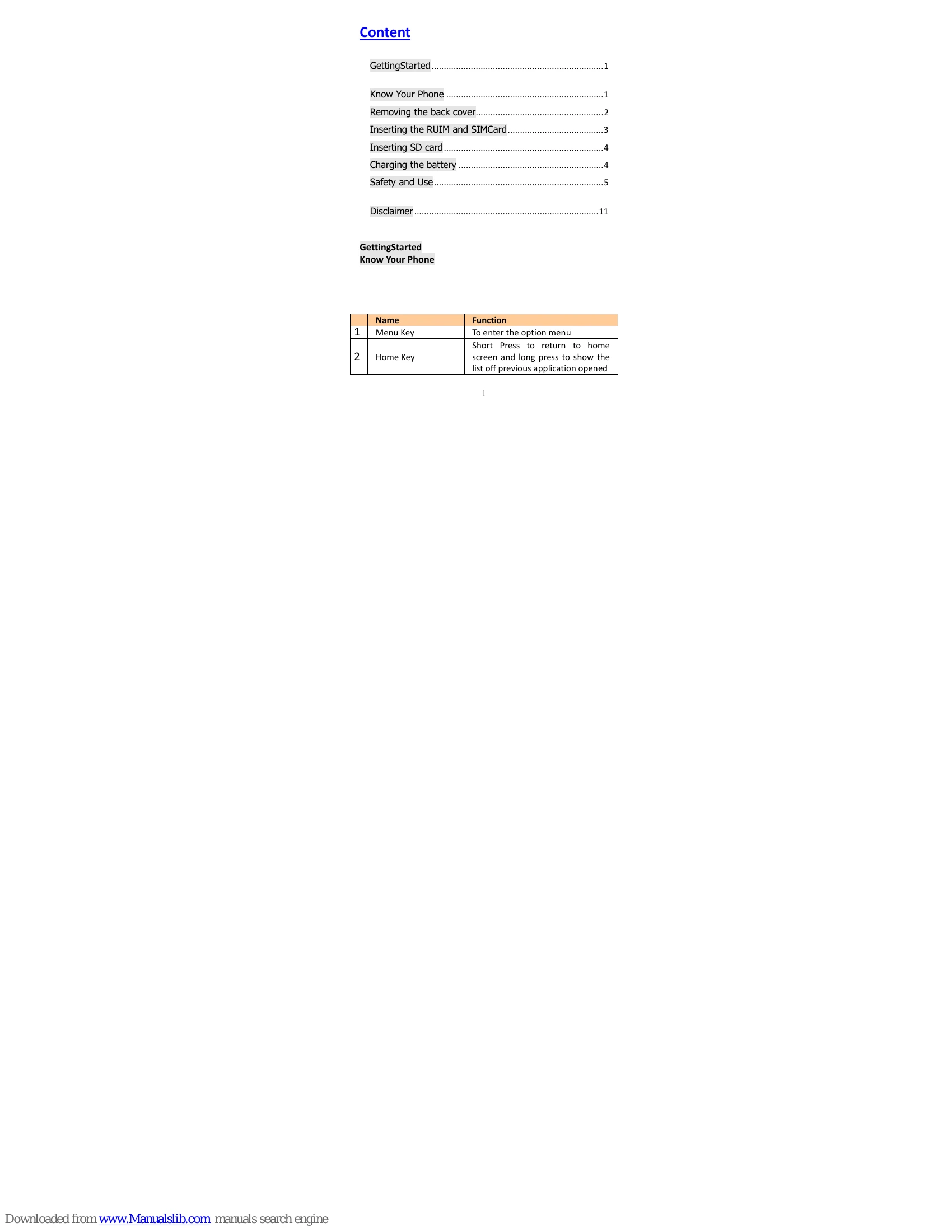
| # | Name | Function |
|---|---|---|
| 1 | Menu Key | To enter the option menu |
| 2 | Home Key | Short Press to return to home screen and long press to show the list off previous application opened |
| 3 | Return Key | Return to the previous menu or screen |
| 4 | Sensors | None. |
| 5 | EarPiece/LoudSpeaker | 1. Receiver the voice. To hear the voice of the other side when calling 2. To listen to music and other sounds offered by your phone. |
| 6 | Power Key | Long press To turn on / off the phone from, and short press to turn on / off the screen backlight or screen lock the phone |
| 7 | Earphone Jack | To connect your 3.5" hands free or audio port to connect an earphone, so you can listen to music/radio. |
| 8 | Micro-USB Port | To connect the charger or data cable to connect charger or USB data cable for data exchange. |
| 9 | Volume keys | To adjust the ringer volume, adjust the voice volume during a call, and adjust media volume |
| 10 | Flash Light | Brighten the environment when you capture images. |
| 11 | Rear Camera | Capturing images using rear camera |