Brand: Haier
Category: Mobile Phones
Document Type: Manual
Language: EN
Brand: Haier
Category: Mobile Phones
Document Type: Manual
Language: EN
Uploaded: Nov. 21, 2025, 7:14 p.m.
No warranty information is provided in the excerpt.
1. GETTING STARTED
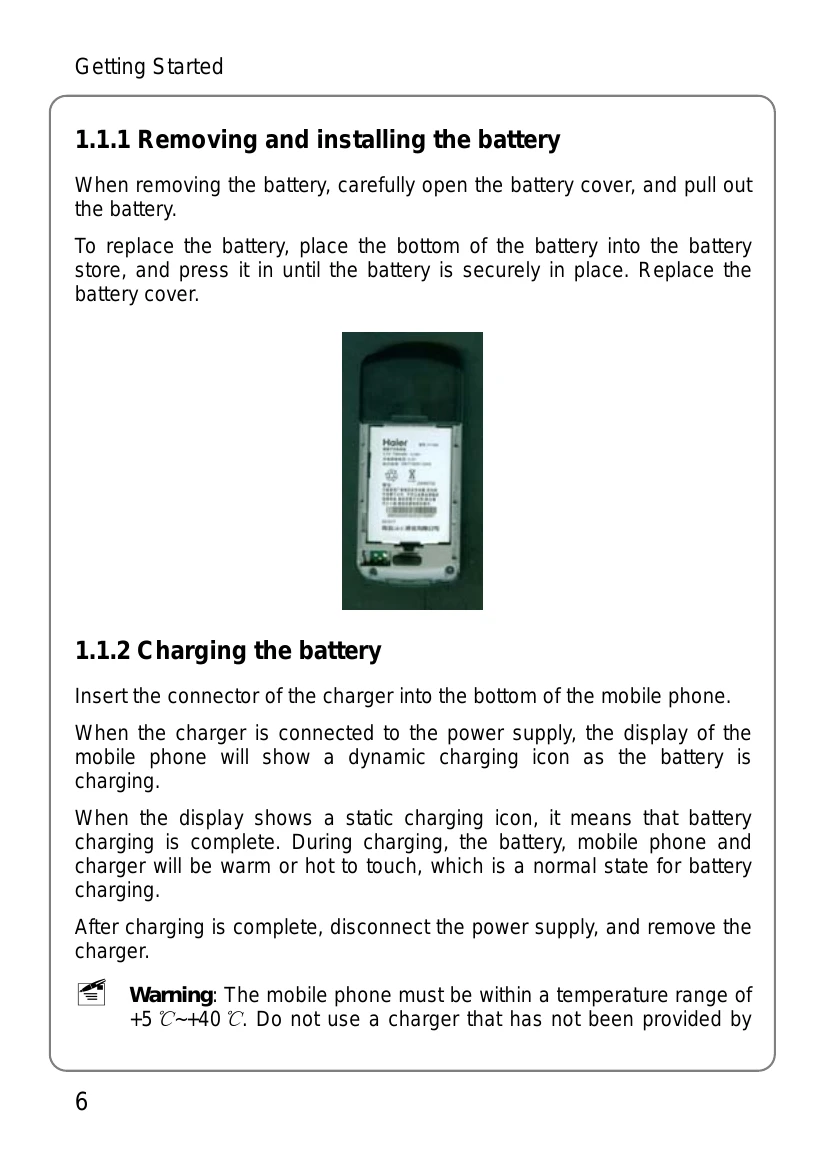
This section guides users through initial setup, including battery installation and charging, UIM card insertion and connection to the network, understanding the standby screen and its symbols, and a detailed explanation of button functions for navigation and operation. It covers essential functions like power on/off, dialing, and basic menu navigation.
2. DIALING AND ANSWERING
Covers the fundamental phone operations: powering the device on/off, making calls directly, from the phone book, or by location. It also details how to answer calls, manage in-call options such as adjusting volume, hanging up, and initiating new calls or call meetings.
3. MENU OPERATION
Explains the phone's menu structure, how to navigate through menus, and provides a comprehensive list of menu functions for accessing various features.
| Issue | Solution |
|---|---|
| The phone cannot power on: | If the power of battery is too low to dial, it will automatically power off. Please charge the battery and then power on. |
| Other parties are receiving my incoming calls: | The phone have been transferred your incoming calls to another number; check and cancel Call Forwarding. |
| Message display: | During the operation, the phone may display incorrect operation messages; check the UIM card. You must insert the UIM card before powering on. If the card has been inserted, please take it out. Wipe the golden metal area with dry cloth, and insert the card. |
| No Service: | You may be beyond the network service area (or there is physical barrier between you and a signal tower); this will prevent successful dialing or answering of incoming calls. |
| Input PUK code: | The wrong password of the PIN code has been input three times, or if the UIM card has been locked, you must apply for the especial 8 digit PUK code to unlock UIM card from the network carrier. |