Brand: Handheld
Category: Rugged Mobile Computer
Document Type:
Language: EN
Brand: Handheld
Category: Rugged Mobile Computer
Document Type:
Language: EN
Uploaded: Aug. 10, 2025, 12:08 a.m.
This manual does not contain specific warranty period information. Please refer to your purchase documentation.
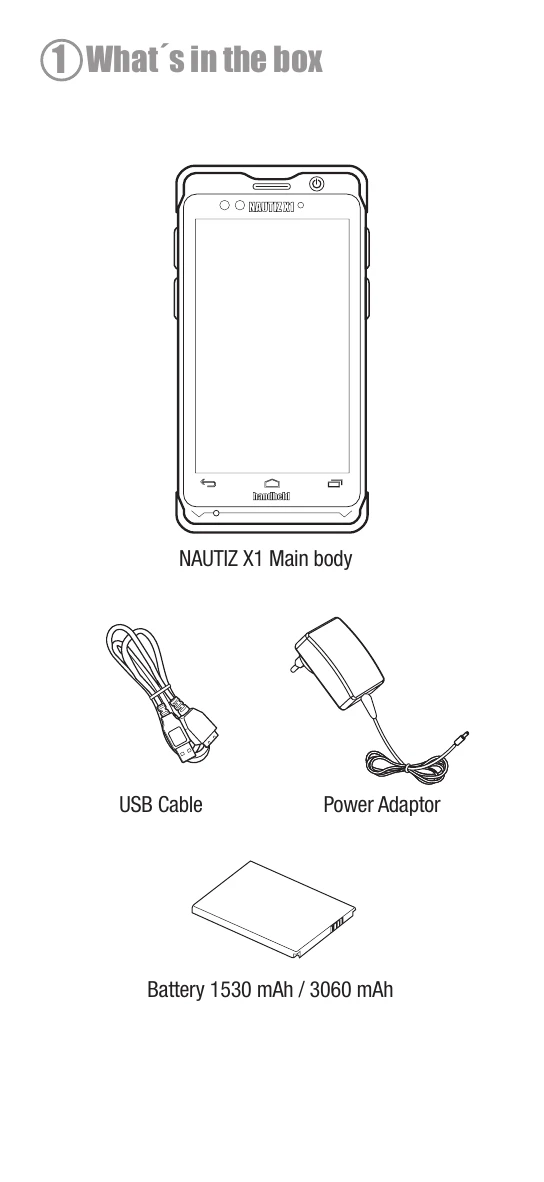
1. Unboxing: Familiarize yourself with the contents of the box, including the main unit, USB cable, power adapter, and battery (1530 mAh or 3060 mAh).
2. Device Overview: Identify the front-side components such as the display, power button, volume controls, microphone, speaker, and sensors. The back side features the camera, flash, headphone jack, micro USB connector, and docking connector.
3. Installing SIM and Micro SD Cards: Open the back cover by unlocking the locks. Insert the SIM card and micro SD card into their respective slots. Close and lock the back cover securely.
4. Installing the Battery: With the back cover open, insert the battery (either 1530 mAh or 3060 mAh) into its compartment. Close and lock the back cover.
5. Charging: Connect the supplied power adapter and USB cable to the Nautiz X1. Charge the unit for eight hours before the first use.
| Symbol | Description |
|---|---|
 |
Back. Return to previous screen |
 |
Home. Return to desktop |
 |
Recent History. Long press for menu |