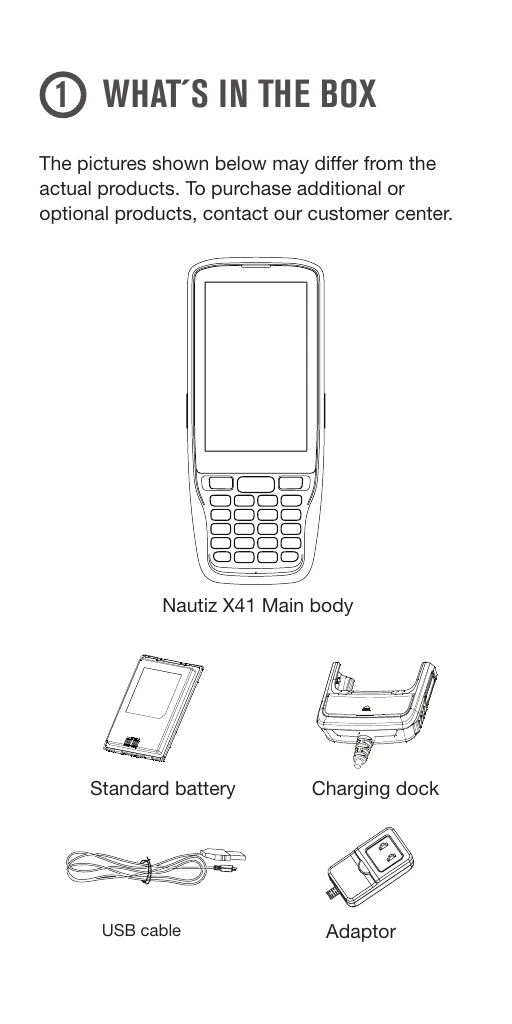
Unboxing: Check contents: Nautiz X41 main body, standard battery, charging dock, USB cable, and adapter.
Device Overview: Familiarize yourself with key components: LED indicator, earphone, power button, scanner buttons (front and side), function keys, barcode scanner window, flash, camera, battery lock, Type-C port, and speaker.
Battery Installation: Insert the battery, close the cover, and slide the battery lock to the left. To remove, slide the lock to the right and then remove the battery and cover.
Scanner Activation: The scanner is OFF by default. Enable it via Settings > Scan Setting > Enable. Press the Front Scan or Side Scan button to activate.
Scanning Barcodes: Maintain a distance of approximately 10 cm between the barcode and the scanner window. Ensure the barcode is scanned at the correct angle for optimal results.
SIM/microSD Card: Insert or remove SIM/microSD cards as shown in the diagrams.