Brand: HITACHI
Category: Audio
Document Type: Manual
Language: EN
Brand: HITACHI
Category: Audio
Document Type: Manual
Language: EN
Uploaded: Nov. 21, 2025, 9:11 p.m.
None
Radio Operation:
CD Player Operation:
Cassette Playback:
Recording:
| Power | Symptom | Cause |
|---|---|---|
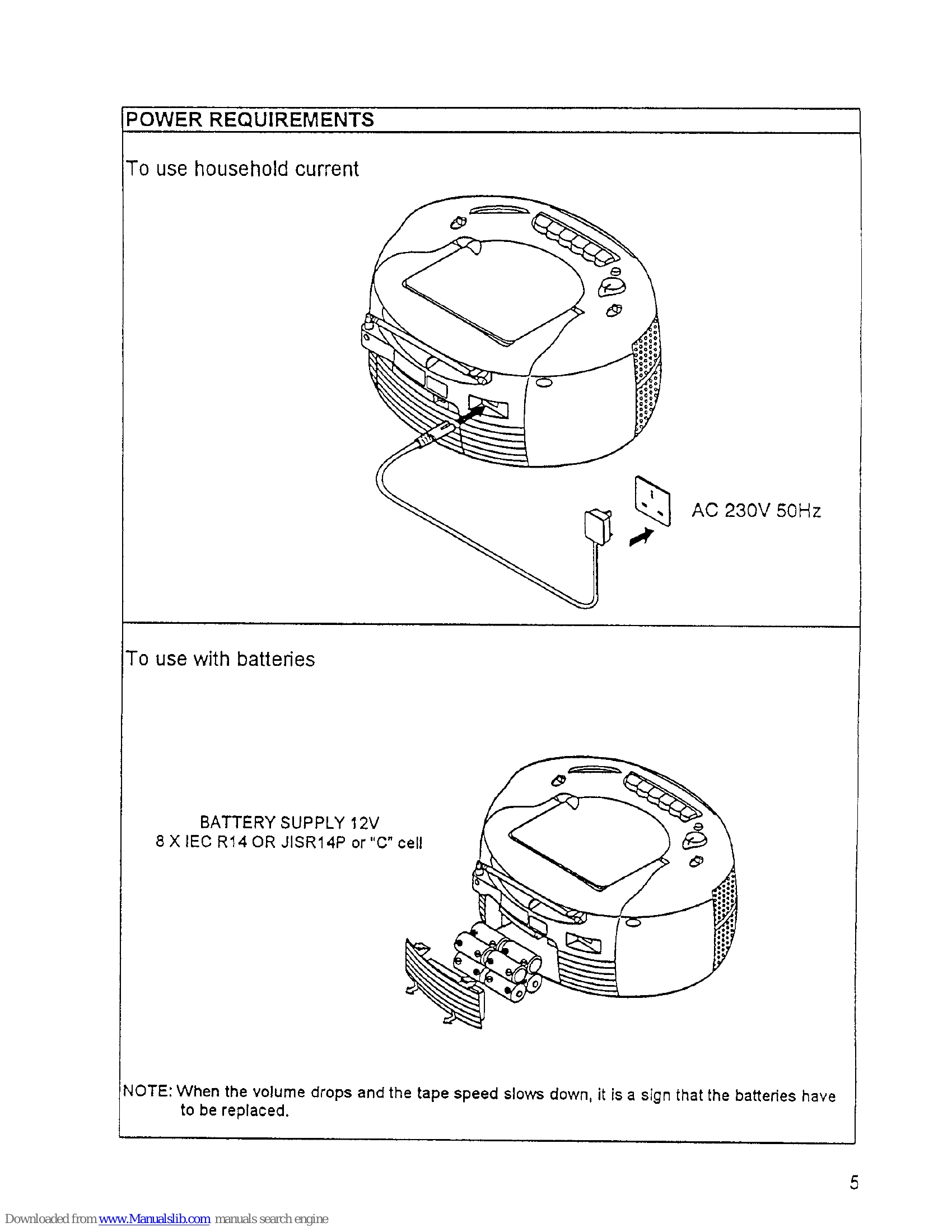
| No AC power. | *Is the power cord connected properly. | |
| No DC power. | *Are the batteries properly inserted in the battery compartment? *Are the batteries exhausted? | |
| Tape recorder | Tape does not run when a button is pressed. | *Is the cassette upside down? |
| Cassette cannot be inserted. | ||
| No recording. | *Is the Pause button pressed? If so, unlock and release. *Are the accidental-erasure prevention tabs punched out? If so, cover the holes with plastic tape. | |
| Deteriorated sound or irregular tape speed. | *Clean heads, capstan and pressure roller with a cleaning stick. | |
| Slow tape speed or low volume. | *Are the batteries exhausted? | |
| CD player | Disc is not played | *Is the disc loaded upside down? *Is the disc scratched or warped? *Is the pick-up lens dirty? If so, clean it with a cleaning stick. |
| Player does not operate correctly; sound is interrupted, noise occurs and tracks cannot be selected. | *Is the disc scratched or otherwise flawed? *Is the disc soiled? | |
| Player does not operate normally when control buttons are pressed. | *First press the Stop button then play disc again. |