Manual for HV-D25

Manual for HV-D25

Brand: HITACHI

Category: Camcorder

Document Type: Manual

Language: EN
Uploaded: Nov. 21, 2025, 7:35 p.m.

Warranty Information

Refer to the dealer for specific warranty information, as it is not detailed in this manual.

  • Standard composition: Check contents upon unpacking: Camera, lens mount cap, power plug, remote plug, operation manual, function labels for RC-C10 Remote Control Box.
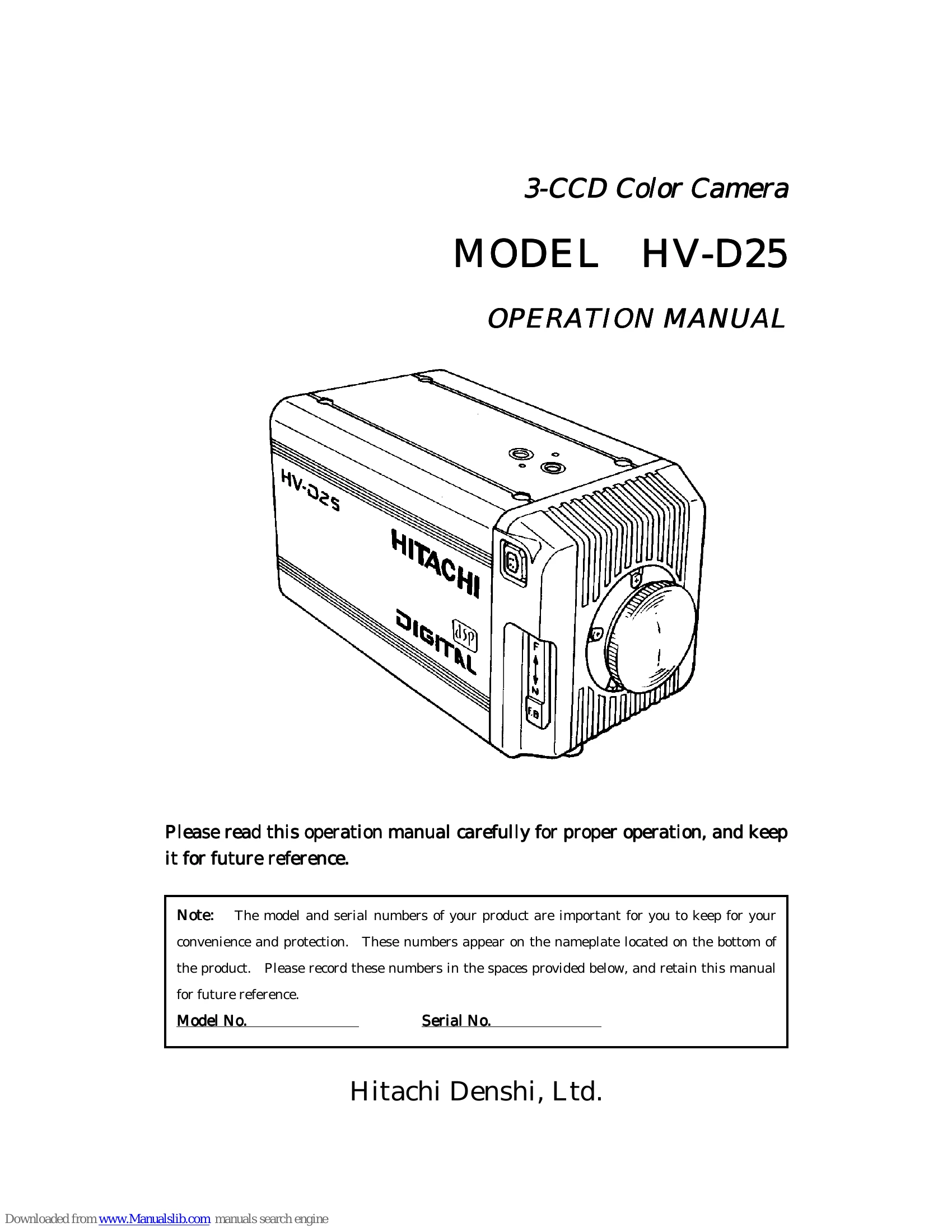
  • Overview: The HV-D25 is a 3 CCD color camera with advanced picture quality and high stability, featuring 1/2-inch CCDs, C mount prism optics, and a 13-bit digital processor for flexible picture quality compensation.
  • Features: Includes C mount for lens compatibility, a unitized signal processor for space and power conservation, and high resolution with digital processing for enhanced imaging.
  • Notes to users: Emphasizes using a 12 VDC power supply, avoiding flammable objects and water, not modifying the camera, and disconnecting power during electrical storms.
  • Operating considerations: Power supply voltage should be between 10.5 and 17 VDC to avoid affecting color fidelity or damaging the camera. Ensure power is off before connecting/disconnecting cables.
  • Lens: Selecting the correct lens is crucial for optimal performance. Consult a dealer for recommendations.
  • Installation and storage sites: Avoid direct sunlight, rain, snow, flammable gases, extreme temperatures, humidity, dust, vibration, shock, and strong electrical/magnetic fields.
  • Continuous operation: Maintain ambient temperature below 40 °C for long-term reliability.
  • Cleaning: Use a photographers blower or lens brush for dust removal. Clean the case with a soft dry cloth, using a neutral detergent solution if necessary. Avoid petroleum distillates and aerosol cleaners.
  • Transportation: Remove the lens, pack carefully with cushioning to protect from shock.
  • CCD properties: Inherent phenomena like smear, blooming, fixed pattern noise, Moire, and ghosting are described, along with methods to avoid them.
  • Rear panel facilities: Details various connectors and buttons including Pilot lamp, VIDEO, REMOTE, GL IN, 12V IN, MULTI, Y/C, AWB/L, SETUP, U, ABB/R, BAR/D, and AUX.
  • Lens: Discusses lens selection based on optical characteristics and auto iris lens types (Video and DC).
  • Flangeback adjustment: Provides guidance for adjusting flangeback for fixed focus and zoom lenses.
  • Video signal type lens adjustment: Covers preparation and adjustment steps for video signal type lenses.
  • Camera mounting: Specifies the use of U 1/4-20 screws with lengths between 4.5 to 6 mm for mounting.
  • Set button: Explains its function for storing control data and its differing operations between RC-C10 and RC-C10(R1).
  • Remote status LED: Indicates camera control status.
  • M. BLK control: Master black control.
  • Iris control: Adjusts the lens iris, with settings for DC and VIDEO lens types.
  • LED indicators: Light according to selected mode.
  • DTL button: Sets camera detail amount.
  • Iris button: Selects the lens iris mode.
  • Menu screen operation: Details customizing camera settings via Main and Special set menus.
  • Application files: Explains changing application files (APP-1, APP-2, APP-3) for different scenarios.
  • Items stored in applications files: Lists settings stored in each application file.
  • Items stored in common file: Lists common file settings.
  • Function Selection by Internal Switch Setting: Explains setting SW405 for RC-C10 or RS-232C connection.
  • Connectors: Provides pin assignments for MULTI, REMOTE, LENS, Y/C, AUX, and 12V-IN connectors.
  • Specifications: Details technical specifications including color system, optical system, imaging device, resolution, signal to noise ratio, sensitivity, dimensions, mass, and environmental conditions.
  • Input/Output Signals: Lists input and output signal types and ratings.
  • Major accessories: Lists available accessories like camera control box, junction box, and level converter.
  • Dimensions: Provides dimensional drawings of the camera.
Privacy Policy