Brand: HITACHI
Category: Other
Document Type: Manual
Language: EN
Brand: HITACHI
Category: Other
Document Type: Manual
Language: EN
Uploaded: Nov. 21, 2025, 7:40 p.m.
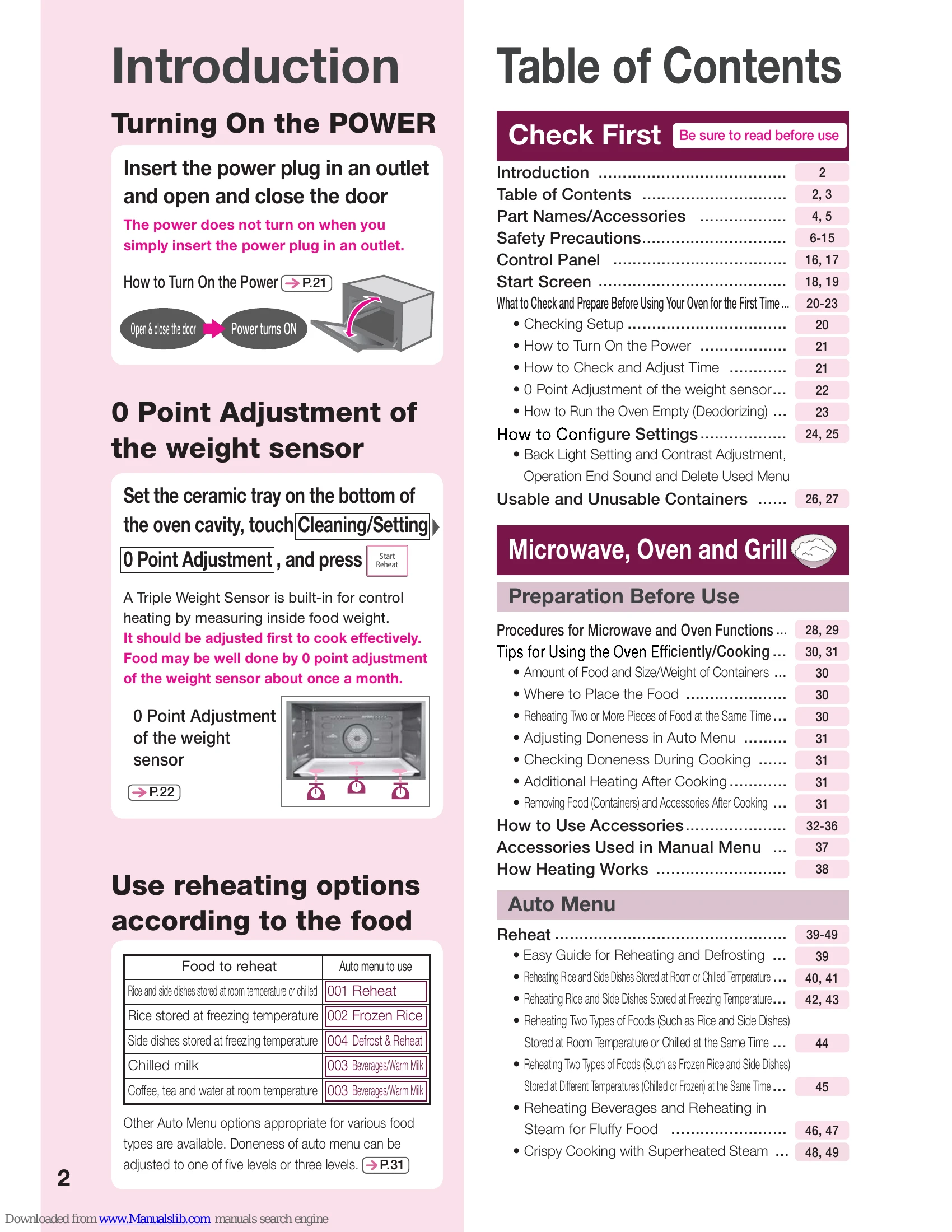
Insert the power plug in an outlet and open and close the door.
The power does not turn on when you simply insert the power plug in an outlet.
Open & close the door → Power turns ON
Set the ceramic tray on the bottom of the oven cavity, touch Cleaning/Setting → 0 Point Adjustment, and press Start.
A Triple Weight Sensor is built-in for control heating by measuring inside food weight.
It should be adjusted first to cook effectively.
Food may be well done by 0 point adjustment of the weight sensor about once a month.

→ P.22
| Food to reheat | Auto menu to use |
|---|---|
| Rice and side dishes stored at room temperature or chilled | 001 Reheat |
| Rice stored at freezing temperature | 002 Frozen Rice |
| Side dishes stored at freezing temperature | 004 Defrost & Reheat |
| Chilled milk | 003 Beverages/Warm Milk |
| Coffee, tea and water at room temperature | 003 Beverages/Warm Milk |
Other Auto Menu options appropriate for various food types are available. Doneness of auto menu can be adjusted to one of five levels or three levels. → P.31
| Abnormalities and Troubleshooting | |
| Press Cancel immediately and stop using the oven. May result in fire, electrical shock, or injury. Pull out the power plug from the outlet immediately, and ask the Service Center to inspect or repair your oven. | The power cord and power plug are abnormally hot. There is a burning smell. There is abnormal noise. There are sparks. There is a tingling sensation like an electric shock when you touch the main unit. The door has become significantly misshapen or deformed. Sometimes heating does not end automatically. |