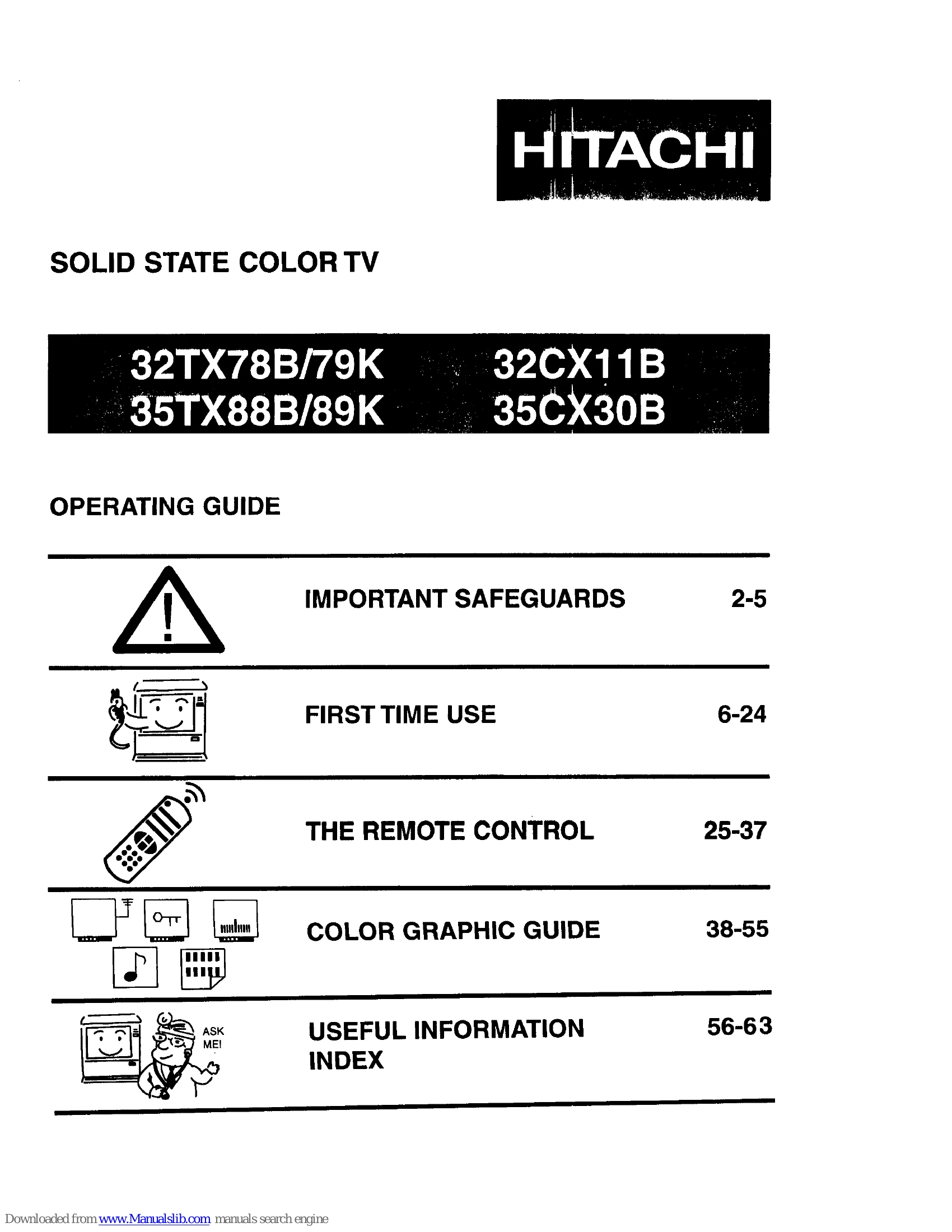
Manual for 32TX78B/79K

Manual for 32TX78B/79K

Brand: HITACHI

Category: TV

Document Type: Manual

Language: EN
Uploaded: Nov. 21, 2025, 6:25 p.m.

Warranty Information

Contact Hitachi Authorized Service Facility for in-warranty service, operation, or technical assistance.

IMPORTANT SAFEGUARDS

Read all instructions. Save for later use. Follow all warnings on the TV.

  • Personal Safety: Polarized plug, damaged cords, avoid overloading outlets, protect power cord from damage, do not service yourself, never insert objects into slots, unplug if dropped or damaged, unplug if liquid spilled, avoid impact, unplug before cleaning, use damp cloth, do not use liquid cleaners.
  • Location: Do not use near water, avoid direct sunlight/bright illumination, ensure airflow, avoid extreme heat, avoid dusty places, do not block ventilation slots, keep away from radiators/heat registers, use only with manufacturer-recommended carts/stands, wall/shelf mounting needs manufacturer instructions and approved kits.
  • Antenna Grounding: Ground antenna system for protection against surges and static.
  • Operation: Operate only from indicated power source, unplug if set does not operate normally, unplug when going on holiday.
  • Service: Do not use unrecommended attachments, use specified replacement parts, ask technician for safety checks after service.

HOW TO SET UP YOUR NEW HITACHI COLOR TV

  • Antenna: Outdoor antenna recommended for best performance unless in a good signal area.
  • Location: Avoid direct sunlight, ensure airflow, avoid extreme heat.
  • Viewing: Sit 6-9 feet from screen, use drapes to reduce reflections. For audio, place speakers equidistant from TV.
  • Geomagnetism Correction (35 inch only): Adjust DIRECTION and STRENGTH switches on back of TV based on screen facing direction for even color.
  • Connections: Use appropriate cables (75-Ohm coaxial recommended), connect antenna, VCR, cable TV, etc.

FRONT PANEL CONTROLS

  • Input Selector: Select antenna source or VIDEO: 1, 2, 3.
  • Volume Buttons: Adjust sound level.
  • Channel Selector: Select desired channel.
  • Power Button: Turn TV on or off.
  • Remote Control Infrared Sensor: Point remote here.
  • Front Input Jacks: For quick hook-up of camcorder or VCR.

Troubleshooting and error codes

SYMPTOMS CHECK THESE ITEMS AND TRY THESE ADJUSTMENTS Be sure extemal connection is correct Be sure power cord is plugged in Be sure TV is switched"ON" Try another channel (station trouble) Check antenna connections (back of TV) Check antenna for broken lead-in wire Check outside antenna Check for local interference Adjust picture control Adjust black level control Adjust Color control Adjust Tint control Adjust Volume control
No Picture, no sound
Sound OK, picture poor
Picture OK, sound poor
Picture blurred
Lines or streaks in picture
Poor reception on some channels
No color
Poor color
Privacy Policy