Manual for ES II

Manual for ES II

Brand: Honeywell

Category: Camera

Document Type:

Language: EN
Uploaded: Aug. 9, 2025, 11:47 p.m.

Warranty Information

The camera is warranted for one year against defects in material or workmanship.

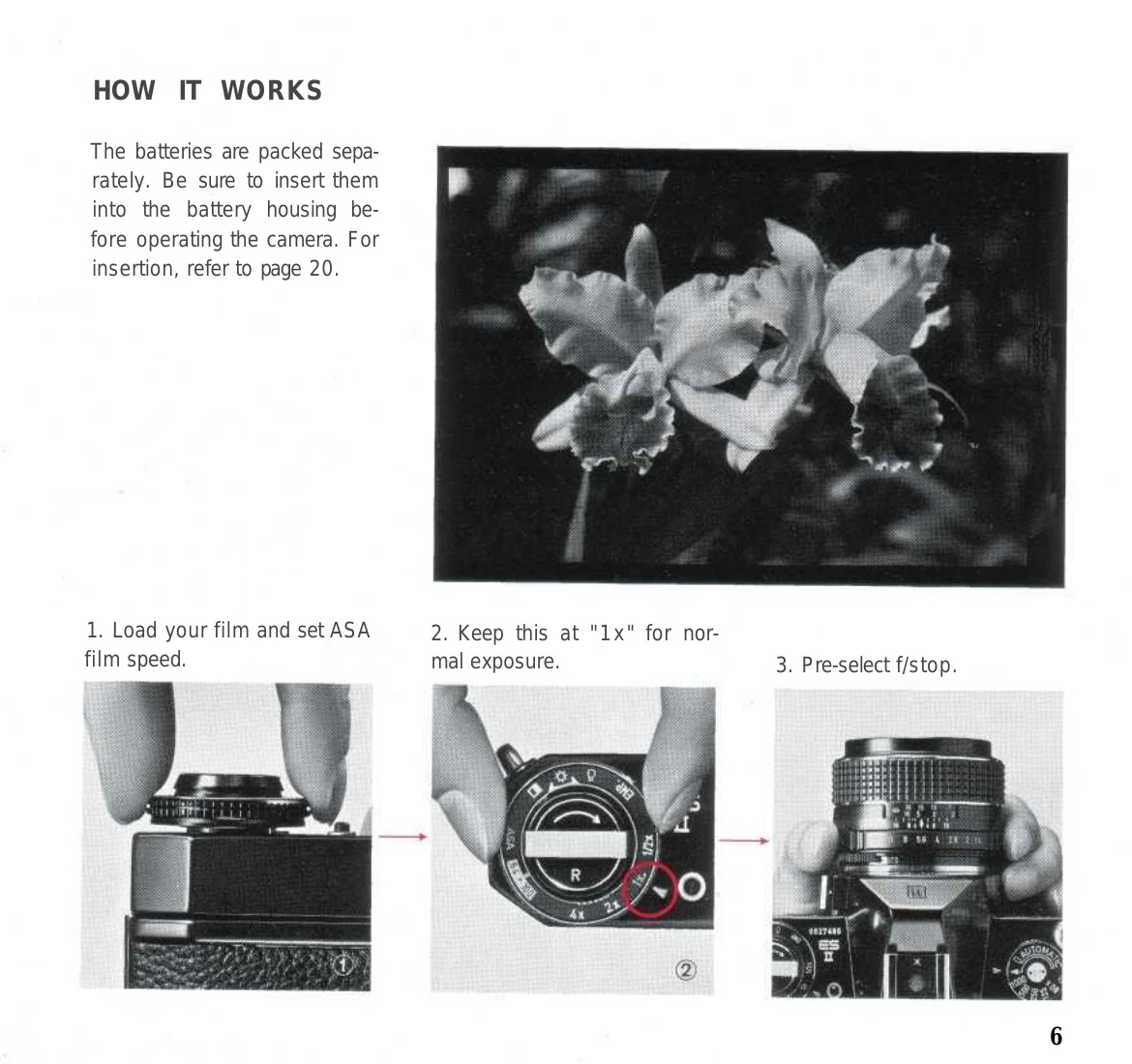
1. Load your film and set ASA film speed. 2. Set exposure factor control dial to "1x" for normal exposure. 3. Pre-select f/stop on the diaphragm ring. 4. Set shutter speed dial to "AUTOMATIC". 5. Keep the depth-of-field preview lever down for open-aperture reading. 6. Lightly depress the shutter release button to activate the TTL meter and see the shutter speed. 7. If the meter needle does not indicate the correct shutter speed, adjust the aperture or shutter speed dial. 8. Depress the shutter release button completely to take the picture. The electronic shutter will operate automatically.

Troubleshooting and error codes

Header 1 Header 2 Header 3 Header 4
Data 1A Data 1B Data 1C Data 1D
Data 2A Data 2B Data 2C Data 2D
Data 3A Data 3B Data 3C Data 3D
Privacy Policy