Brand: Honeywell
Category: Camera
Document Type: Manual
Language: EN
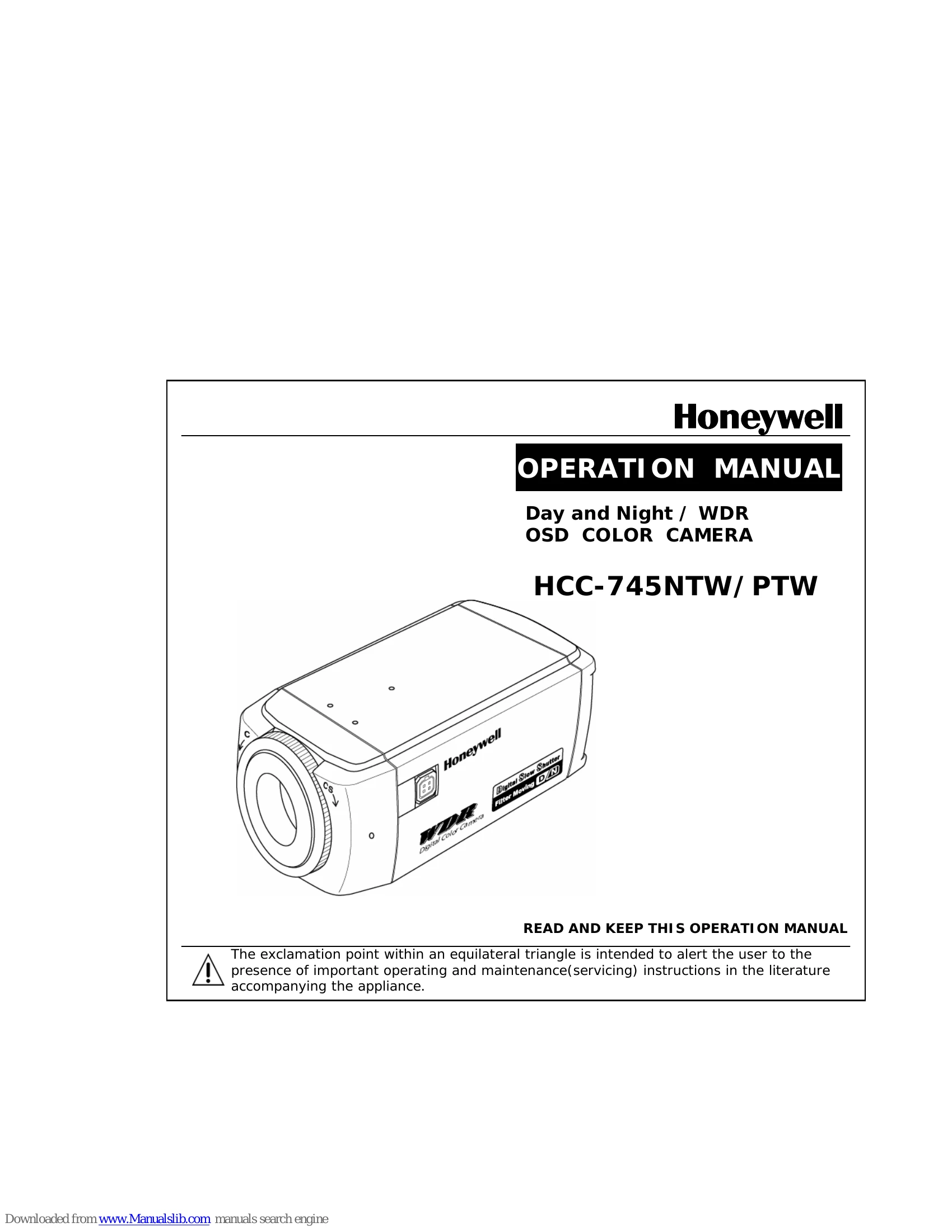
Brand: Honeywell
Category: Camera
Document Type: Manual
Language: EN
Uploaded: Nov. 21, 2025, 8:28 p.m.
Warranty is not covered in case of natural disaster or wrong installation.
| Condition | Action |
|---|---|
| Abnormal condition (strange sound, smell or smoke) or a malfunction (no pictures, etc.) is observed | Stop using the camera immediately, turn the power off, then contact your supplier. |
| Power-supply cord or plug is damaged | Refer servicing to qualified service personnel. |
| Camera has been exposed to rain or water | Refer servicing to qualified service personnel. |
| Liquid has been spilled, or objects have fallen into the camera | Refer servicing to qualified service personnel. |
| Camera does not operate normally by following the operating instructions | Adjust only those controls that are covered by the operating instructions. Improper adjustment may result in damage and require extensive work by a qualified technician. |
| Camera has been dropped or the cabinet has been damaged | Refer servicing to qualified service personnel. |
| Camera exhibits a distinct change in performance | Refer servicing to qualified service personnel. |