Brand: Honeywell
Category: Camera
Document Type:
Language: EN
Brand: Honeywell
Category: Camera
Document Type:
Language: EN
Uploaded: Aug. 9, 2025, 11:47 p.m.
Warranted for one year against defects in material or workmanship, provided the camera has not been abused.
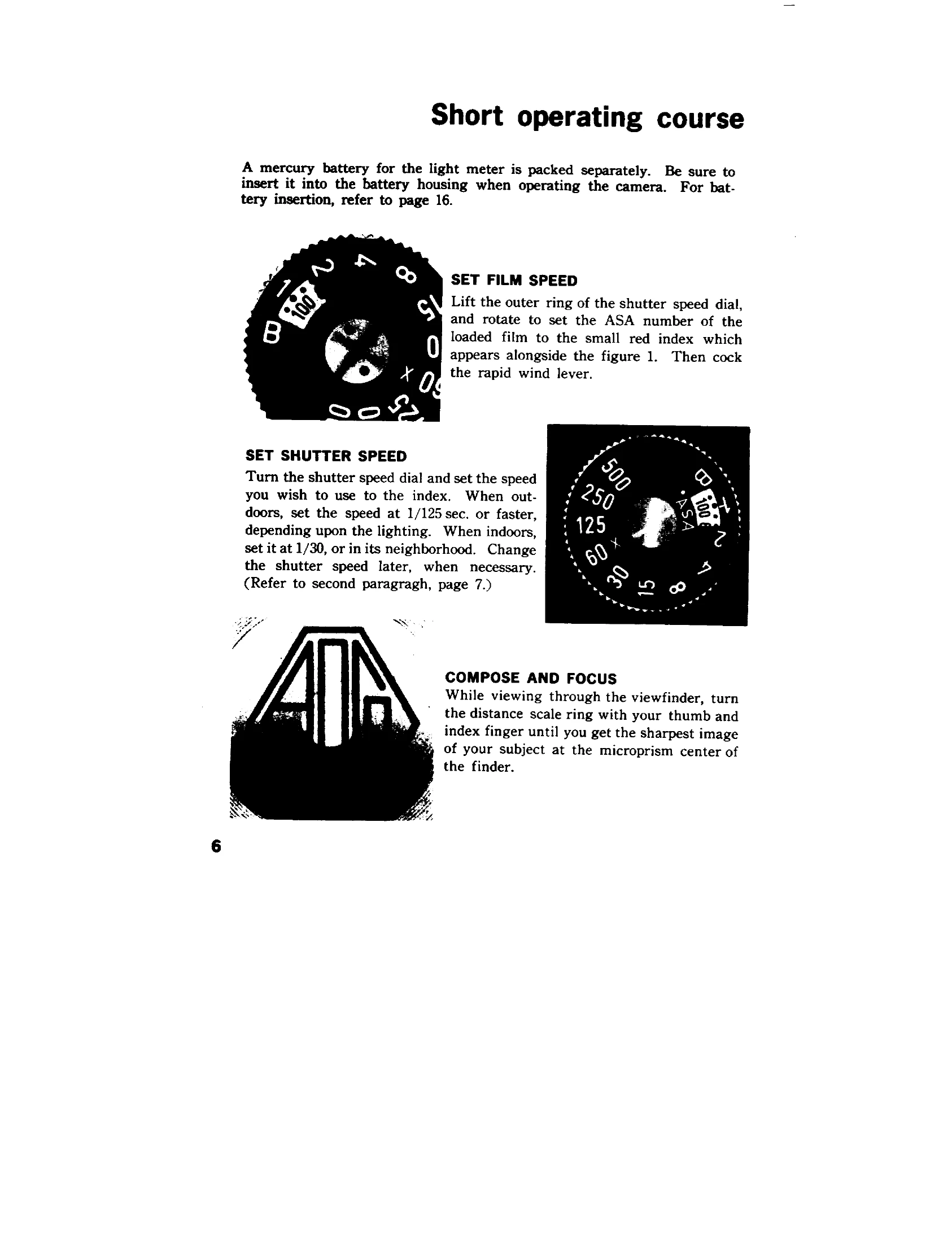
Introduction to Operation: The Honeywell Pentax SP 500 is a 35mm single-lens reflex camera with a built-in light meter. It uses a highly sensitive Cadmium Sulphide sensor to measure light through the lens for accurate exposure readings. The camera features a rapid wind lever for film advance and shutter cocking, and a preview lever for depth-of-field checks. To operate:
Manual operation is also possible by turning the meter switch OFF.
| Problem | Possible Cause | Solution |
|---|---|---|
| Meter needle not moving | 1. Meter switch is OFF. | Turn meter switch ON. |
| 2. Battery is dead or inserted incorrectly. | Replace battery or check insertion. | |
| 3. Lens diaphragm not connected to meter. | Ensure lens is properly attached and preview lever is in AUTO. | |
| Shutter not firing | 1. Camera is not cocked. | Cock the rapid wind lever. |
| 2. Film not loaded. | Load film. | |
| 3. Lens or body malfunction. | Seek service. | |
| Over/Under Exposure | 1. Incorrect shutter speed or aperture setting. | Adjust settings based on meter reading. |
| 2. Meter not functioning correctly. | Check battery, clean contacts. |