Manual for 7561-PSDS

Manual for 7561-PSDS

Brand: Honeywell

Category: Other

Document Type: Manual

Language: EN
Uploaded: Nov. 21, 2025, 6:09 p.m.

Warranty Information

Honeywell warrants goods free of defective materials and faulty workmanship during the applicable warranty period.

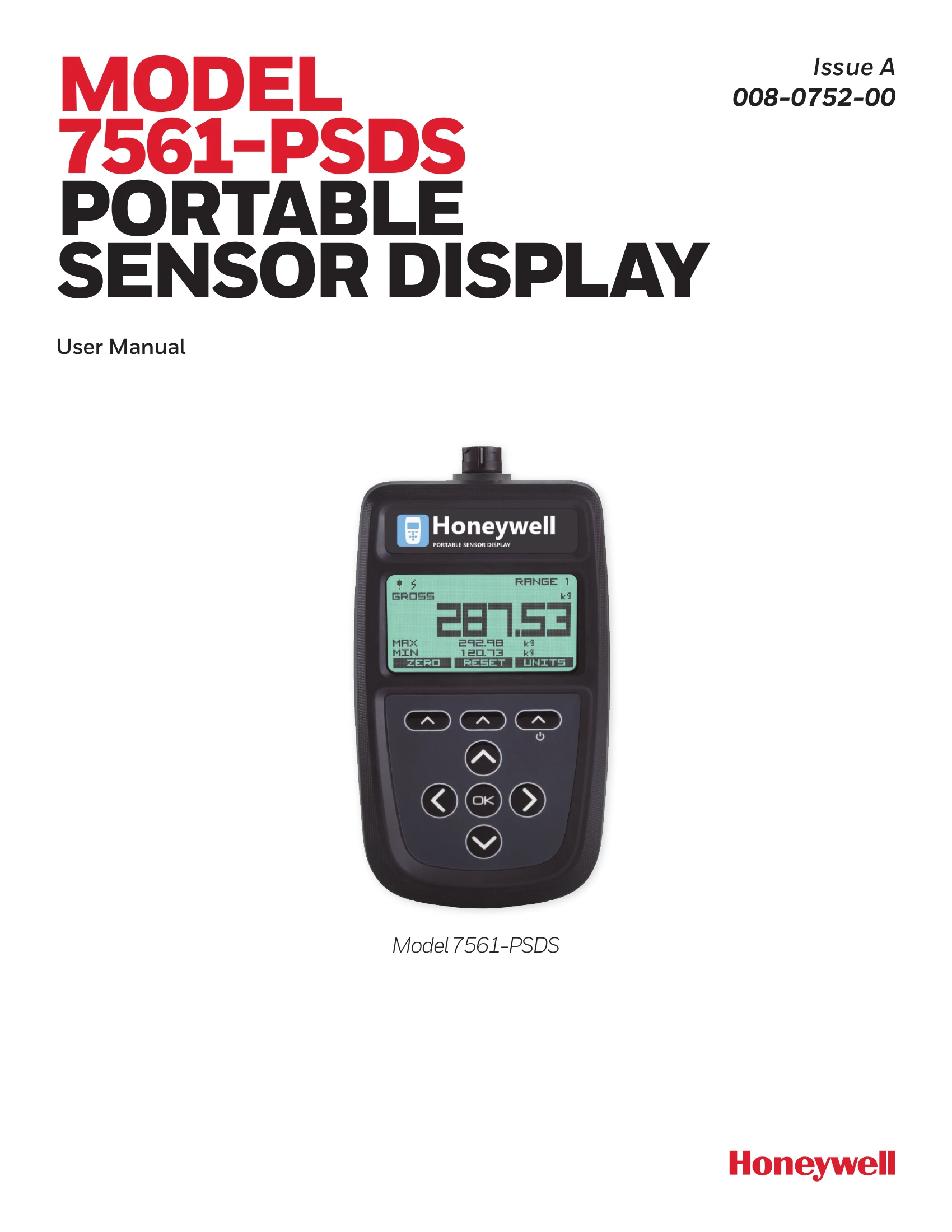
Keypad Functions:

  • Power Key (top right): Hold for ~2 seconds to turn on/off.
  • Soft Keys (top row): Functions change based on the LCD display.
  • Navigation Keys (<, >, Up, Down): Used for menu navigation, calibration range selection, display mode selection, and editing values.
  • OK Key: Opens menus, selects menu items, completes editing, and cancels editing with a long press.

Display Modes:

  • Simple Mode: Displays a single primary value.
  • Cumulative Zeroing: Continuously displays Gross and Tare values while zeroing the main display.
  • Hold: Freezes the main display while showing the live value underneath.
  • Min/Max: Shows the minimum and maximum values recorded.
  • Delta: Displays the difference between min and max values.
  • Go/No Go: Indicates PASS or FAIL based on alarm limits.

Icons:

  • Warning detected, Battery low, Keypad locked, 4-wire mode, Net value active, Temperature too low for LCD, USB power applied, Shunt calibration mode, Scale Steady active, TEDS device connected, TEDS using internal calibration.

Full-Screen Messages:

  • Indicate critical errors like INPUT HIGH, INPUT LOW, OVERLOAD, UNDERLOAD, TEDS issues, and low battery.

Menu System:

  • Accessed by holding the OK key. Allows configuration of display, user interface, alarms, and other system settings.

Troubleshooting and error codes

Bit Error Description
0 1-wire EEPROM not supported
1 Read from 1-wire EEPROM failed
2 Write to 1-wire EEPROM failed
3 TEDS profile is too large to be written into the 1-wire EEPROM
4 TEDS decoding failed on a read
5 CRC in TEDS read failed
6 Read from TEDS failed
7 Error reading from standard TEDS template
8 Error reading from calibration TEDS template
9 TEDS contains too many calibration templates (>5)
10 Template 40 contains too many calibration points (>10)
11 Template 41 contains too many polynomial coefficients (>10)
12 Template 41 contains too many segments (>1)
13 Template 42 contains too many entries (>10)
Privacy Policy