Manual for 3800g/3800gHD/3800gPDF

Manual for 3800g/3800gHD/3800gPDF

Brand: Honeywell

Category: Scanner

Document Type: Manual

Language: EN
Uploaded: Nov. 21, 2025, 7:45 p.m.

Manual Publish Date: 2008-06-01

Warranty Information

Warrants products to be free from defects for five (5) years from shipment.

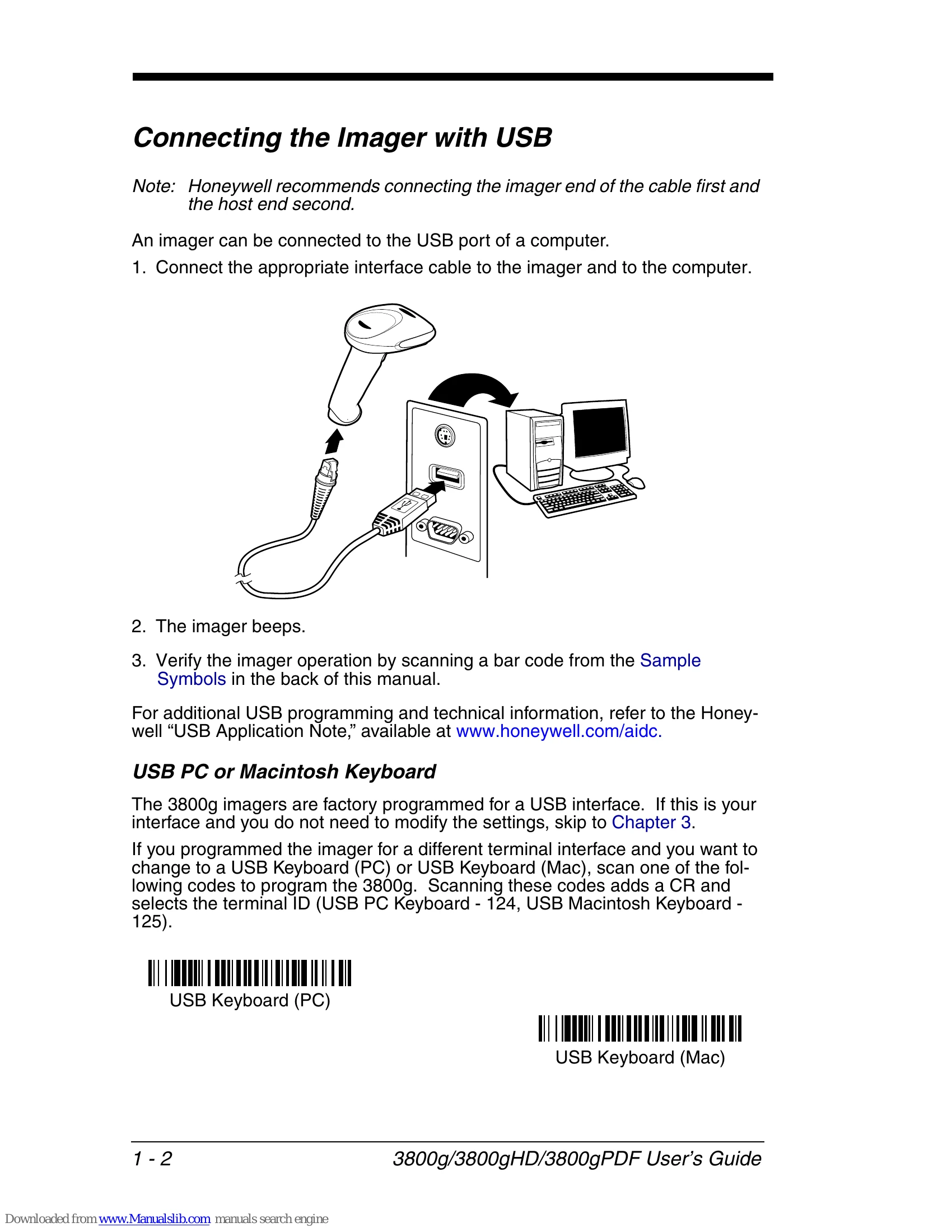
  • Getting Started: Includes unpacking instructions, model identification, and connecting the imager via USB or RS-232 serial port. Covers various USB interface options like PC Keyboard, Macintosh Keyboard, IBM SurePos, USB HID, and USB Com Port Emulation. Explains keyboard wedge connections for different host systems.
  • Terminal Interfaces: Details terminal IDs, supported terminals, keyboard layouts, modifiers, and RS-232 communication settings (baud rate, data bits, stop bits, parity, handshaking).
  • Output: Configures good read indicators (beeper, LED), trigger modes, hands-free operation, reread delay, and output sequence editing.
  • Data Editing: Allows adding prefixes/suffixes, clearing them, and setting up carriage return suffixes.
  • Data Formatting: Introduces the Data Format Editor for custom data output.
  • Symbologies: Lists supported barcode symbologies with their configuration options.
  • Maintenance & Support: Covers repairs, cleaning, troubleshooting, technical assistance, and warranty information.

Troubleshooting and error codes

Problem Possible Cause Solution
Imager does not power up. No power to the imager. Check power supply connection and outlet.
Imager does not beep or flash on power up. USB connection, no power-up beep. Scan the appropriate interface bar code to enable the desired interface.
Imager does not read barcodes. Incorrect interface selected. Scan the correct interface bar code.
Imager reads barcodes incorrectly. Incorrect code page selected. Refer to the "Code Page Mapping of Printed Bar Codes" section in Appendix A and select the correct code page.
Data does not display properly. Incorrect character mapping. Ensure the correct code page is selected for the scanned barcodes.
Privacy Policy