1 Using a USB device
A USB port connects an optional external device, such as a USB keyboard, mouse, drive, printer, scanner, or hub, to the computer or to an optional expansion product.
Some USB devices may require additional support software, which is usually included with the device. For more information about device-specific software, refer to the manufacturer's instructions.
Depending on the model, the computer may have up to 3 USB ports, which support USB 1.0, USB 1.1, and USB 2.0 devices. To add more USB ports, connect an optional hub or expansion product.
Connecting a USB device
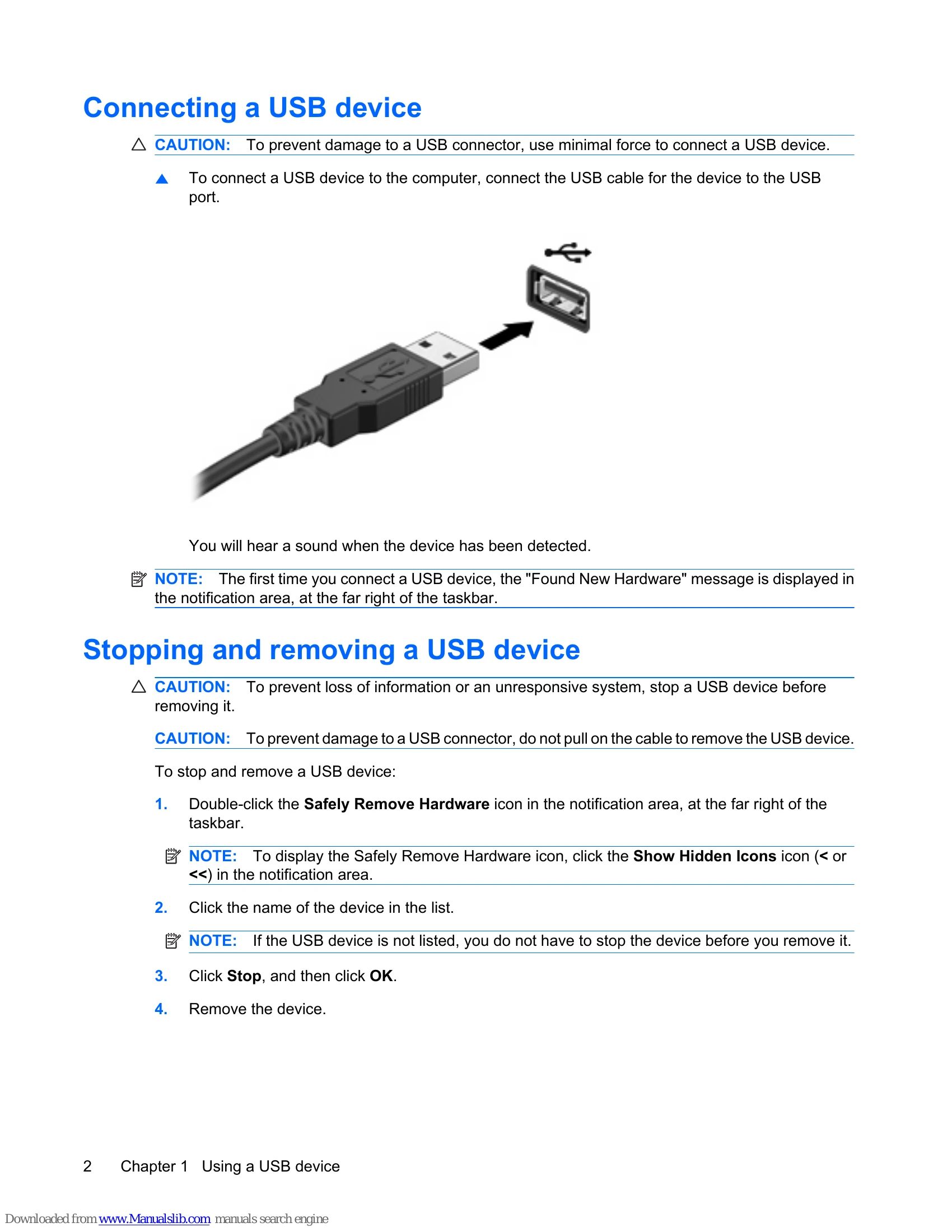
To connect a USB device to the computer, connect the USB cable for the device to the USB port.
You will hear a sound when the device has been detected.
Stopping and removing a USB device
To stop and remove a USB device:
1. Double-click the Safely Remove Hardware icon in the notification area, at the far right of the taskbar.
2. Click the name of the device in the list.
3. Click Stop, and then click OK.
4. Remove the device.
2 Using a 1394 device
IEEE 1394 is a hardware interface that connects a high-speed multimedia or data storage device to the computer. Scanners, digital cameras, and digital camcorders often require a 1394 connection.
Some 1394 devices may require additional support software, which is usually included with the device. For more information about device-specific software, refer to the manufacturer's instructions.
The 1394 port also supports IEEE 1394a devices.
Connecting a 1394 device
To connect a 1394 device to the computer, connect the 1394 cable for the device to the 1394 port.
You will hear a sound when the device has been detected.
Stopping and removing a 1394 device
1. Double-click the Safely Remove Hardware icon in the notification area, at the far right of the taskbar.
2. Click the name of the device in the list.
3. Click Stop.
4. Remove the device.
3 Using the expansion port
The expansion port connects the computer to an optional docking device or expansion product, so that additional ports and connectors can be used with the computer.