Brand: HP
Category: Digital Camera
Document Type:
Language: EN
Brand: HP
Category: Digital Camera
Document Type:
Language: EN
Uploaded: Aug. 9, 2025, 11:54 p.m.
Manual Publish Date: 2001-06-01
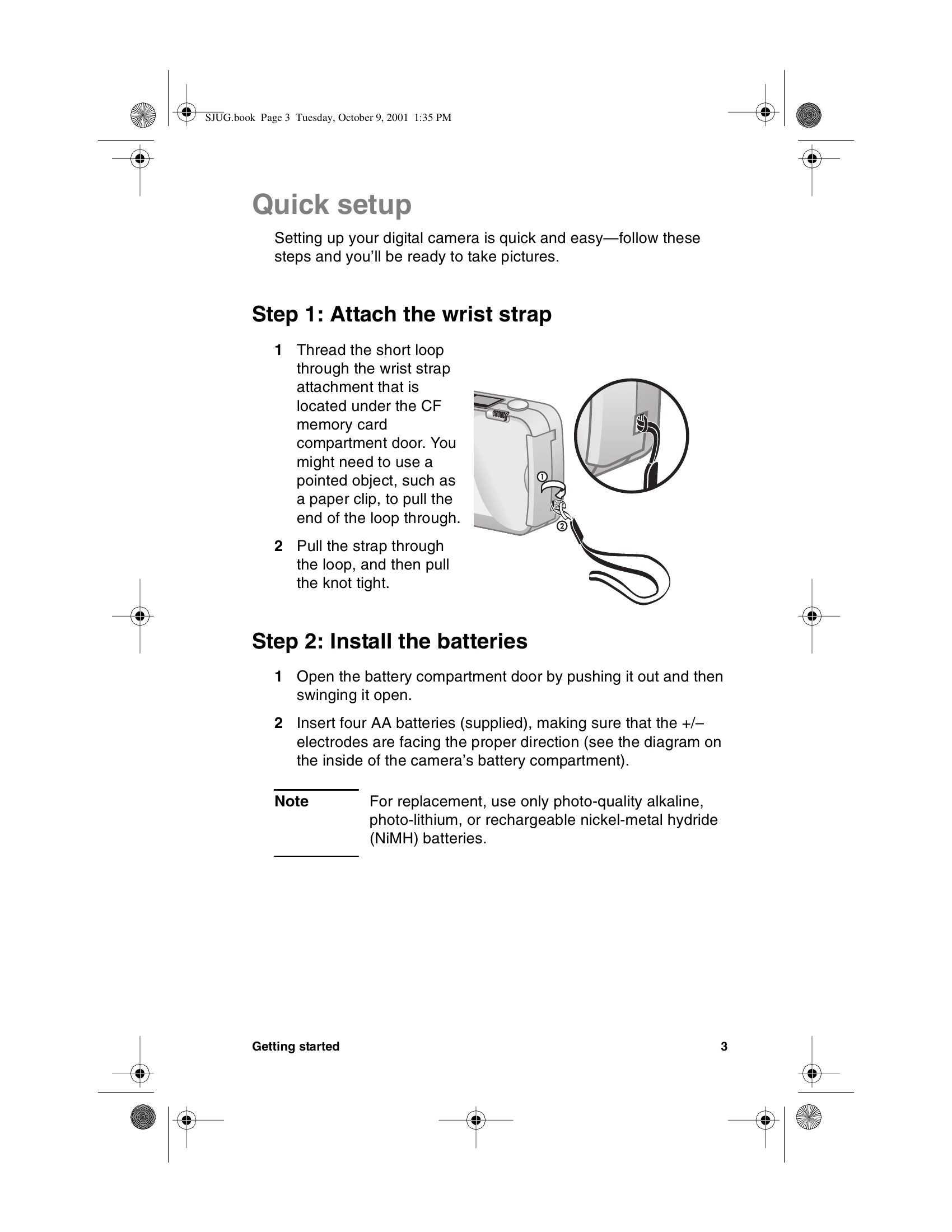
This HP photosmart 318 digital camera allows you to capture high-quality pictures to share with family and friends. It comes with software for manipulating, storing, and printing your photos. Key features include a 2.3 megapixel resolution, automatic focus and exposure, an integrated flash with red-eye reduction, a universal serial bus (USB) connection, 2x digital zoom, and a color image display. The camera also has internal memory for storing images and a slot for an optional CompactFlash (CF) memory card. The guide covers quick setup steps like attaching a wrist strap and installing batteries, as well as basic operation for taking, previewing, and reviewing pictures. It also details how to adjust camera settings, share and print images, and maintain the camera.
| Conditions | Examples of subjects |
|---|---|
| Black or very dark objects | Dark clothing |
| Objects that have no distinct or consistent form | Fountains, waterfalls, waves, smoke, flame, fireworks, a subject in mist or fog |
| Glossy and reflective surfaces | Glass, mirrors, automobiles |
| Multiple or flickering light sources | Neon signs, fluorescent lamps, television images, sun rays through trees |
| Rapidly moving objects | Baseballs, hummingbirds, race cars |
| Non-solid objects | Wire netting or fencing, latticework |
| Insufficient light | Sunsets, candlelight |