Brand: HP
Category: Networking
Document Type: Manual
Language: EN
Brand: HP
Category: Networking
Document Type: Manual
Language: EN
Uploaded: Nov. 21, 2025, 6:47 p.m.
Manual Publish Date: 2016-10-01
Warranty information is available at www.hpe.com/networking/warranty.
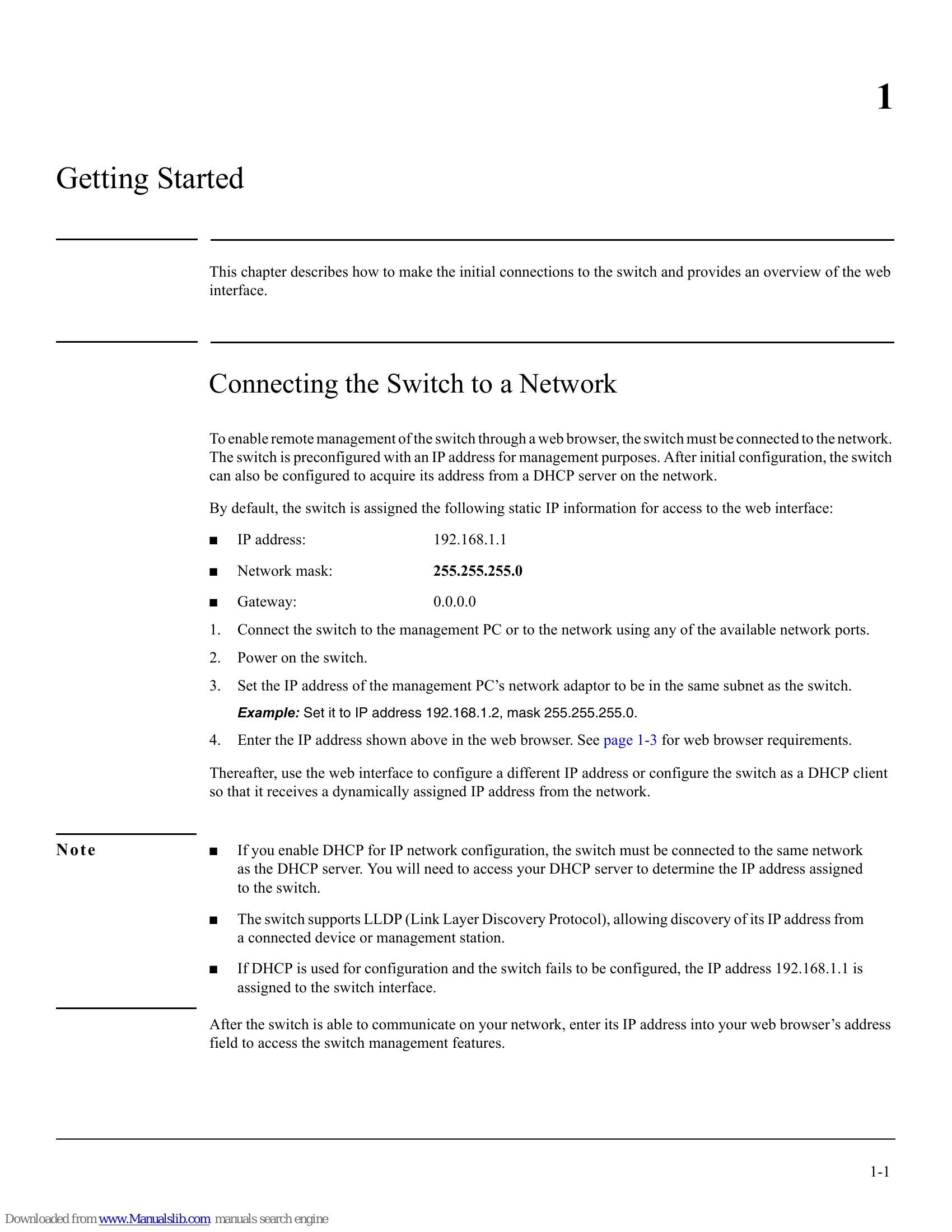
To manage the switch via a web browser, connect it to your network. It comes with a default IP address (192.168.1.1), subnet mask (255.255.255.0), and gateway (0.0.0.0). Ensure your management PC is on the same subnet. After powering on, enter the switch's IP address into your web browser. The switch can also be configured to obtain an IP address from a DHCP server.
Open a web browser, enter the switch's IP address, and click 'Log In' on the login page. The default username is 'admin' with no password. You can set a password later via the 'Password Manager'.
The web interface includes a Navigation Pane, a Dashboard (displayed on login), a Graphical Switch representation, and Common Links. The Navigation Pane allows access to various configuration sections. The Dashboard provides system information and resource usage. The Graphical Switch offers a visual overview of the switch and ports.